AI File Cabinet for Tech Support. Document management for tech support teams, file by file
AI File Cabinet is document management for tech support teams: a Warranty and service drawer with a file per customer site or installed unit, where each service report, drawing, invoice and recording is read as it arrives and found again at its page. Your engineers ask about a file and get the answer with its page.
TRY AI FILE CABINET FREENo credit card · Ready in 2 minutesReady to buy? See plans & pricing ›
7 days free · per company, never per seat · nothing to install
Read for you
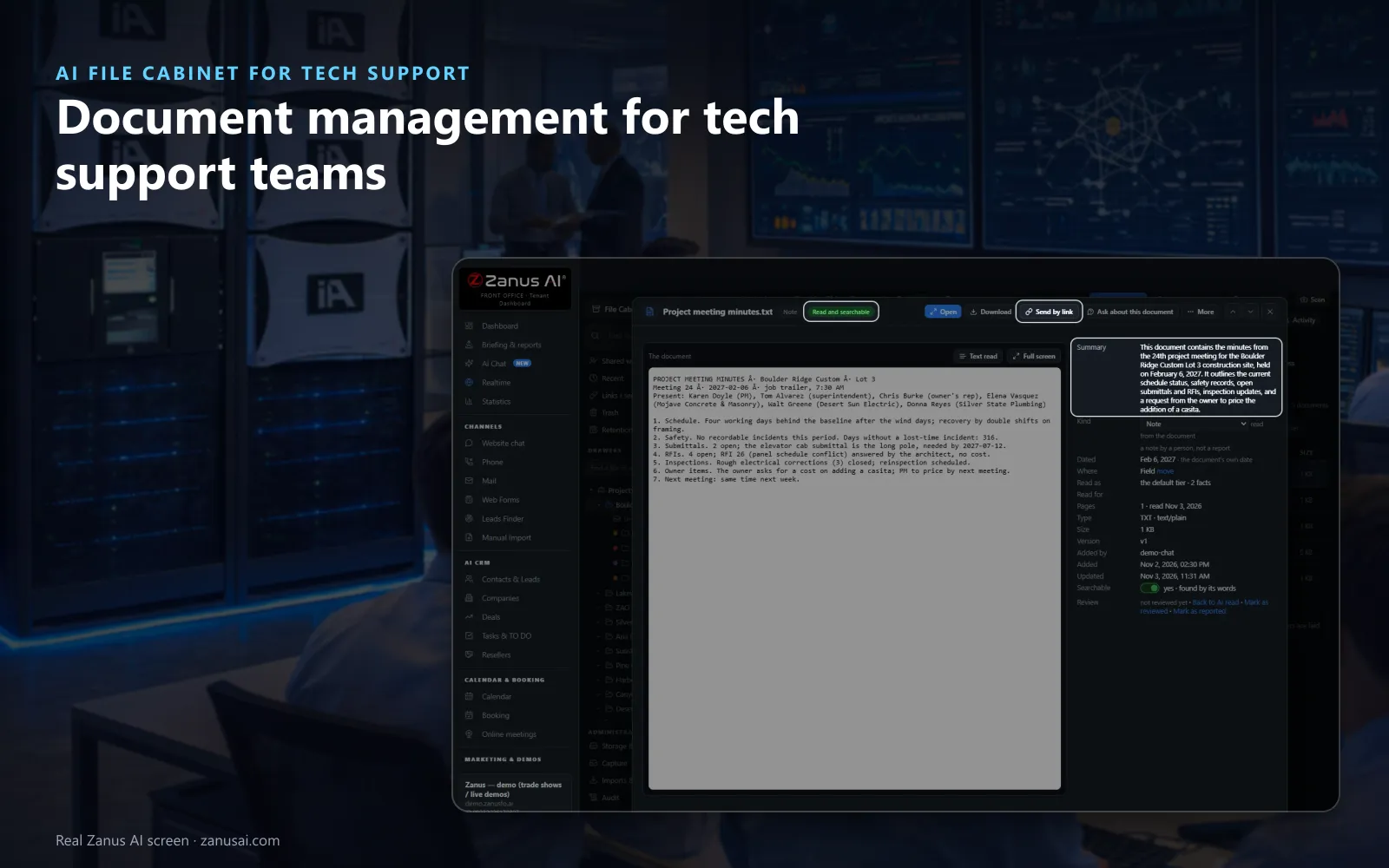
Every service document is given its kind, its date and a page-by-page summary, then opened, printed, shared by link or asked about.
 Easy setupSet up everything just by talking to Lisa AISee how ›
You“Keep the Warranty and service drawer for 10 years after closing.”
Lisa“Warranty and service drawer: kept 10 years after a file closes, then listed under Retention for your decision. Apply?”
You talk. Lisa sets it up. Applied only on your yes.
How Tech Support use it
A technician scans the signed service report with his phone on site, and it is filed as one PDF in that customer's file.
The installer e-mails wiring photos and the commissioning sheet to the file's own address, and they land in the site's file.
Before a visit, an engineer asks when the unit was last serviced and reads the answer with the report and its page.
REAL AI - the whole Front Office is AI, not old software with an AI button.
What’s included
- Drawers per department with one right per person: read, add, edit, manage
- Files per project, customer or matter; documents of any kind with versions
- Every page read, every recording transcribed; ask in plain words and open the proof at its page or second
- 100 GB of archive included, more space when you need it
- Phone scan, e-mail-in, filing from Mail and Phone; imports from Drive, Microsoft, Dropbox, Box and ZIP
Available on its own or inside a solution · See pricing › · Per company, never per seat.
Everything AI File Cabinet does, for every business ›
Works withAI E-mailAI PhoneAI QuotingAI Web FormsAI Team Assistant
A file per site
Service records management with every document read
A Warranty and service drawer
One of the drawers ready in the cabinet, with a file per customer, site or unit and the folders your service work needs.
Every way in
Upload a folder, scan pages with the phone, dictate a note or e-mail the file's own address; each document lands where it belongs.
Found at the page
Find in every document lists each match with its drawer and file, opening a report at the page or a recording at the line that matched.
Kept for as long as you set
Each drawer keeps its files 7, 10 or 12 years after closing, or forever; any file can go on legal hold, and every open is audited.
AI File Cabinet for Tech Support, trade by trade
By industryHardware & ElectronicsTelecom & Internet ProvidersMedTechManufacturingE-commerceTravel AgenciesLaw FirmsAerospace & AviationAuto DealersAutomotive OEMsConstructionConsumer Brands
Questions & answers
AI File Cabinet for Tech Support: questions & answers
How should a tech support team keep service records?
In one file per customer site or installed unit, inside a Warranty and service drawer. Every report, drawing, invoice and recording goes into that file and is read as it arrives, so the customer service history files give the next engineer the unit's whole story in one place.
Can we search inside scanned service reports?
Yes. A scanned report is read like any other file, so Find in every document hits its words and opens the right page; a recorded call is written out line by line, with the time and the speaker. Keep the manuals in a Company documents drawer and the same search covers your support documentation archive too.
How long are service records kept?
As long as you set per drawer: forever, or 7, 10 or 12 years after closing. A file past its time appears under Retention, nothing is erased without a click, and a legal hold stops any erase.
Can engineers open technical drawings in the file?
Yes, technical document management is built in: a DXF drawing opens with its layers and its drawing facts, a parts spreadsheet is read as a table, and every document keeps its versions and its fingerprint.
Keep exploring
Where next?
Start with the one thing you need. Add more anytime by asking Lisa.
AI Front Office for Tech Support ›
Easy setup
Answers & books
Sells
Helps your team
Included
Award-winning AI
Winner at CES 2026, ISE 2026 and TMCnet Enterprise AI Product of the Year.
REAL AI - the whole Front Office is AI, not old software with an AI button.
Awards & trade shows ›


Give Lisa your website.
She sets up your business in 2 minutes.
Other software makes you learn it. Zanus AI learns your business.
Try it free on your own business — no credit card, per company, never per seat.
Ready to buy? See plans & pricing ›
Or call +1 (954) 736-3939 — the AI answers.