SUPPORT
The product supports YOU
the way it supports your customers.
A help drawer opens over whatever you are doing: the SAME assistant you give your customers, answering your questions about the platform. It sees WHERE you are, and its answers carry buttons that open the exact menu.
Onboarding without the consultant · support without the phone queue
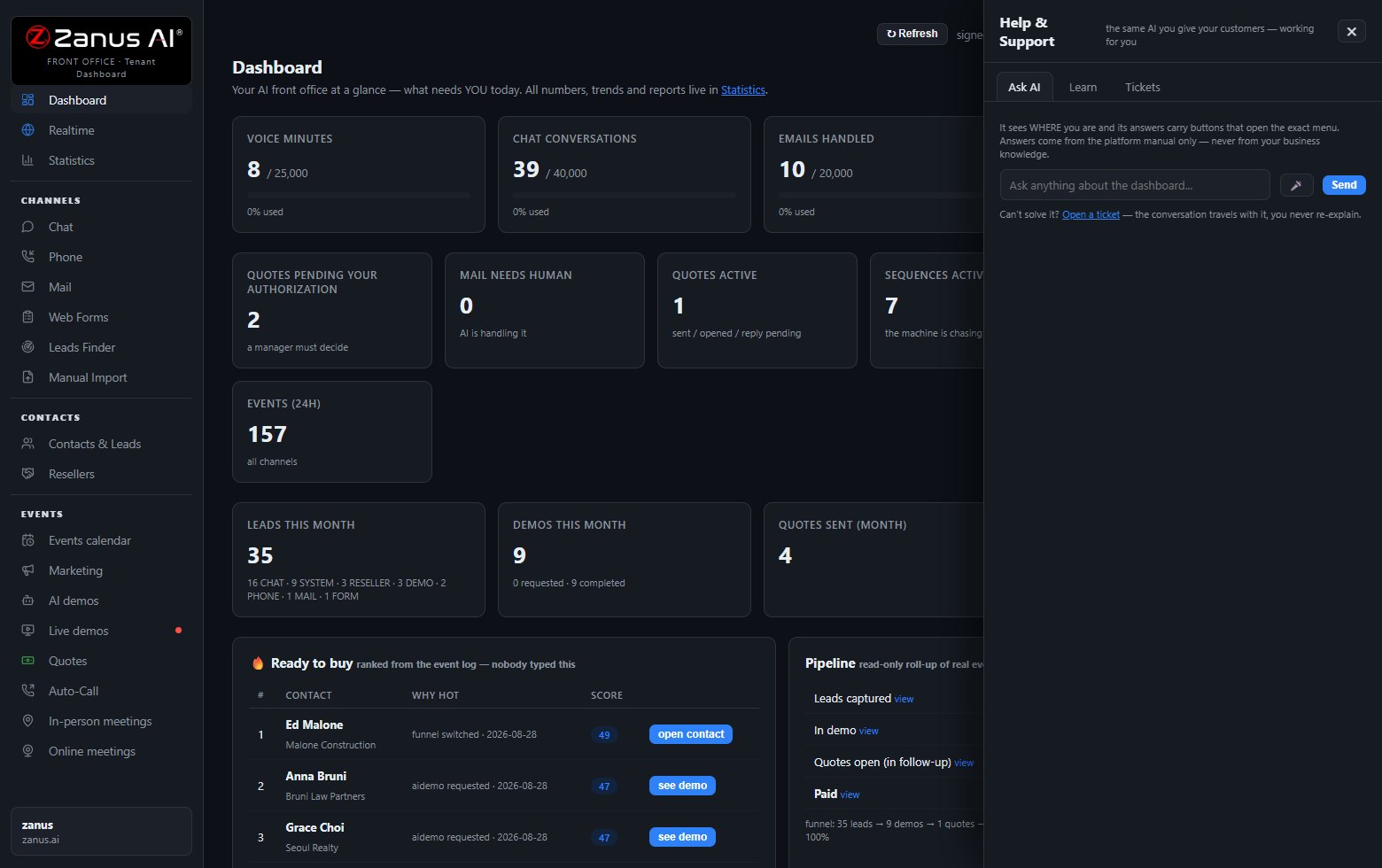
Help that knows which screen you are on — with buttons that take you to the fix.
How support works
The help drawer answers from the platform manual only — never from your business data. It knows where you are and links straight to the right menu.
One click opens a ticket and the CONVERSATION TRAVELS WITH IT — you never re-explain. Track every ticket in your dashboard.
Call +1 (954) 736-3939 or write info@zanusai.com — a person answers, with your tenant history in front of them.
Self-service everything — audited, versioned, reversible
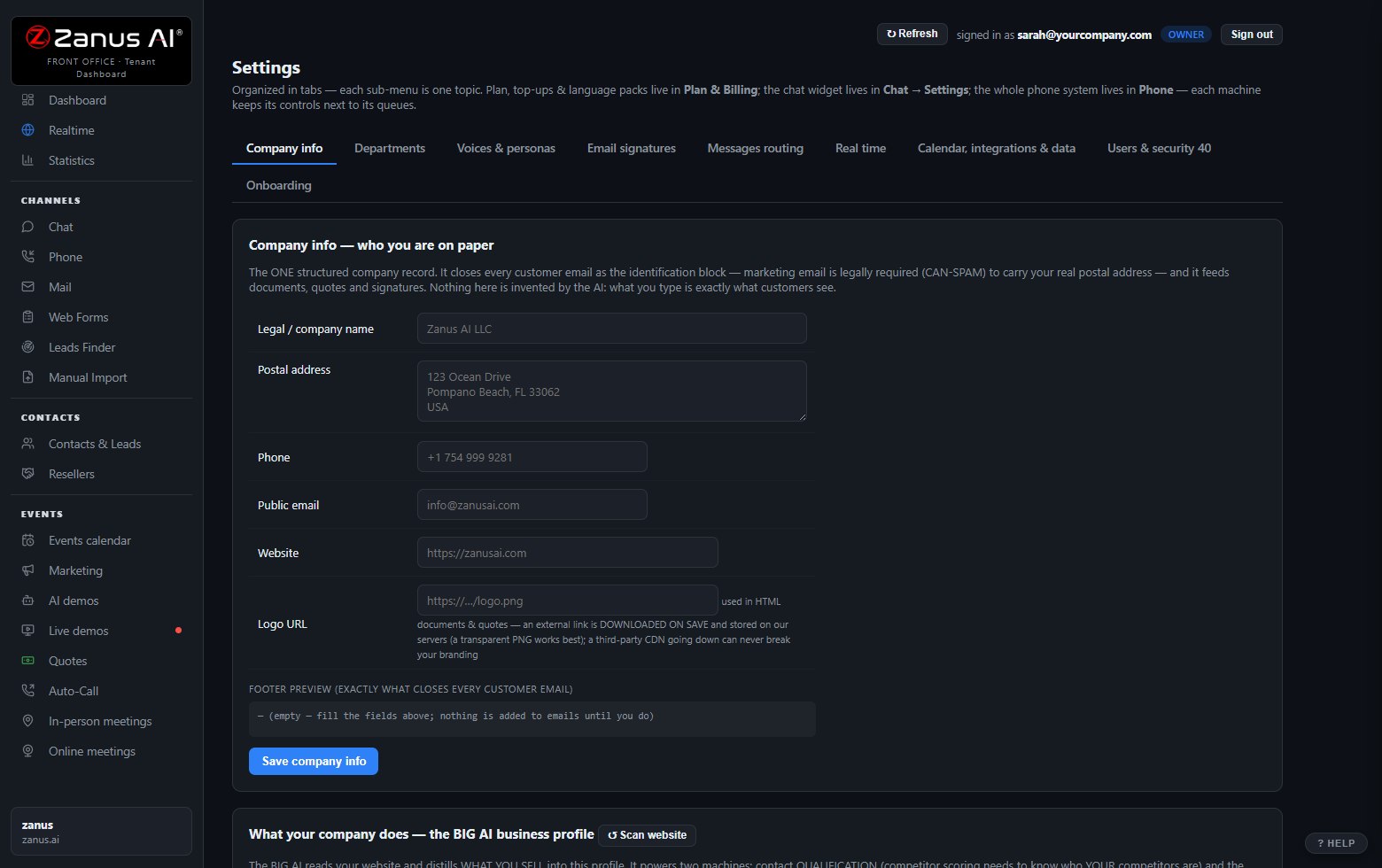
Greetings, voices, routing, users, calendars, webhooks: every setting is yours to change, with a who-did-what audit trail and reversible versions. You are never on hold with your own software vendor to change a greeting.
- Five access levels — Viewer to Admin
- Every change audited and reversible
- The Setup wizard re-runs anytime you add a channel
Questions, answered
What are the support hours?
The built-in assistant answers 24/7 — it is the product. Humans respond on US business hours (Eastern); urgent production issues are flagged by the ticket system automatically.
Is onboarding included?
Yes — a one-time onboarding fee per plan covers guided setup with a human. The wizard and the assistant carry you the rest of the way.
Where is the documentation?
Inside the product, where you need it — the help drawer IS the manual, searchable and conversational. The Learning section covers the concepts.
See it working on YOUR business — the demo IS the product.
Sharing with a colleague? 📄 Get the PDF · ✉️ Email this page ·