AI Booking for Reminder Calls. Appointment no-show follow-up and freed slots offered to the waitlist.
AI Booking handles appointment no-show follow-up for your reminder desk: after the grace period a missed visit is marked no-show and the guest gets one polite invitation to book again. Day-before confirmation calls free cancelled slots early, and the waitlist hears about them first.
TRY AI BOOKING FREENo credit card · Ready in 2 minutesReady to buy? See plans & pricing ›
7 days free · per company, never per seat · nothing to install
No-shows
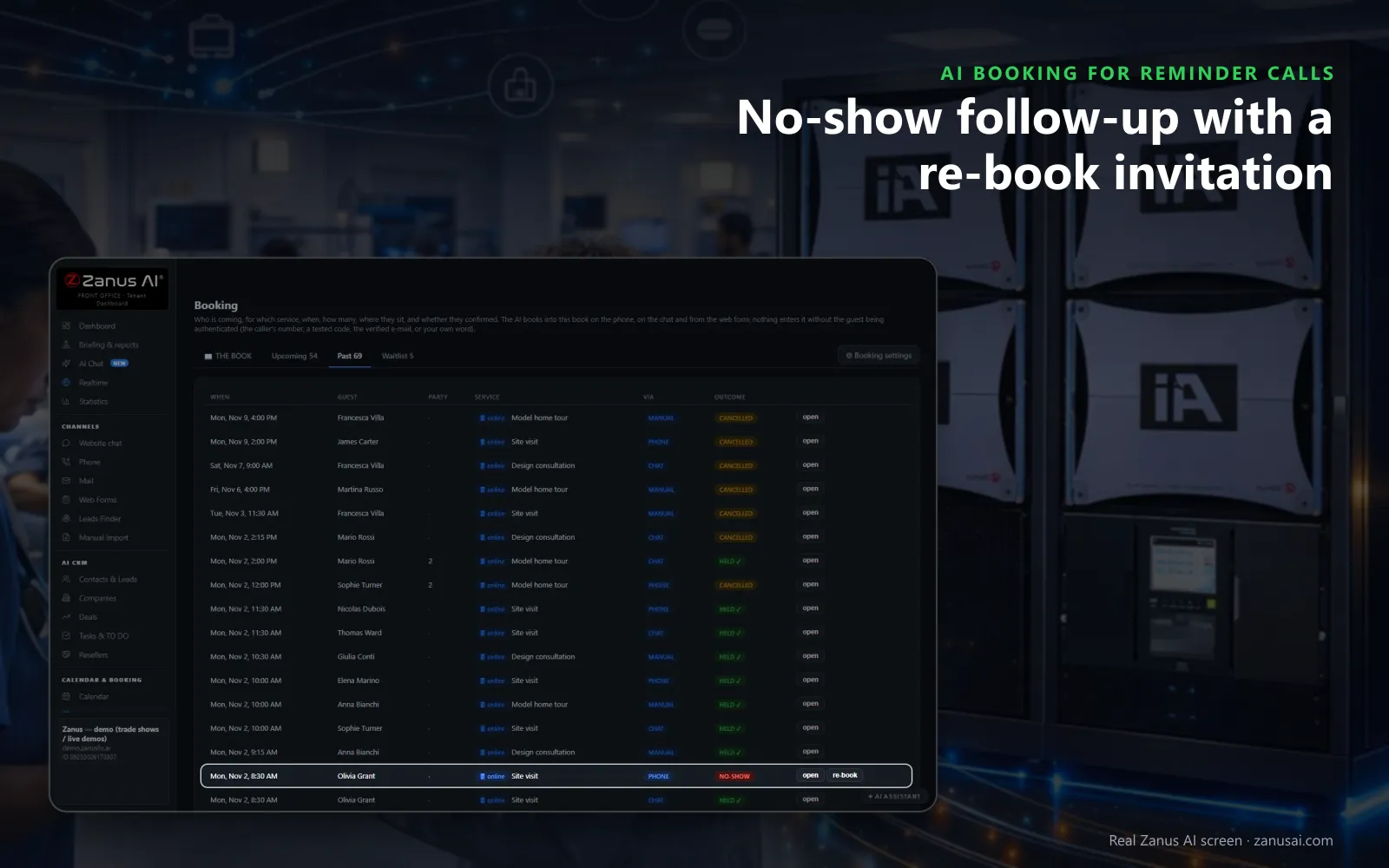
A visit nobody came to is marked no-show by itself after the grace period, and the guest is invited once to book again.
 Easy setupSet up everything just by talking to Lisa AISee how ›
You“After a no-show, send one re-book invitation and ask repeat no-shows to confirm.”
Lisa“Set: missed visits get one invitation to book again, and guests with two no-shows this year confirm first. Apply?”
You talk. Lisa sets it up. Applied only on your yes.
How Reminder Calls use it
A physiotherapy patient misses a morning session; by noon the visit reads no-show and an invitation to book again has gone out.
A salon client says no on the evening confirmation call; the slot opens and the first guest on the waitlist is texted the offer.
A guest who has missed twice this year books again online and is asked to confirm before the visit counts.
REAL AI - the whole Front Office is AI, not old software with an AI button.
What’s included
- Booking inside the phone call, the chat, the e-mail and the form, plus a booking page
- By service and location: the AI offers the menu, then only the free slots of your live calendar
- Google / Outlook calendar connect; availability rules; buffers
- Confirmation and calendar invite e-mailed automatically; reminders; reschedule by reply
- Field visits with travel time; several providers with their own calendars
Add it to any contact channel — AI Phone, AI Webchat, AI E-mail or AI Web Forms — or get it inside a solution · See pricing › · Per company, never per seat.
Everything AI Booking does, for every business ›
Works withAI PhoneAI WebchatAI E-mailAI Web FormsLisa, your AI assistant
After a missed visit
How AI Booking helps reduce no-shows on a reminder desk
Marked by itself
Once the grace period passes, an unattended booking turns no-show in the book, so nobody has to remember to flag it.
One polite invitation
The guest receives a single message inviting them to book again, never a chain of chasers, and you can press re-book yourself.
Repeat no-shows confirm first
A guest who missed twice in a year is asked for a confirmation at the next booking, before the slot is counted as safe.
The day before, by phone
With the Booking switch on in Auto-Call, the appointment confirmation call goes out daily on its own, and a no cancels the booking during the call.
Filling the gap
Re-book missed appointments into the slots that are really free
Free slots only
Only times that are genuinely open are offered: service hours, bookings already taken, closures and the busy times of your connected calendar.
A cancellation waitlist
When a cancellation frees a place, the next guest on the waitlist is texted the offer and has ten minutes to take it.
Moves tell the guest
A booking moved from its card sends the guest the new time by text or e-mail, so the next reminder they get is the right one.
AI Booking for Reminder Calls, trade by trade
By industryHealthcareHome ServicesRestaurantsHome & Senior CareAuto DealersHospitalityProperty ManagementSports & Live EventsLaw FirmsSoftware & SaaSAerospace & AviationAgriculture
Questions & answers
AI Booking for Reminder Calls: questions & answers
What happens when a customer does not show up?
Once the grace period ends, the book marks the visit no-show without anyone touching it, and one courteous invitation to book again goes to the guest if the rule is on. A guest with two no-shows in a year must confirm the next booking.
Do reminder calls reduce no-shows?
A call asks for an answer the day before, so a customer who cannot come says so while the slot can still be filled. The no-show count at the top of the book shows you what changes once the calls run.
Can a freed slot go to someone else?
Yes. A customer who finds the time full can join the waitlist on the phone or in the chat, and the moment a booking is cancelled the first guest waiting is offered that place by text.
Can I see tomorrow's unconfirmed bookings at a glance?
The book counts bookings, guests, arrivals, to confirm, unconfirmed and no-shows across the top, with every service on its own lane, by day or by week, so the gaps show before the day starts.
Will the AI move a booking without asking me?
No. Lisa adds and moves her own calendar events, but never moves a customer's booking without you; a reschedule from the booking card is yours, and the guest is told the new time.
Keep exploring
Where next?
Start with the one thing you need. Add more anytime by asking Lisa.
AI Front Office for Reminder Calls ›
Easy setup
Answers & books
Sells
Helps your team
Included
Award-winning AI
Winner at CES 2026, ISE 2026 and TMCnet Enterprise AI Product of the Year.
REAL AI - the whole Front Office is AI, not old software with an AI button.
Awards & trade shows ›


Give Lisa your website.
She sets up your business in 2 minutes.
Other software makes you learn it. Zanus AI learns your business.
Try it free on your own business — no credit card, per company, never per seat.
Ready to buy? See plans & pricing ›
Or call +1 (954) 736-3939 — the AI answers.