AI Booking for Order Desks. Delivery appointment scheduling into windows that are free.
AI Booking handles delivery appointment scheduling for an order desk: on the phone, in the chat or from a form, the AI offers only the windows that are really free, asks where the delivery goes, keeps the travel time between stops and sends the confirmation before the customer hangs up.
TRY AI BOOKING FREENo credit card · Ready in 2 minutesReady to buy? See plans & pricing ›
7 days free · per company, never per seat · nothing to install
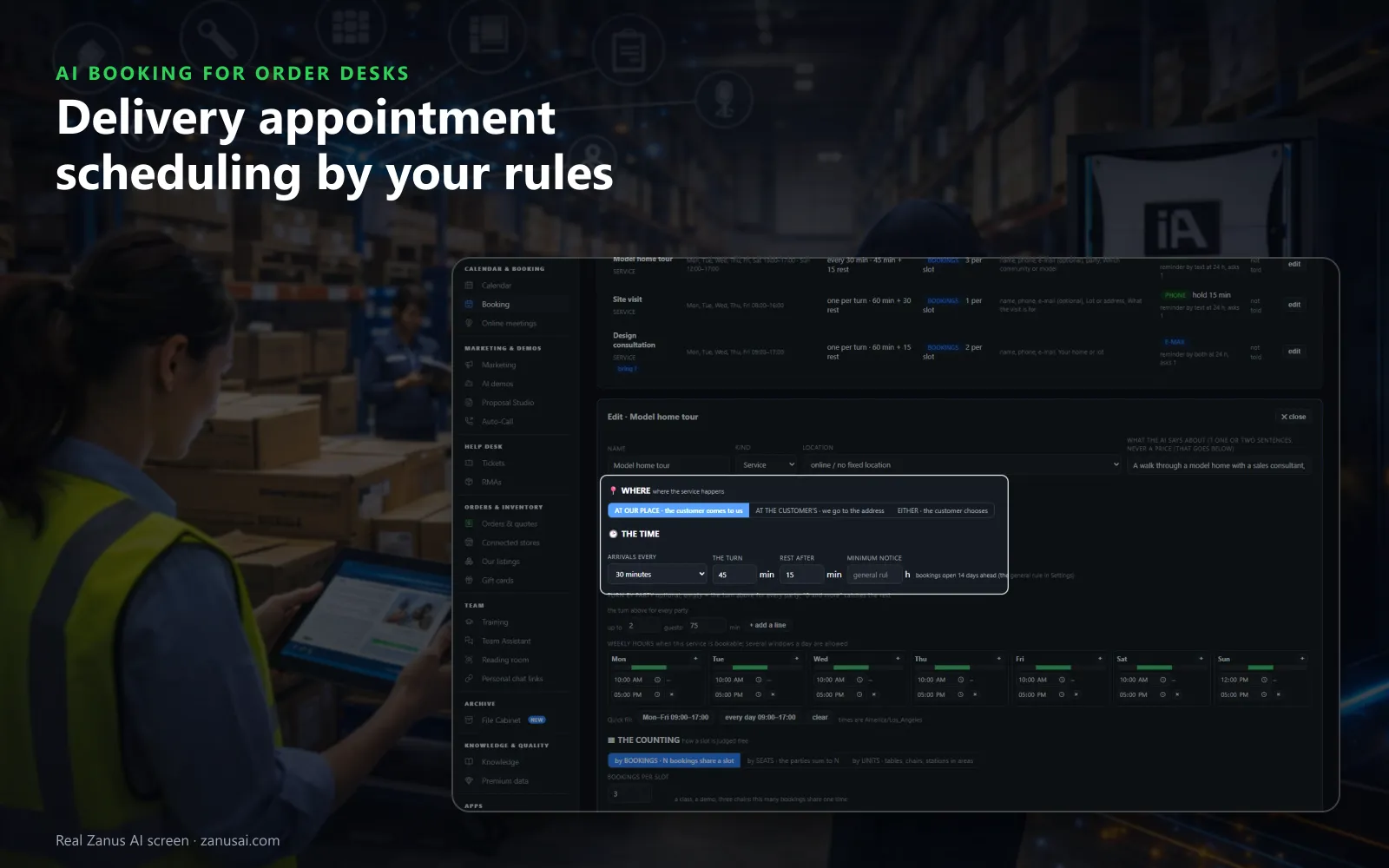
Service rules
Each service runs the way you work: at your place or at the customer's, with its arrival interval, its length and the rest after it.
 Easy setupSet up everything just by talking to Lisa AISee how ›
You“Deliveries run Monday to Friday in two-hour windows, only in the postal codes we serve.”
Lisa“Deliveries set to weekdays in two-hour windows at the customer's address, limited to your postal codes; outside them, a callback. Apply?”
You talk. Lisa sets it up. Applied only on your yes.
How Order Desks use it
A customer books a Thursday morning window for a pallet delivery; the AI checks first that his postal code is one you serve.
A buyer wants to collect his order at the counter; the AI books a pickup slot on the counter's own calendar.
An address outside your delivery area is given; the AI books nothing, and the request becomes a callback for the desk.
REAL AI - the whole Front Office is AI, not old software with an AI button.
What’s included
- Booking inside the phone call, the chat, the e-mail and the form, plus a booking page
- By service and location: the AI offers the menu, then only the free slots of your live calendar
- Google / Outlook calendar connect; availability rules; buffers
- Confirmation and calendar invite e-mailed automatically; reminders; reschedule by reply
- Field visits with travel time; several providers with their own calendars
Add it to any contact channel — AI Phone, AI Webchat, AI E-mail or AI Web Forms — or get it inside a solution · See pricing › · Per company, never per seat.
Everything AI Booking does, for every business ›
Works withAI PhoneAI WebchatAI E-mailAI Web FormsLisa, your AI assistant
Windows and pickups
Delivery window scheduling and order pickup scheduling in one book
Where it goes, first
For a delivery or a return pickup booking at the customer's address, the AI asks for the address before any date and checks the postal code against the area you serve.
Travel time kept
The travel time between stops is kept in the book, so no window is offered that the driver cannot reach from the stop before.
Counter pickups
A pickup at the counter is its own service with its own hours, so a buyer collects his order when the counter can serve him.
Closures said plainly
A holiday or a closed afternoon blocks the book, the customer hears the reason, and the deliveries already booked in that time are listed for you to keep, move or cancel.
Ready in 2 minutes
Set up delivery appointment scheduling in 2 minutes
Name the services
Tell Lisa what the desk books: deliveries, counter pickups and return pickups, each with its hours and how long a window lasts.
Draw the area
Give the postal codes you deliver to; an address outside them becomes a callback for the desk, never a booking.
Connect your calendar
Connect the work calendar the desk already uses so its busy times are never offered to a customer, or run the book on its own.
Watch it book
Run it free for 7 days with no credit card, and read every delivery window it booked, confirmed and moved.
AI Booking for Order Desks, trade by trade
By industryDistributorsRetail StoresConsumer BrandsManufacturingRestaurantsGrocery & Drug StoresAgricultureHardware & ElectronicsSoftware & SaaSTravel AgenciesAerospace & AviationAuto Dealers
Questions & answers
AI Booking for Order Desks: questions & answers
Can an AI schedule delivery appointments?
Yes. AI Booking books delivery windows on the phone, in the website chat, from a web form and on the booking page, all into the same book. It asks where the delivery goes first, offers only free windows and sends the confirmation at once.
How does the AI know which windows are free?
It reads the delivery service's own calendar: its hours, its turn, the bookings already taken, closures, whole-day blackouts and the busy times of the work calendar you connect. A window outside all of that is never offered.
Can customers book a pickup at the counter?
Yes. Counter pickup appointments are a service with their own calendar and hours: the AI offers the free slots and the confirmation goes out at once, and the reminder follows by e-mail, or by text from your company line once texting is on.
What if nobody is there for the delivery?
Once the grace period passes, the missed delivery window reads NO-SHOW and, if the rule is on, the customer gets one polite message to book a new window. Someone who missed two windows in a year is asked for a confirmation when booking the next one.
Is the customer verified before a window is booked?
Yes. Nothing enters the book without it: the caller's number, a code sent by text, a verified e-mail or your own word when you book by hand, chosen service by service.
Keep exploring
Where next?
Start with the one thing you need. Add more anytime by asking Lisa.
AI Front Office for Order Desks ›
Easy setup
Answers & books
Sells
Helps your team
Included
Award-winning AI
Winner at CES 2026, ISE 2026 and TMCnet Enterprise AI Product of the Year.
REAL AI - the whole Front Office is AI, not old software with an AI button.
Awards & trade shows ›


Give Lisa your website.
She sets up your business in 2 minutes.
Other software makes you learn it. Zanus AI learns your business.
Try it free on your own business — no credit card, per company, never per seat.
Ready to buy? See plans & pricing ›
Or call +1 (954) 736-3939 — the AI answers.