ZANUS FRONT OFFICE FOR AFTER-HOURS — AI E-MAIL
The Sunday email is answered on Sunday — on your rules.
“Are you open tomorrow?” “Can I move my reservation to Friday?” “Do you service my model?” “Can someone come out this week?” The inbox fills after closing and empties on Monday afternoon. The AI answers the routine from your approved information, in the sender’s language, within minutes; anything sensitive, angry or outside your rules is routed to the right person with a draft ready for one click. Emails are in the plan without limit.
Try it free 7 days on your own business · no credit card · per company, never per seat
REAL AI - the whole Front Office is AI, not old software with an AI button. Give it your website: it learns your company, works from your approved knowledge and gets better with every answer you approve.
Live on this site right now — the assistant in the corner is the product · Award-winning AI — CES · ISE · TMCnet
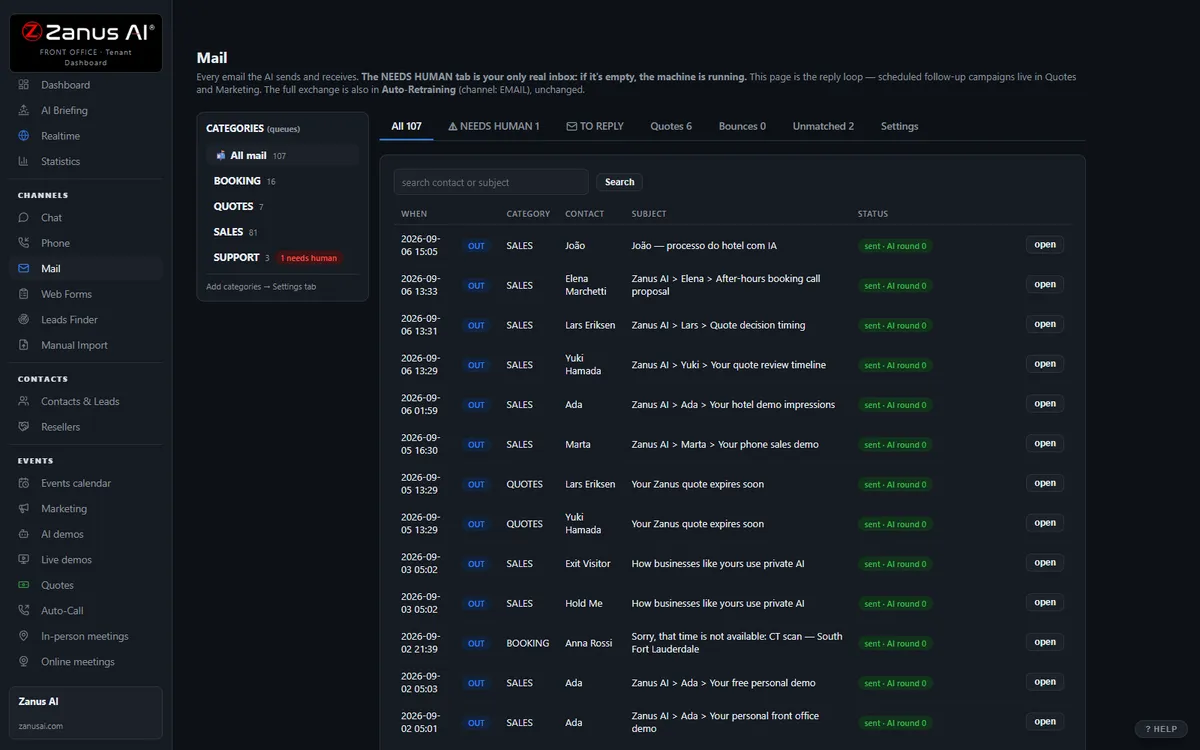
The real Mail menu: department inboxes on the left, the thread in the middle, the AI reply on the right.
What it does
Hours, availability, directions, what to bring, how to book, order status — replied within minutes and booked when possible.
Complaints, cancellations with a dispute, legal or medical questions, anything outside your knowledge — to the right desk with the thread summarized.
The email AI knows the call from last night and the chat from this morning — no “please repeat your details” loops.
Inside AI E-mail — the real screens
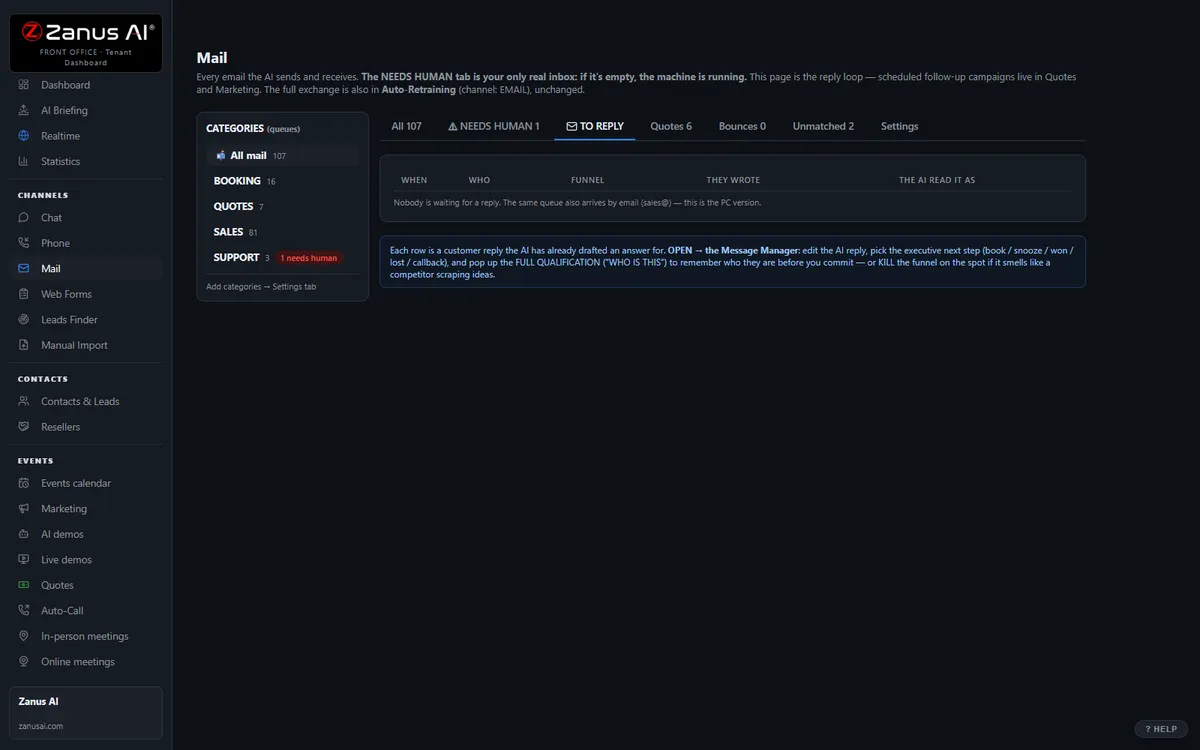
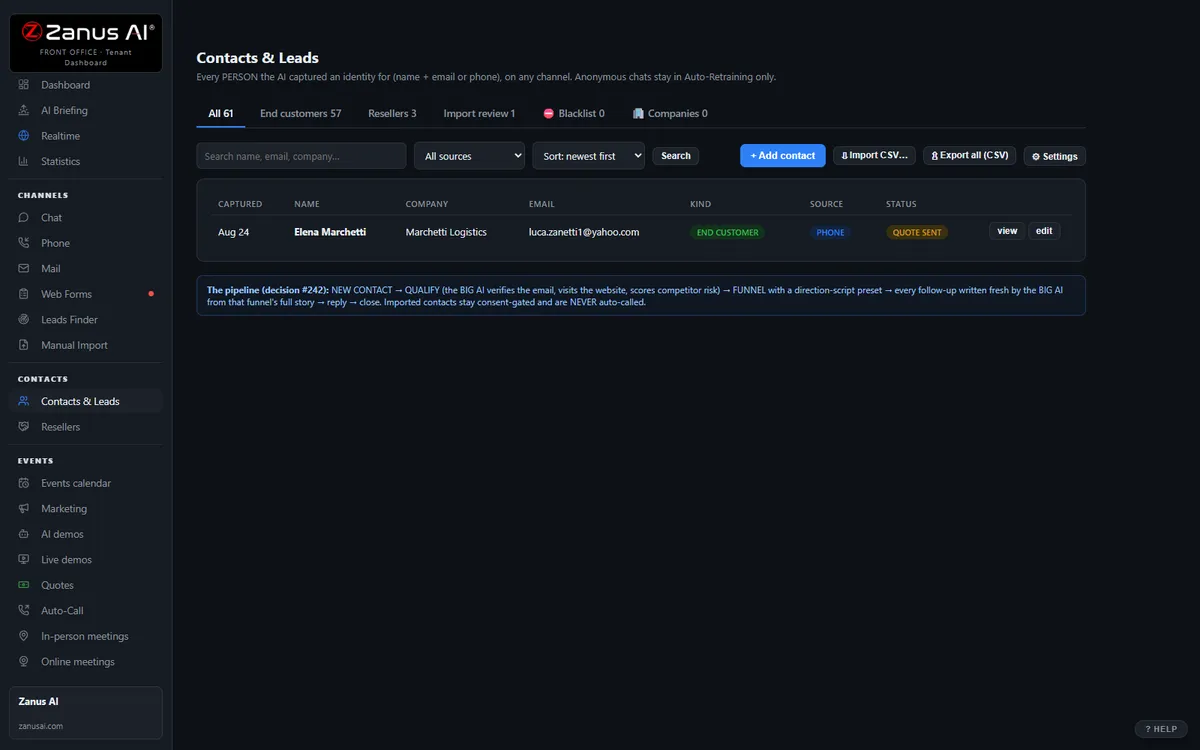
Click a tab. Every picture is the live Front Office, not a mockup — the left menu is the whole product.
Keep Gmail or Outlook. Reply from Front Office.
Each person forwards a copy of his mailbox to his Front Office address and reads and replies in Front Office; a copy stays in his own mailbox; replies go out from your company’s own domain. Nothing to migrate, nothing to cancel.
- Your addresses, your domain — customers see nothing change
- A copy always stays in the person’s own mailbox
- A direct connection to Microsoft 365 and Gmail is coming
AI RESPOND — the whole reply, written for you
Lisa writes the reply from the thread, the customer’s history and the company’s knowledge; the person reads it and sends. Ask for changes in plain words. The same knowledge base answers the phone and the chat — one truth on every channel.
- Summarise a thread, translate it, read it aloud
- “Make a quote for 5 units at 10% discount and attach it” — done, inside that person’s discount authority; above it, the quote waits for approval
- Per department: AI drafts and a person approves · AI answers alone · people only
Available on its own — or inside a solution
Questions, answered
Can it send without approval?
Only what you allow. Routine answers from approved information can go out automatically at any hour; everything you mark sensitive waits for one click from your staff in the morning.
Which solution includes it?
Available on its own or inside a solution. Which solution includes what: see pricing.
Try it free on your own business. 7 days. No credit card.
Give it your website. It learns your company. Then call it, chat with it, e-mail it — and decide. Nothing to install, nothing to cancel.
← Previous: Contacts & CRM · Sharing with a colleague? 📄 Get the PDF · ✉️ Email this page ·