AI Time Machine for Utilities. A customer history timeline for utilities, moment by moment
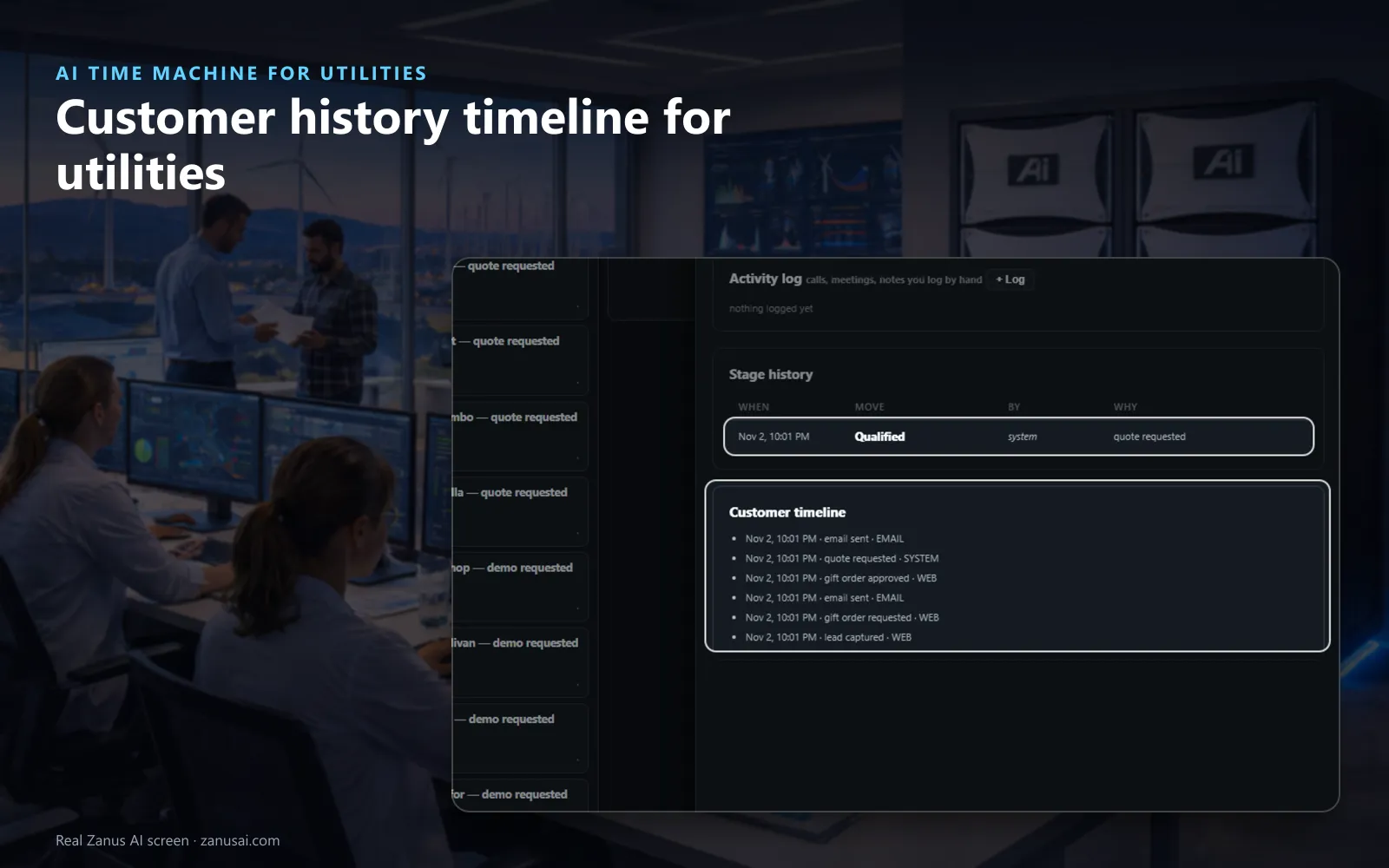
AI Time Machine lays out a customer history timeline for utilities: ask the Team Assistant about a complaint, a disputed bill or a builder's new service job, and every dated moment lines up, the calls, the e-mails, the bookings, the records and the calendar. Each moment opens as it lives, with a recap built from the record, nothing from a model's memory.
TRY AI TIME MACHINE FREENo credit card · Ready in 2 minutesReady to buy? See plans & pricing ›
7 days free · per company, never per seat · nothing to install
Moments in order
Every moment with a customer, from the web request to the e-mails sent, each at its date and time, so nobody rebuilds a dispute from memory.
 Easy setupSet up everything just by talking to Lisa AISee how ›
You“Go back to the first call about this complaint.”
Lisa“Cursor moved to March 4, the first call: the customer reported a high bill, and the transcript is open. Play from here?”
You talk. Lisa sets it up. Applied only on your yes.
How Utilities use it
A customer escalates a billing complaint; the supervisor asks what happened since March and sees every call and e-mail at its date.
A builder says the meter set was promised for May; the new service job history shows the booking, the reschedule and the confirming e-mail.
Before a meeting about a long dispute, the customer service manager prints the whole chronology on your letterhead.
REAL AI - the whole Front Office is AI, not old software with an AI button.
What’s included
- The TIME MACHINE button: the count of dated moments an answer gathered
- Lanes: mail, mailboxes, documents, calls and bookings, records, calendar, pictures
- The jog knob: first, previous, play, next, last, by moment, day, week or month
- The pane: the moment as it lives, the passage lit
- A recap per moment: built from the record itself
- Dates in the file: a document at the date written in it
- Refresh from the records: what came after, marked new
- Print the story: the chronology on your letterhead
Add it to AI Team Assistant or get it inside a solution · See pricing › · Per company, never per seat.
Everything AI Time Machine does, for every business ›
Works withAI File CabinetAI Chat for your teamAI E-mailAI Calls Transcripts
In order
A complaint history timeline, every moment cited
The button lights up
After the Team Assistant answers about a customer, the TIME MACHINE button shows how many dated moments it gathered.
One lane per kind
Mail, calls, bookings, records and the calendar each have a lane, every moment a marker at its date.
The moment as it lives
The e-mail's text, the call's transcript, the record: open it where it lives, or ask about that moment.
Go back to March
Ask Lisa to go back to a month, read what happened there or print the story; she moves the cursor for you.
Set-up
Open account history for utility customer service in 2 minutes
Ask the Team Assistant
Ask about a customer, a job or a period in your own words; the answer gathers the dated moments.
Press Time Machine
Press the button beside the box, and the moments line up in their lanes.
Step or play
First, previous, play, next, last: step by a moment, a day, a week or a month.
Print the story
Print the chronology on your letterhead, and run it free for 7 days on your own customers.
Questions & answers
AI Time Machine for Utilities: questions & answers
What is a customer history timeline?
Every dated moment of one customer on one screen: the calls, the e-mails, the bookings, the records and the calendar, each in its own lane. Step through them with the knob or press play, and each moment opens as it lives.
Where do the moments come from?
From your own records only, gathered when the AI Team Assistant answers about a customer, a job or a period. Each moment carries a recap built from the record itself, nothing read from a model's memory.
Can we print the history for a dispute?
Yes. The whole customer chronology for utility disputes prints on your letterhead, ready for the meeting or the customer's file. Ask Lisa to print the story, or to go back to a month and read the moment there.
Does the timeline show contacts made after the question?
Yes. New mail and new records after the answer are laid on the same timeline, marked new, so the chronology grows while the case stays open.
Keep exploring
Where next?
Start with the one thing you need. Add more anytime by asking Lisa.
AI Front Office for Utilities ›
Easy setup
Answers & books
Sells
Helps your team
Included
Award-winning AI
Winner at CES 2026, ISE 2026 and TMCnet Enterprise AI Product of the Year.
REAL AI - the whole Front Office is AI, not old software with an AI button.
Awards & trade shows ›


Give Lisa your website.
She sets up your business in 2 minutes.
Other software makes you learn it. Zanus AI learns your business.
Try it free on your own business — no credit card, per company, never per seat.
Ready to buy? See plans & pricing ›
Or call +1 (954) 736-3939 — the AI answers.