ZANUS FRONT OFFICE FOR MEDTECH — AI E-MAIL
An orders inbox that answers itself — on your rules.
A purchase order as an attachment, “where is our order”, a lot-number question from the lab, a dealer asking for the updated price list, a coordinator confirming Thursday’s set, a surgeon’s office describing a broken component: the customer-service inbox is answered from your approved information, in the sender’s language. Anything clinical, any complaint, any pricing dispute is routed to the right person with a draft ready for approval.
Try it free 7 days on your own business · no credit card · per company, never per seat
REAL AI - the whole Front Office is AI, not old software with an AI button. Give it your website: it learns your company, works from your approved knowledge and gets better with every answer you approve.
Live on this site right now — the assistant in the corner is the product · Award-winning AI — CES · ISE · TMCnet
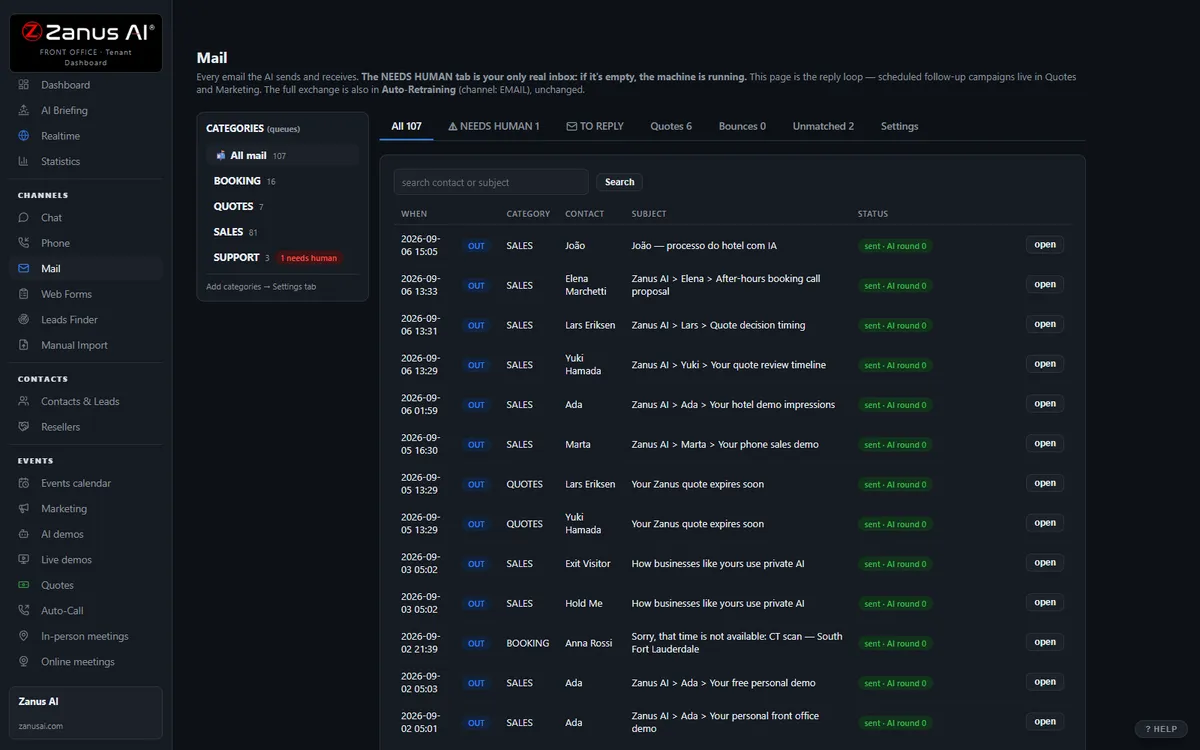
The real Mail menu: department inboxes on the left, the thread in the middle, the AI reply on the right.
What it does
Order acknowledged, status and tracking, lot and expiry, lead times, compatible consumables, how to return a loaner — replied in minutes, booked when a visit is needed.
Complaints and adverse events to quality with the intake pre-filled, clinical questions to specialists, invoice and contract disputes to billing — the thread summarized.
The email AI knows the calls and chats of the same account — no “please resend your PO number” loops between service and the rep.
Inside AI E-mail — the real screens
Click a tab. Every picture is the live Front Office, not a mockup — the left menu is the whole product.
Keep Gmail or Outlook. Reply from Front Office.
Each person forwards a copy of his mailbox to his Front Office address and reads and replies in Front Office; a copy stays in his own mailbox; replies go out from your company’s own domain. Nothing to migrate, nothing to cancel.
- Your addresses, your domain — customers see nothing change
- A copy always stays in the person’s own mailbox
- A direct connection to Microsoft 365 and Gmail is coming
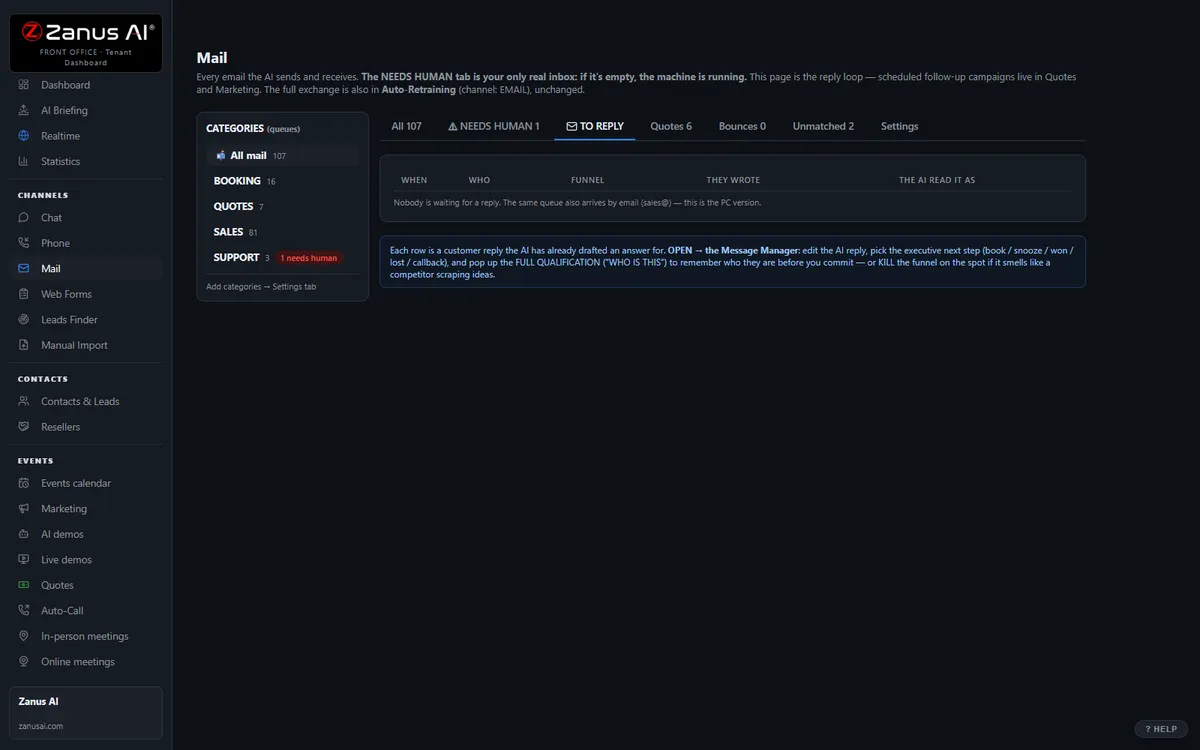
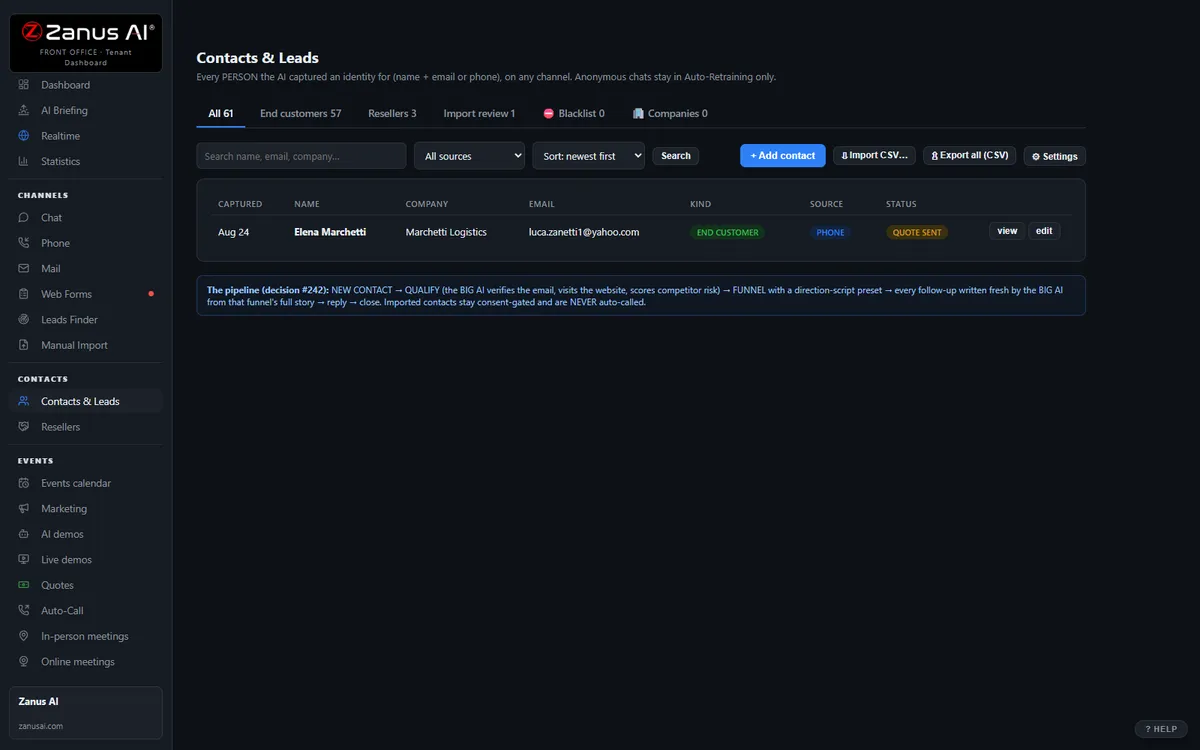
AI RESPOND — the whole reply, written for you
Lisa writes the reply from the thread, the customer’s history and the company’s knowledge; the person reads it and sends. Ask for changes in plain words. The same knowledge base answers the phone and the chat — one truth on every channel.
- Summarise a thread, translate it, read it aloud
- “Make a quote for 5 units at 10% discount and attach it” — done, inside that person’s discount authority; above it, the quote waits for approval
- Per department: AI drafts and a person approves · AI answers alone · people only
Available on its own — or inside a solution
Questions, answered
Can it send without approval?
Only what you allow. Routine answers from approved information can go out automatically; everything you mark sensitive — complaints, pricing outside contract, anything clinical — waits for one click from your staff.
Do we keep our orders and support addresses?
Yes. Connect your existing mailboxes; the AI drafts and sends from them under your rules, and every message stays in your inbox and on the account’s record.
Try it free on your own device business. 7 days. No credit card.
Give it your website. It learns your company. Then call it, chat with it, e-mail it — and decide. Nothing to install, nothing to cancel.
← Previous: Contacts & CRM · Sharing with a colleague? 📄 Get the PDF · ✉️ Email this page ·