AI Webchat for Local Government. A municipal chatbot that answers residents in their language
AI Webchat is a municipal chatbot that answers residents on your city or county website by text or voice, in their language, from your approved pages only. It answers trash days, permit checklists and meeting times, opens the page that explains them, files a service request in the chat and never decides a permit, a fine or a benefit.
TRY AI WEBCHAT FREENo credit card · Ready in 2 minutesReady to buy? See plans & pricing ›
7 days free · per company, never per seat · nothing to install
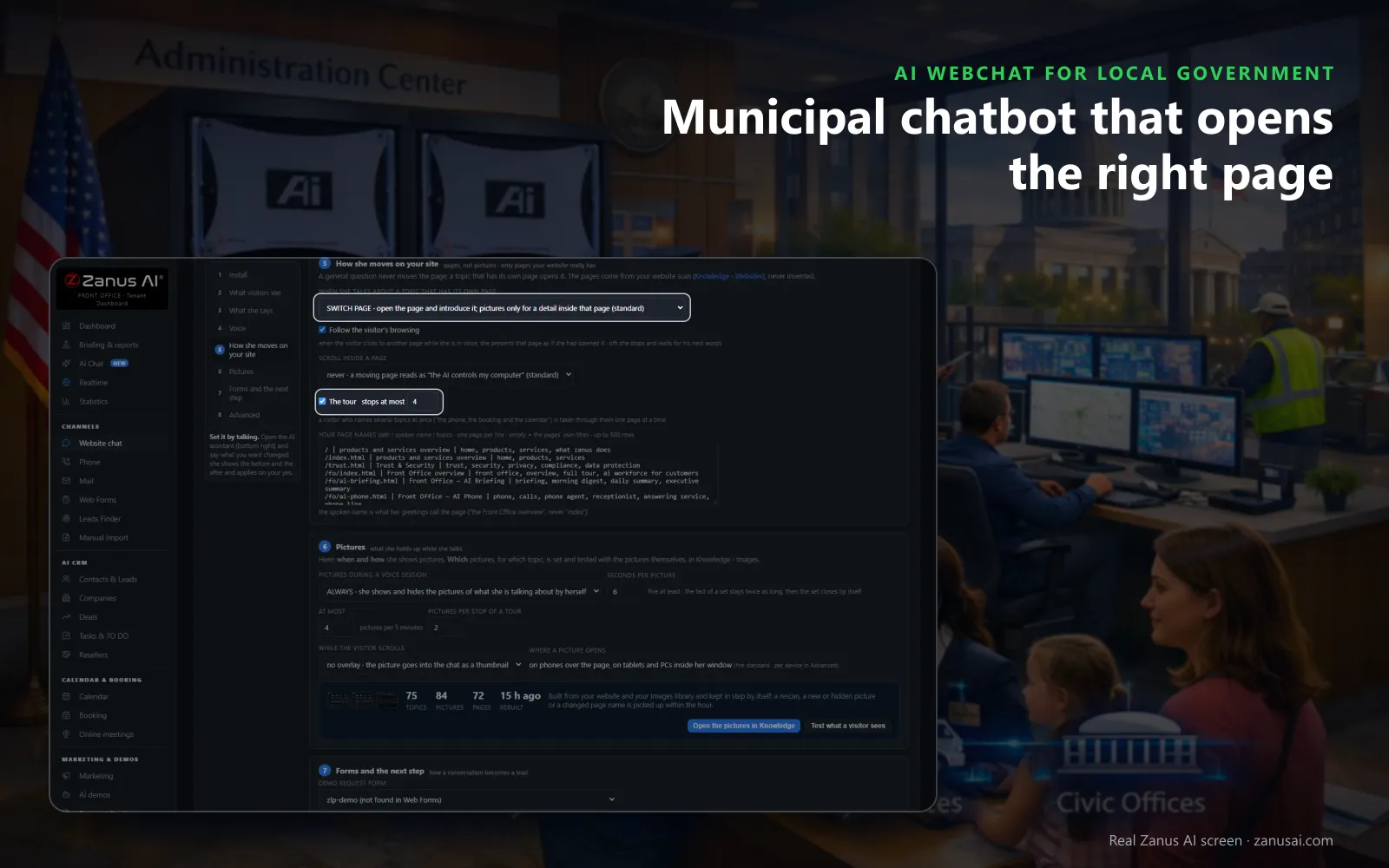
Opens the right page
Asked about a topic that has its own page, the chat opens it and introduces it, so a resident looking for bulk pickup lands in the right place.
 Easy setupSet up everything just by talking to Lisa AISee how ›
You“Answer schedule and permit questions from our pages; file street reports as tickets.”
Lisa“Chat: answers from your pages only, opens the matching page, and street reports become tickets for public works with the chat attached. Apply?”
You talk. Lisa sets it up. Applied only on your yes.
How Local Government use it
A resident asks whether pickup moves during Thanksgiving week; the chat answers from your sanitation page and opens the holiday calendar beside it.
A visitor on the permits page asks if a backyard shed needs a permit; the checklist is read from your page and the application opens.
At 10 PM a resident reports graffiti on a bus shelter; the chat takes the location and files it as a ticket for public works.
REAL AI - the whole Front Office is AI, not old software with an AI button.
What’s included
- Text and voice in one widget on your site, the visitor types or talks; the AI answers in their language
- Knows the page the visitor is on and answers from your pages, files, prices and rules
- Shows pictures and product screens while it talks; opens the right page of your site and continues there
- Captures the lead with a verified e-mail; books appointments from your live calendar; offers your AI Demo
- Your people take over any chat live in one click, with the context, not a transcript to read
- Instant barge-in: the visitor interrupts and the AI stops; echo and background noise filtered
- Optional AI Avatar: the same assistant with a face that talks
- Every conversation on the customer's record; chat analytics per page and topic; sessions exportable
- Installs with one line on any site, Shopify, WordPress, custom; the widget is yours to brand
Available on its own or inside a solution · See pricing › · Per company, never per seat.
Everything AI Webchat does, for every business ›
Works withAI BookingAI AvatarAI DemoAI QuotingAI TicketsAI Returns & WarrantyAI CRM
On every page
What the municipal chatbot answers for residents
Residents rarely land on the page that answers their question. Using AI on the city site closes that gap in public sector service delivery at any hour, from your approved pages only.
Schedules and closures
Trash and recycling days, the holiday shift, leaf pickup weeks and office hours, read from your sanitation and city hall pages, never from memory.
Permit checklists
What a fence, deck or shed permit needs, read from your published checklist, with the application page opened beside the answer.
Meetings and agendas
When the council or the planning board meets, where the agenda is posted and how to sign up for public comment, from the clerk's pages.
Bills and payments
The ways to pay a water bill, the due dates and how to start or stop service, from the billing pages your utility office keeps.
Parks and programs
Shelter rules, field rentals, pool hours and how summer program registration works, with the booking offered when AI Booking is on.
Reports filed
A pothole, graffiti or a streetlight out becomes a ticket for the right department, with the chat on it and the reply time told.
Every resident
An AI chatbot for local government websites, in 40 languages
Written once
Her opening lines are written once in English; a resident reading Spanish, Vietnamese or Arabic reads and hears them in that language.
Text or voice
Residents type, or tap her picture and talk, and can cut in like with a person, whatever language they speak at home.
Formal or familiar
For languages that have the choice, a formal form of address suits city hall, and a resident who writes formally is answered formally.
Keyword buttons
When an answer names one of your keywords, such as bulk pickup, a button to that page appears under it, translated for every visitor.
Three moments
When residents reach for the city's chat
Three use cases from a city's year, when many residents bring the same question at once and the chat answers each of them from your pages.
The storm night
Residents ask whether pickup runs tomorrow and where to report a fallen tree; the chat answers from the storm notice in your knowledge and files each tree as a ticket.
Permit season
Spring brings fence and deck questions every hour; the chat reads your checklist, opens the application page and leaves the counter for the hard cases.
Registration morning
Camp registration opens at 8 AM; parents ask about ages, dates and fees, and get the program page and the registration link in seconds.
Compared
A municipality AI chatbot, a contact form or live chat?
Most local governments weigh AI chatbots against a contact form, live chat with staff or a scripted bot; here is how each one handles a resident's evening.
| What residents need | A contact form | Live chat with staff | A scripted chatbot | AI Webchat |
|---|---|---|---|---|
| A trash-day question at 9 PM | Answered tomorrow, if read | Offline after five | Only if the button exists | Answered at once: from your sanitation page, with the page opened |
| A question in Vietnamese | Waits for a translator | Depends on who is on shift | English buttons only | Answered in Vietnamese: from the same approved pages |
| A pothole report | An e-mail to forward | Typed into a ticket by staff | A dead end | A tracked ticket: for public works, with the chat attached |
| A question about one resident's case | Waits in the inbox | Answered by staff | The wrong menu answer | Passed to the department: with the conversation, never decided by the AI |
Set-up
Set up your municipal chatbot in 2 minutes
Lisa reads your site
She reads your department pages, names them, finds the pictures she can show and asks how residents should be greeted.
One line in the theme
Your web team pastes the script once; the status strip says installed as soon as a resident opens a page.
Your look and words
Tell Lisa the label, the colors and the greeting; she shows the change before and after and applies it on your yes.
Seven days free
Run it on your own city website, no credit card, and read every session and its outcome when the week ends.
Questions & answers
Questions about a municipal chatbot for your city website
What is a municipal chatbot?
A chat on a city, town or county website that answers residents' frequently asked questions at any hour, with no clerk on duty. AI Webchat answers by text or voice in the resident's language, from the pages and documents your departments approved, and passes anything it cannot answer to your staff.
What can a municipal chatbot answer?
Whatever your approved knowledge covers: trash and recycling days, holiday schedules, permit checklists, office hours, council meeting times, park rules and the ways to pay a water bill. When nothing is written down it does not guess; the question goes to your team and counts as a gap to fill.
Can the chatbot file a service request?
Yes. A pothole, a broken streetlight or a missed pickup reported in the chat becomes a ticket for the department, with the conversation turn by turn on it, and the resident is told when to expect the reply from that department's hours.
Does the chatbot decide permits, fines or benefits?
No. It explains what your pages publish, such as the steps of a fence permit or the hours of the appeals desk, and sends any question about a resident's own case to the department. Eligibility, approvals, fines and benefits are decided by staff.
Which languages does the AI chatbot for local government speak?
40 languages. The widget follows the language of the page or asks, and her opening lines are written once in English, then shown and spoken in each resident's language. A formal form of address can be set wherever a language offers the choice.
Can residents talk to the chatbot instead of typing?
Yes. With the web voice on, a tap on her picture starts a spoken conversation the resident can interrupt like a person, which helps older residents and anyone who finds typing slow. With the voice off, residents simply type.
What happens when a resident asks for a person?
A clerk receives it, either in the mail queue for staff or as a ticket, and the resident's conversation travels with it. On phones, the Talk to a specialist chip dials the city hall number already set in your phone settings.
How is a 311 chatbot different from a contact form?
A contact form waits for someone to read it. The chat answers the question while the resident is still on the page, files a report as a tracked ticket when it needs a crew and opens the page that explains everything else.
How do we stop abuse of the city's chat?
Strikes, a pause, then a ban. The Watch list shows suspicious, banned and trusted visitors, and Ban by hand closes the chat for one device at once, so a prankster cannot tie it up on a storm night.
How do we put it on the city website?
Your web team adds one script line to the city site's theme, and the city website chatbot appears on every page, on phones, tablets and computers. Any site that takes a script will do, and the status strip shows the last time a resident opened it.
Can we see what residents ask the chat?
Yes. The Website chat page shows live sessions, activity by hour and each session's outcome: answered, a ticket, a request, or opened and never typed. Search by message text, filter by language and export a CSV for your communications team.
What does a municipal chatbot cost?
AI Webchat is priced per company, never per seat or per agent, so every department shares it. The plans are on the pricing page, and the 7-day free trial runs on your own city website with no credit card.
Keep exploring
Where next?
Start with the one thing you need. Add more anytime by asking Lisa.
AI Front Office for Local Government ›
Easy setup
Answers & books
Sells
Helps your team
Included
Award-winning AI
Winner at CES 2026, ISE 2026 and TMCnet Enterprise AI Product of the Year.
REAL AI - the whole Front Office is AI, not old software with an AI button.
Awards & trade shows ›


Give Lisa your website.
She sets up your business in 2 minutes.
Other software makes you learn it. Zanus AI learns your business.
Try it free on your own business — no credit card, per company, never per seat.
Ready to buy? See plans & pricing ›
Or call +1 (954) 736-3939 — the AI answers.