AI Chat for your team for Churches. AI chat for church staff, with every source shown
AI Chat for your team is AI chat for church staff that searches the web and cites every fact: the weather before an outdoor service, a hospital's number confirmed on two sources, supplies in stock near the church. An independent AI and code check the facts against the pages cited before your staff relies on them.
TRY AI CHAT FOR YOUR TEAM FREENo credit card · Ready in 2 minutesReady to buy? See plans & pricing ›
7 days free · per company, never per seat · nothing to install
Ask
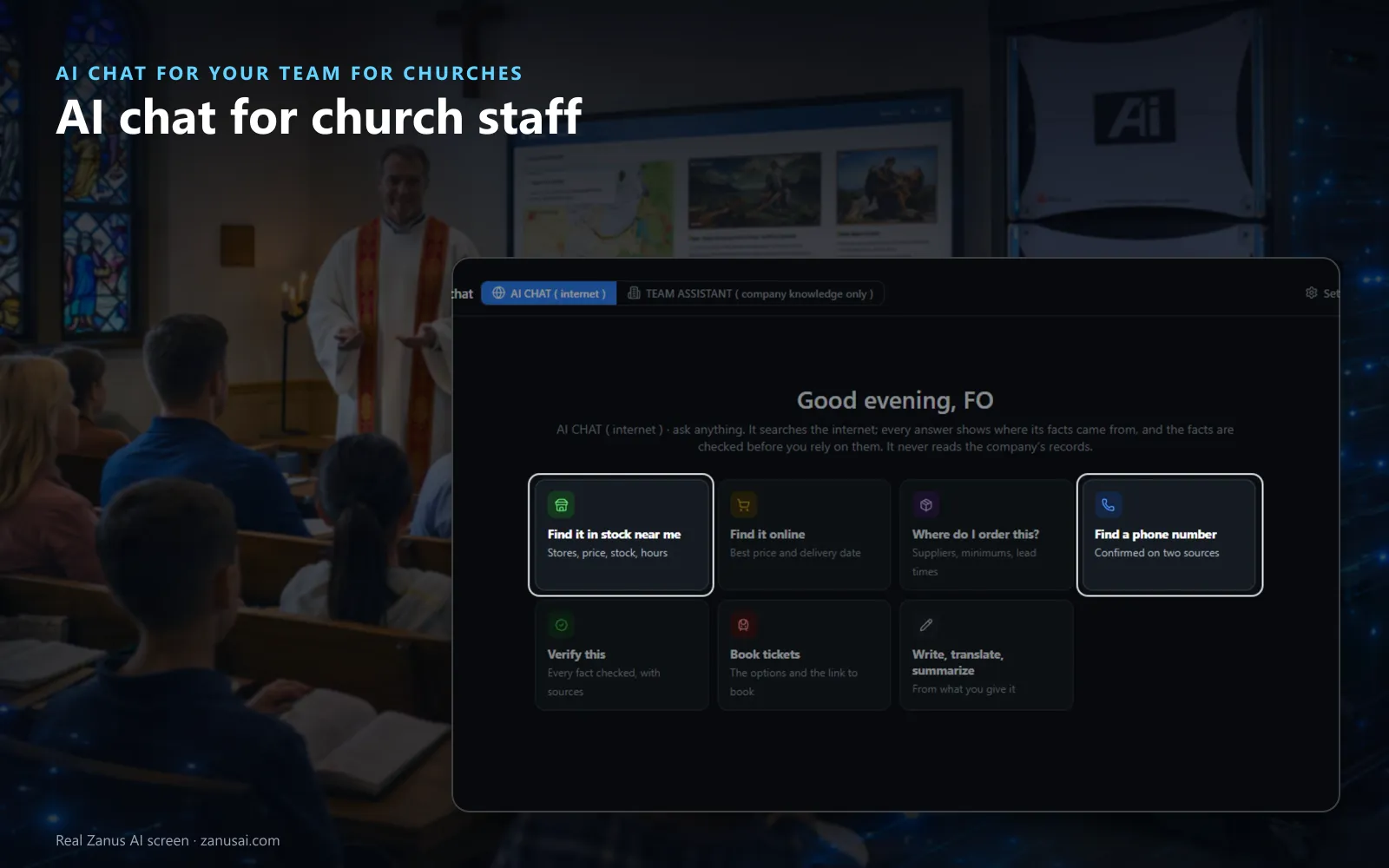
Start from a tile or just ask: supplies in stock nearby, where to order, a phone number confirmed on two sources or a claim to verify.
 Easy setupSet up everything just by talking to Lisa AISee how ›
You“Find folding chairs in stock near the church, with today's hours.”
Lisa“Three stores near the church have folding chairs in stock today, with the price and the hours of each, every line cited.”
You talk. Lisa sets it up. Applied only on your yes.
How Churches use it
Before the outdoor Easter sunrise service, the administrator asks for the ten-day forecast and any weather alerts for the town.
A deacon needs the hospital chaplaincy office's number; it is given once confirmed on two sources, so the first call reaches it.
The welcome team pastes a guest's letter written in another language, reads it translated and drafts the reply as a letter.
REAL AI - the whole Front Office is AI, not old software with an AI button.
What’s included
- Web answers: the web searched and read, every fact cited
- Fact checking: an independent AI and code check every answer
- Verify badges: verified, partly verified or not verifiable
- Legal card: the rules, your options and the next steps
- Weather: ten days, the alerts in effect and a map
- Near me: stores with the stock, the price and the hours
- Write it as: a letter, memo, brief or report from cited sentences
- Who can use what: AI Chat opened per level and department
- Data and privacy: card and bank numbers removed first
Available on its own or inside a solution · See pricing › · Per company, never per seat.
Everything AI Chat for your team does, for every business ›
Works withAI Time MachineAI Knowledge
For church staff
Church office AI chat for everyday questions
Weather and alerts
The conditions now, ten days with highs, lows and rain, and the alerts in effect before a picnic or an outdoor service.
A number confirmed
A hospital, a funeral home or a supplier's number is given when two sources agree, so the office calls the right desk.
Verify this
Paste a claim or a figure from a newsletter draft, and each fact is looked for on the pages read, with the passage beside it.
Write and translate
A letter, a memo or a table written from cited sentences only, or a guest's message translated from the text you give it.
Set-up
AI research for church staff in 2 minutes
Open AI Chat
In the dashboard open AI Chat, keep Web on, and ask anything or start from a tile.
Choose who uses it
Under Settings, Who can use what gives AI Chat, web search and files to each level and department.
Pick the result shapes
Keep the weather, the alerts and the legal card on, or switch off the ones the parish office never needs.
Ask real questions
For 7 free days, no card needed, the parish office asks its own questions and reads the checks behind each answer.
Questions & answers
AI Chat for your team for Churches: questions & answers
Does AI Chat read our members' records?
No. AI Chat answers from the web and never reads the church's records. The AI Team Assistant answers from your own documents, and when a question needs the internet, it offers AI Chat with the question carried over.
Are church staff conversations kept private?
It is the church's own AI chat with sources for ministries, not a personal account on a public chatbot. Card and bank numbers are removed before any AI sees a message, Temporary chats are never kept, and administrators can read the chats, which every person is told on screen.
How do staff get verified AI answers for churches before relying on one?
Every fact is cited, and the answer carries a badge: verified, partly verified with the count of facts found, or not verifiable. The Evidence file keeps every page read and every check, so the office can show where a figure in the parish newsletter came from.
Can it answer legal questions about the church building?
It gives general legal information from the state and city codes, cited, with your options and the office to contact, and says once that it is not legal advice; a licensed attorney in your state can confirm it.
Who on the church staff can use it?
Your administrator opens AI Chat, web search, deep research and files for each level and department under Who can use what, so each volunteer sees only what the church opens to them.
Keep exploring
Where next?
Start with the one thing you need. Add more anytime by asking Lisa.
AI Front Office for Churches ›
Easy setup
Answers & books
Sells
Helps your team
Included
Award-winning AI
Winner at CES 2026, ISE 2026 and TMCnet Enterprise AI Product of the Year.
REAL AI - the whole Front Office is AI, not old software with an AI button.
Awards & trade shows ›


Give Lisa your website.
She sets up your business in 2 minutes.
Other software makes you learn it. Zanus AI learns your business.
Try it free on your own business — no credit card, per company, never per seat.
Ready to buy? See plans & pricing ›
Or call +1 (954) 736-3939 — the AI answers.