ZANUS FRONT OFFICE FOR TRANSPORTATION — PASSENGER CASES
Passenger requests that file themselves — nights and weekends included.
A refund request at 11 PM after a cancelled departure, a bag left on the last coach, a damaged wheelchair reported at arrival, a complaint about a driver, an assistance request for Friday’s departure, a rental toll dispute: the AI identifies the passenger, files the case with everything it needs, routes it to the right team — refunds, lost & found, station or terminal, safety, billing, manager — and keeps the passenger informed until it is closed.
Try it free 7 days on your own business · no credit card · per company, never per seat
REAL AI - the whole Front Office is AI, not old software with an AI button. Give it your website: it learns your company, works from your approved knowledge and gets better with every answer you approve.
Live on this site right now — the assistant in the corner is the product · Award-winning AI — CES · ISE · TMCnet
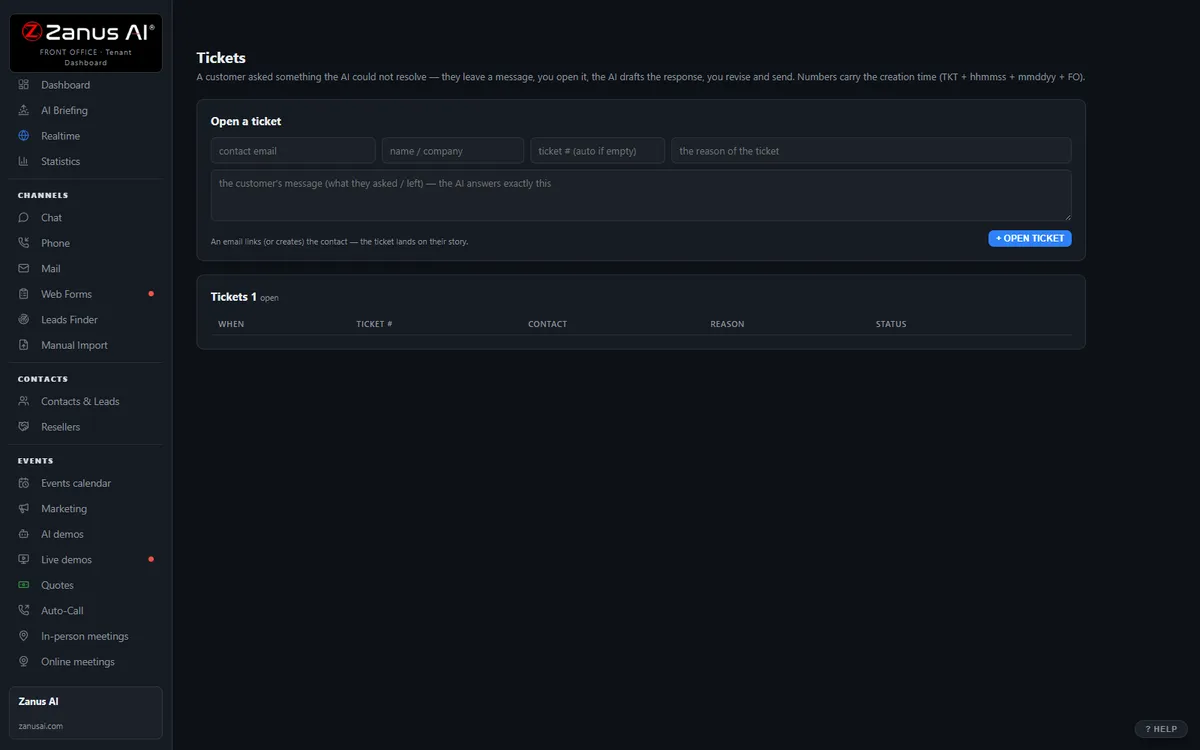
The real Tickets menu: tickets and RMAs attached to the full contact history.
What it does
Booking reference, travel date, route, seat or vehicle, item description, receipt, what exactly is asked — captured in the conversation, no callback to ask again.
Refunds to the refunds desk, items to lost & found at the right depot, assistance to the station, safety to your line at once, complaints to the manager — transcript attached.
The passenger hears when the item was matched, when the refund was decided, when the assistance is confirmed — automatically.
Inside Tickets & RMA — the real screens
Click a tab. Every picture is the live Front Office, not a mockup — the left menu is the whole product.
Off-hours is where you win
A passenger with a broken product at 9 PM gets an answer, a ticket and instructions — not voicemail. That passenger stays.
- 24/7 in up to 40 languages
- Status updates sent automatically
- Inside a solution — see pricing

Available on its own — or inside a solution
Questions, answered
Does the AI approve refunds or compensation?
Never. It files, routes and informs. Eligibility, amounts and exceptions are a person’s decision under your policy; the AI makes sure the request arrives complete and the passenger is not left wondering. Anything that sounds like a safety incident is transferred immediately, not filed and forgotten.
Which solution includes it?
Available on its own or inside a solution. Which solution includes what: see pricing.
Try it free on your own operation. 7 days. No credit card.
Give it your website. It learns your company. Then call it, chat with it, e-mail it — and decide. Nothing to install, nothing to cancel.
← Previous: Team Training · Sharing with a colleague? 📄 Get the PDF · ✉️ Email this page ·