ZANUS FRONT OFFICE FOR MANUFACTURING — WARRANTY & RMA
Warranty claims and RMAs that file themselves — complete, the first time.
A dealer reporting a failed unit for their customer, a distributor returning six units from the counter, a plant engineer with a control board down at 9 PM, a buyer whose shipment arrived short: the AI identifies the unit by serial number, checks the warranty window on the record, files the claim, RMA or service request complete, routes it — parts desk, warranty desk, quality, on-call technician — and keeps the customer informed until it is closed.
Try it free 7 days on your own business · no credit card · per company, never per seat
REAL AI - the whole Front Office is AI, not old software with an AI button. Give it your website: it learns your company, works from your approved knowledge and gets better with every answer you approve.
Live on this site right now — the assistant in the corner is the product · Award-winning AI — CES · ISE · TMCnet
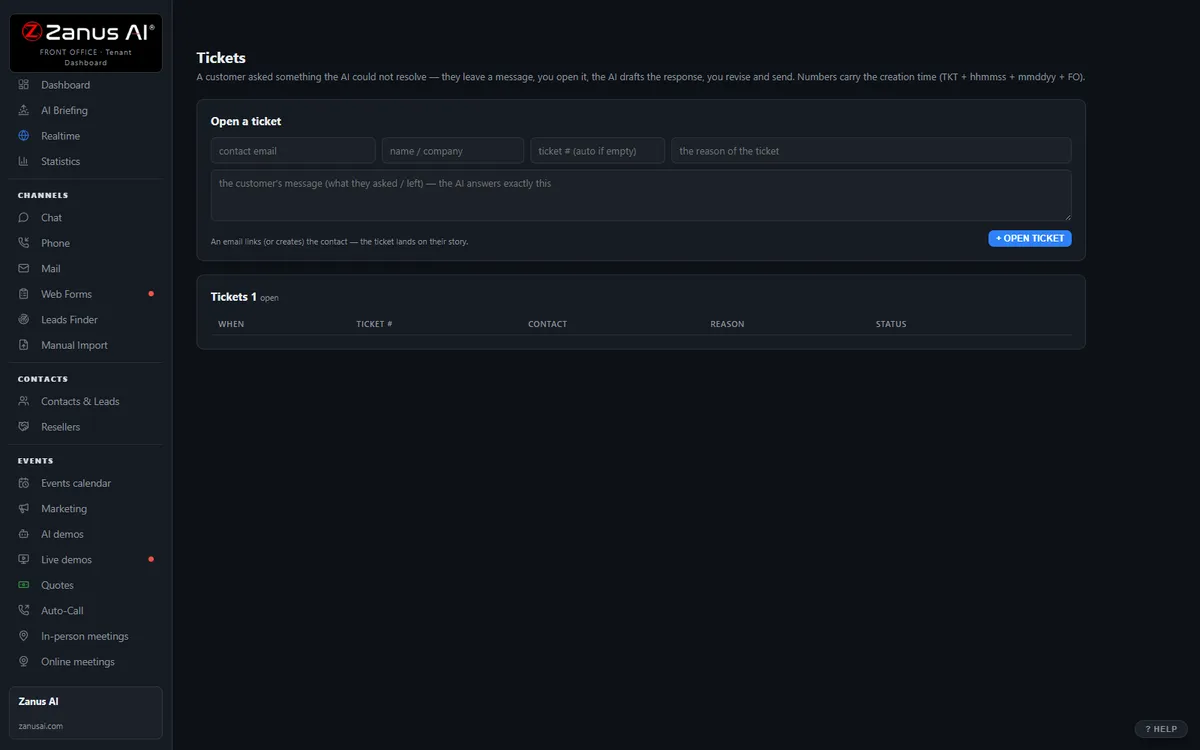
The real Tickets menu: tickets and RMAs attached to the full contact history.
What it does
Serial number, purchase date, dealer, failure description, photos requested, lot number for a process complaint — captured in the conversation, no callback to ask again.
Claims to the warranty desk, returns to the RMA queue with instructions sent, lot complaints to quality, expedites to inside sales — transcript attached.
The dealer hears when the RMA was received, the claim approved and the replacement shipped — automatically, so the end customer stops chasing the dealer.
Inside Tickets & RMA — the real screens
Click a tab. Every picture is the live Front Office, not a mockup — the left menu is the whole product.
Off-hours is where you win
A customer with a broken product at 9 PM gets an answer, a ticket and instructions — not voicemail. That customer stays.
- 24/7 in up to 40 languages
- Status updates sent automatically
- Inside a solution — see pricing

Available on its own — or inside a solution
Questions, answered
Does the AI approve warranty claims or RMAs?
Not unless a rule you wrote explicitly allows it — for example, a standard return inside the window from an authorized dealer. Otherwise it files the claim complete, checks the warranty window on the record, applies your eligibility rules to what it sends, and leaves the coverage decision to your warranty desk. Safety-related failures are routed to a person immediately.
Which solution includes it?
Available on its own or inside a solution. Which solution includes what: see pricing.
Try it free on your own plant. 7 days. No credit card.
Give it your website. It learns your company. Then call it, chat with it, e-mail it — and decide. Nothing to install, nothing to cancel.
← Previous: Team Training · Sharing with a colleague? 📄 Get the PDF · ✉️ Email this page ·