AI Team Training for Manufacturing. Employee onboarding software for manufacturers, taught by voice
AI Team Training is employee onboarding software for manufacturers: your best person explains a job once, by talking or typing, and the AI teaches it to every new hire by voice and on screen, chapter by chapter. The new hire plays it on a personal link, asks at any moment, takes a spoken test, and the attestation is signed.
TRY AI TEAM TRAINING FREENo credit card · Ready in 2 minutesReady to buy? See plans & pricing ›
7 days free · per company, never per seat · nothing to install
Invitations
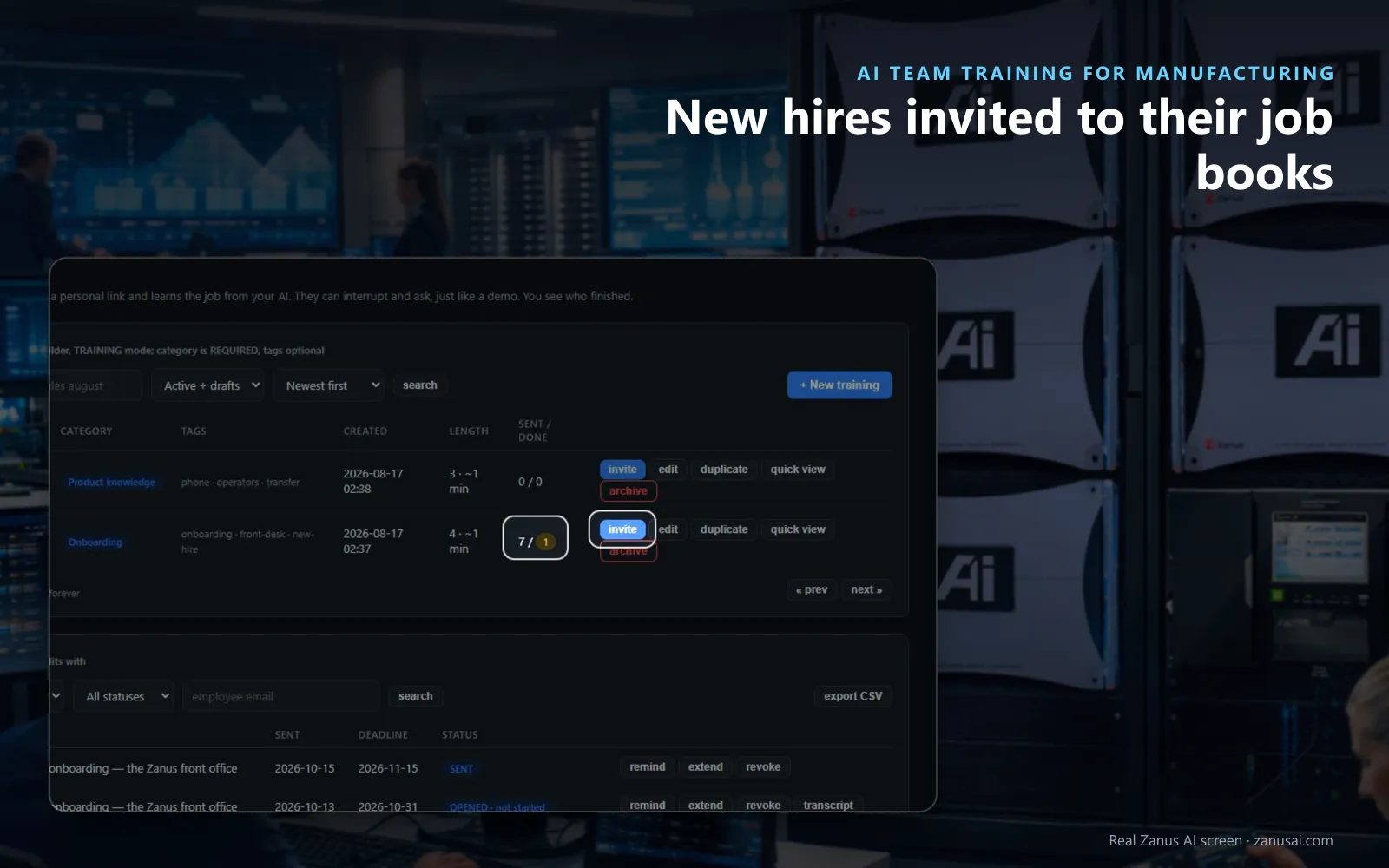
New hires invited by e-mail to the books of their job, with reminders for the people who have not finished yet.
 Easy setupSet up everything just by talking to Lisa AISee how ›
You“Give every new dashboard user the order-entry and returns books.”
Lisa“New dashboard users are now invited to the order-entry and returns books automatically. Apply?”
You talk. Lisa sets it up. Applied only on your yes.
How Manufacturing use it
A new customer service rep starts Monday; tonight she receives the order-entry and returns books on her phone.
A changed packing procedure is edited once; the register shows who on the shipping team played the new version.
A senior parts clerk retires; the procedures he dictated stay as books for the person who takes his place.
REAL AI - the whole Front Office is AI, not old software with an AI button.
What’s included
- Courses generated from your own material
- Quizzes and progress per person; transcripts and results exportable
- Updated when your knowledge changes
Available on its own or inside a solution · See pricing › · Per company, never per seat.
Onboarding
SOP training software for manufacturing teams
Explain it once
For work instruction training, dictate the order-entry or returns procedure to the assistant; each section comes back before and after, changed only on your yes.
Review my book
Before it goes out, the book is read back and the thin sections are named, so a weak step is fixed first.
A spoken test
At the end Lisa asks your test questions aloud and marks each answer against your own lines, without telling the line.
Versions kept
Every saved book keeps its versions, and the register says which one each trainee played when a procedure changes.
Set-up
Start new hire training for manufacturers in 2 minutes
Start a book
Open Training under Team, name the book after the job, such as parts counter or order entry, and add its chapters.
Explain each section
Type it or say it to the assistant, and give it a picture, a page, a video or a document from the File Cabinet.
Keep the test
Keep the test questions proposed from each chapter when you saved it, or change them to the points your supervisors check.
Invite and follow
Send the seven-day link with reminders during the free trial, no credit card, and follow each new hire in Who played.
Questions & answers
AI Team Training for Manufacturing: questions & answers
Can AI train new hires on our procedures?
Yes. Write each procedure as a book of chapters and sections, by typing or by talking to the assistant, and Lisa teaches it by voice and on screen, with the picture, video or document of each section.
What if the new hire asks something the book does not cover?
Lisa answers from the book first, then from your company's internal knowledge, never a guess. A question neither holds is noted for the trainer under Questions.
Do we get training records for each employee?
Yes. In the training records for plant staff, Who played shows who played which version, when, the questions asked and the test result, and the attestation PDFs export in one file for the personnel record.
Does the trainee need a login?
No. Each trainee plays the book on a personal link that lasts seven days, on any device, and a link that ran out asks the trainer for more time.
Keep exploring
Where next?
Start with the one thing you need. Add more anytime by asking Lisa.
AI Front Office for Manufacturing ›
Easy setup
Answers & books
Sells
Helps your team
Included
Award-winning AI
Winner at CES 2026, ISE 2026 and TMCnet Enterprise AI Product of the Year.
REAL AI - the whole Front Office is AI, not old software with an AI button.
Awards & trade shows ›


Give Lisa your website.
She sets up your business in 2 minutes.
Other software makes you learn it. Zanus AI learns your business.
Try it free on your own business — no credit card, per company, never per seat.
Ready to buy? See plans & pricing ›
Or call +1 (954) 736-3939 — the AI answers.