ZANUS FRONT OFFICE FOR LEGAL — CLIENT RECORDS
The client record that writes itself — and stays out of the case file.
Every call, chat, email, form, consultation and request lands on the client’s front-office record: who they are, which attorney and practice area, the parties they named, what was booked, which documents arrived, what is still open. The AI writes it from the conversations it had — no receptionist retypes intake notes, no paralegal reconstructs the call. Not the case file: the conversation record, next to your case-management and conflicts systems.
Try it free 7 days on your own business · no credit card · per company, never per seat
REAL AI - the whole Front Office is AI, not old software with an AI button. Give it your website: it learns your company, works from your approved knowledge and gets better with every answer you approve.
Live on this site right now — the assistant in the corner is the product · Award-winning AI — CES · ISE · TMCnet
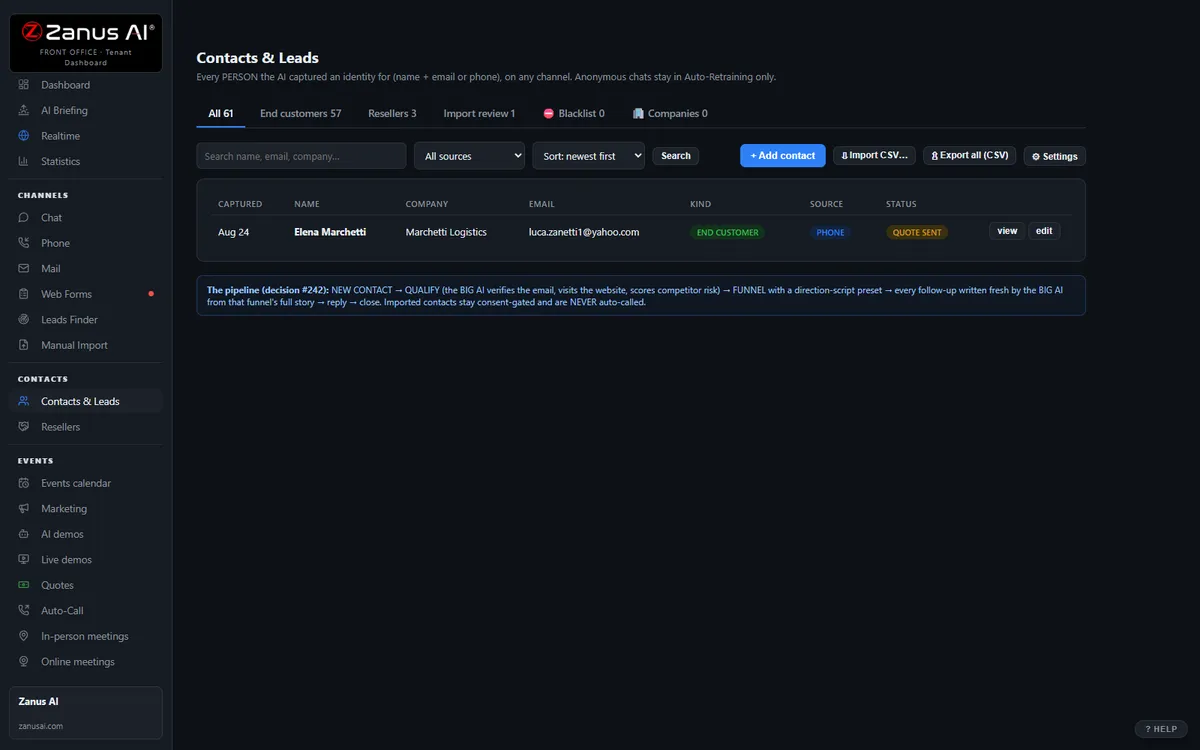
The real Contacts & Leads menu: end clients, companies, resellers, import review — one record per human, every touch attached.
What it does
Contact details, preferred language, practice area, attorney, parties named, consultations booked, documents received, requests filed — written by the AI as it talks.
Spouses, the family business, the general counsel, the referring attorney, the insurer — linked, so the desk sees the whole picture on one screen.
Limited-intake fields, consultation-fee policy, which attorney takes which practice area, contacts marked adverse — followed in every conversation.
Inside the CRM — the real screens
Click a tab. Every picture is the live Front Office, not a mockup — the left menu is the whole product.
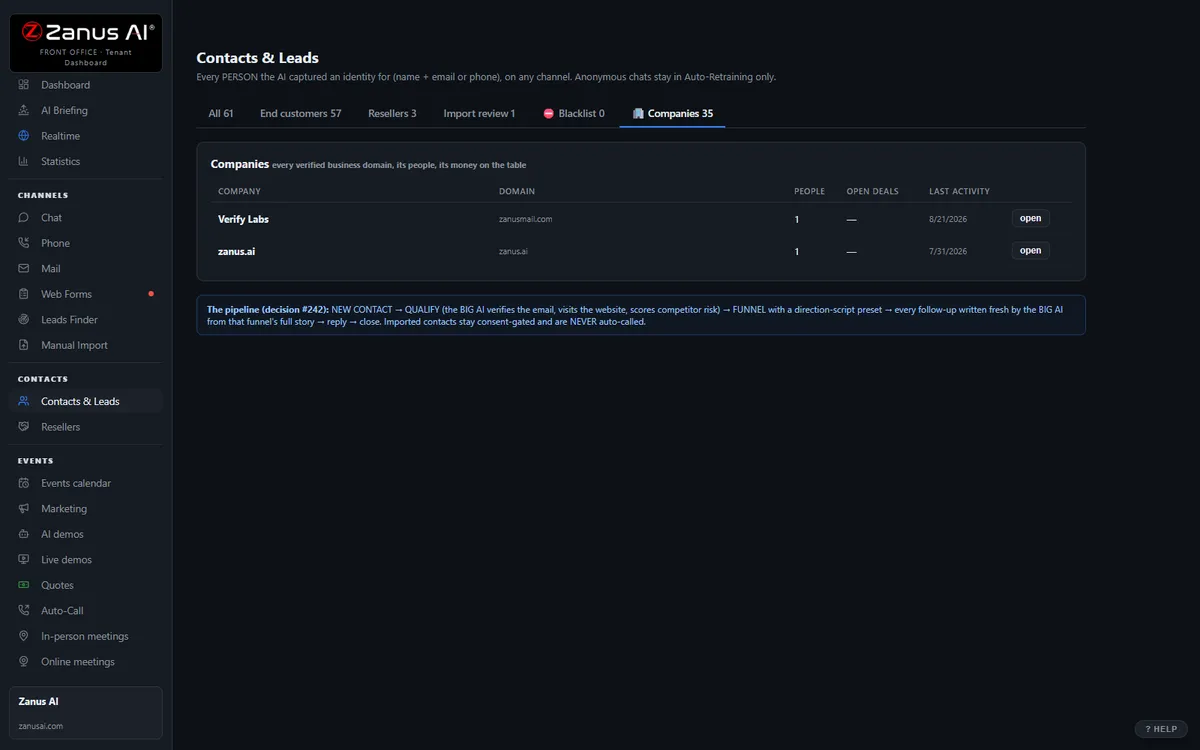
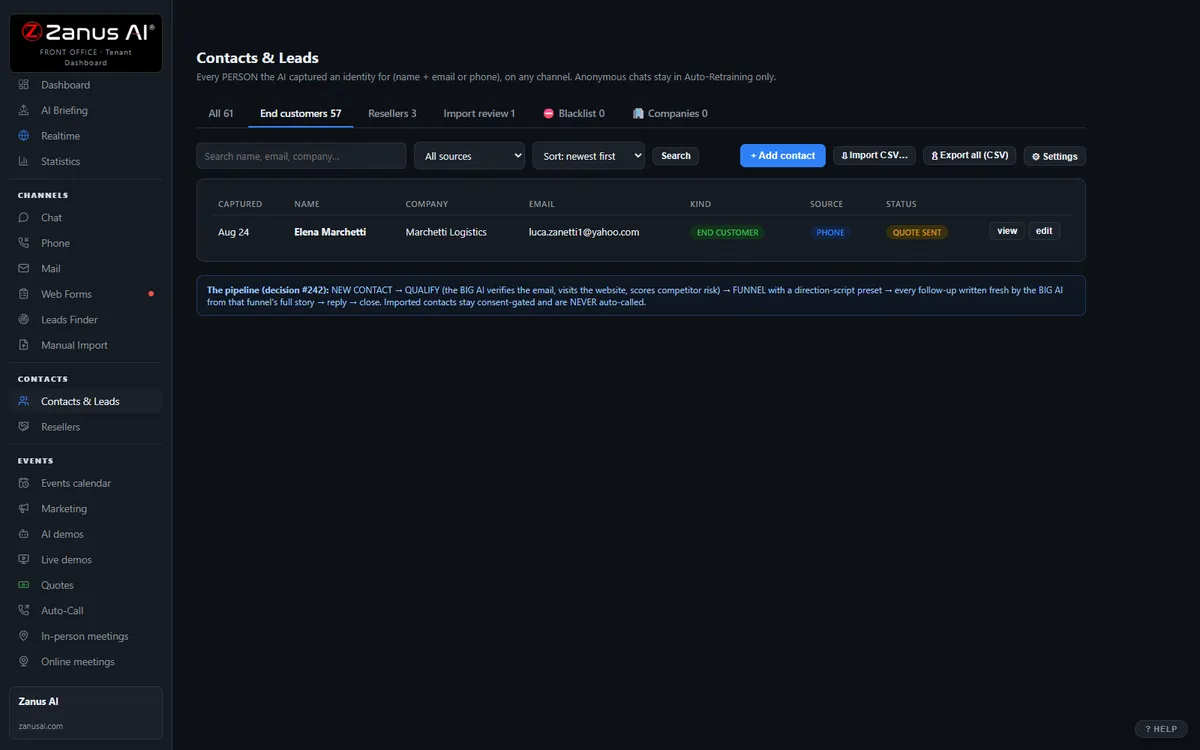
End clients, companies, resellers — three tabs, one truth
Contacts & Leads keeps end clients, the companies they belong to and your reseller network in one menu. A company card shows every stakeholder, the combined timeline and the health score; a reseller card shows their leads, approvals and web code.
- Contact → company → buying committee, mapped by the AI
- Health score 0–100 with the WHY on every record
- Reseller applications, approvals and their own lead flow
Qualification: the rules are yours, the work is the AI’s
Set what a qualified lead means for YOUR business: minimum budget, decision timeline, the fit questions the AI must ask, whether free-mail addresses count, which competitors’ employees to filter out. The AI asks in the conversation, scores the answers, and routes: qualified → demo or booking; unqualified → polite close; unsure → NEEDS HUMAN.
- Rules per department or funnel
- Competitor domains and free-mail screening built in
- Every score explained by the answers that produced it
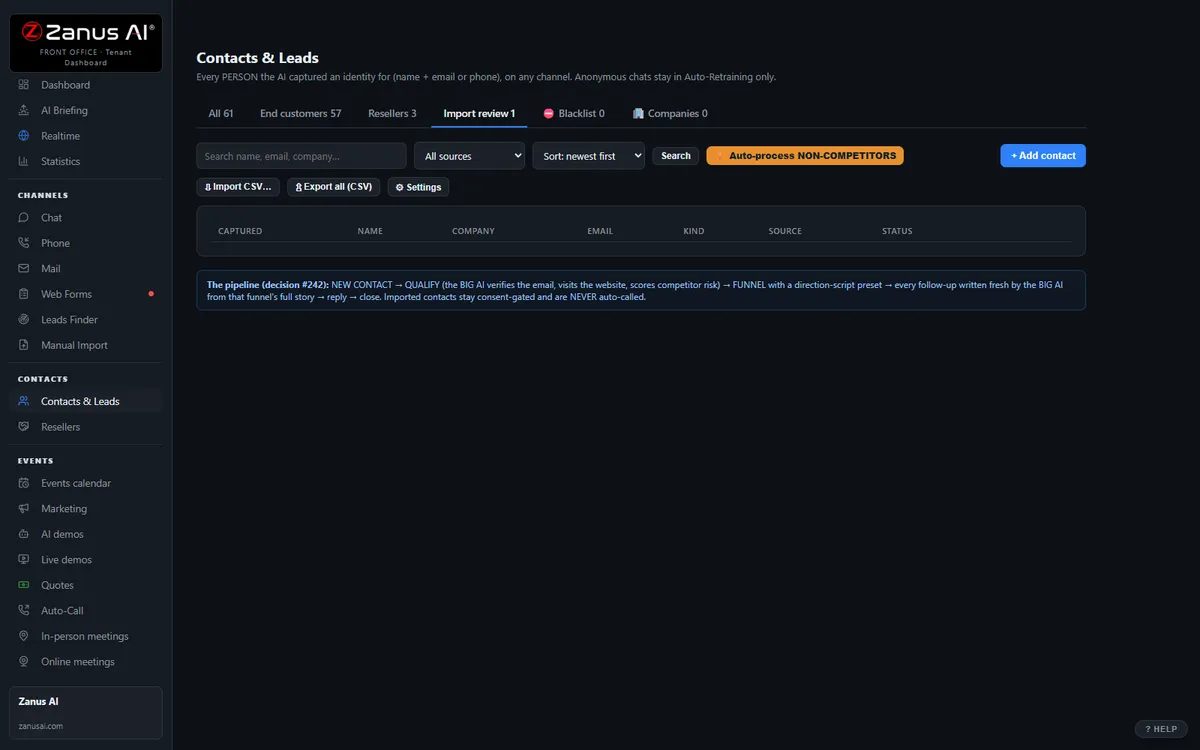
Import review: old lists become live records
Trade-show badges, purchased lists, exports from a retired CRM — import them, review the AI’s matching (duplicates merged, companies recognized, junk flagged), then let the funnels work them.
- Duplicate detection and company matching
- Junk and competitor rows flagged before they pollute your base
- Hands the clean list to Marketing funnels
Available on its own — or inside a solution
Questions, answered
Does this replace our case-management system?
No. It is the front-office layer: conversations, consultations, requests and follow-ups. Case files, pleadings, documents and billing stay where they are; Connectors write contacts and consultations back to your system, and your conflicts database remains the judge of conflicts.
Which solution includes it?
Available on its own or inside a solution. Which solution includes what: see pricing.
Try it free on your own firm. 7 days. No credit card.
Give it your website. It learns your company. Then call it, chat with it, e-mail it — and decide. Nothing to install, nothing to cancel.
← Previous: Web & Leads · Sharing with a colleague? 📄 Get the PDF · ✉️ Email this page ·