AI Demo for Training Centers. An interactive course demo for training centers, made per request
AI Demo gives you an interactive course demo for training centers: a company or a learner asks for one from the form, the chat or a call, the AI builds it from your course knowledge around what they asked, and Lisa presents it live on a personal link, in their language. You see the minutes watched, the questions and the quote asked for.
TRY AI DEMO FREENo credit card · Ready in 2 minutesReady to buy? See plans & pricing ›
7 days free · per company, never per seat · nothing to install
Personal link
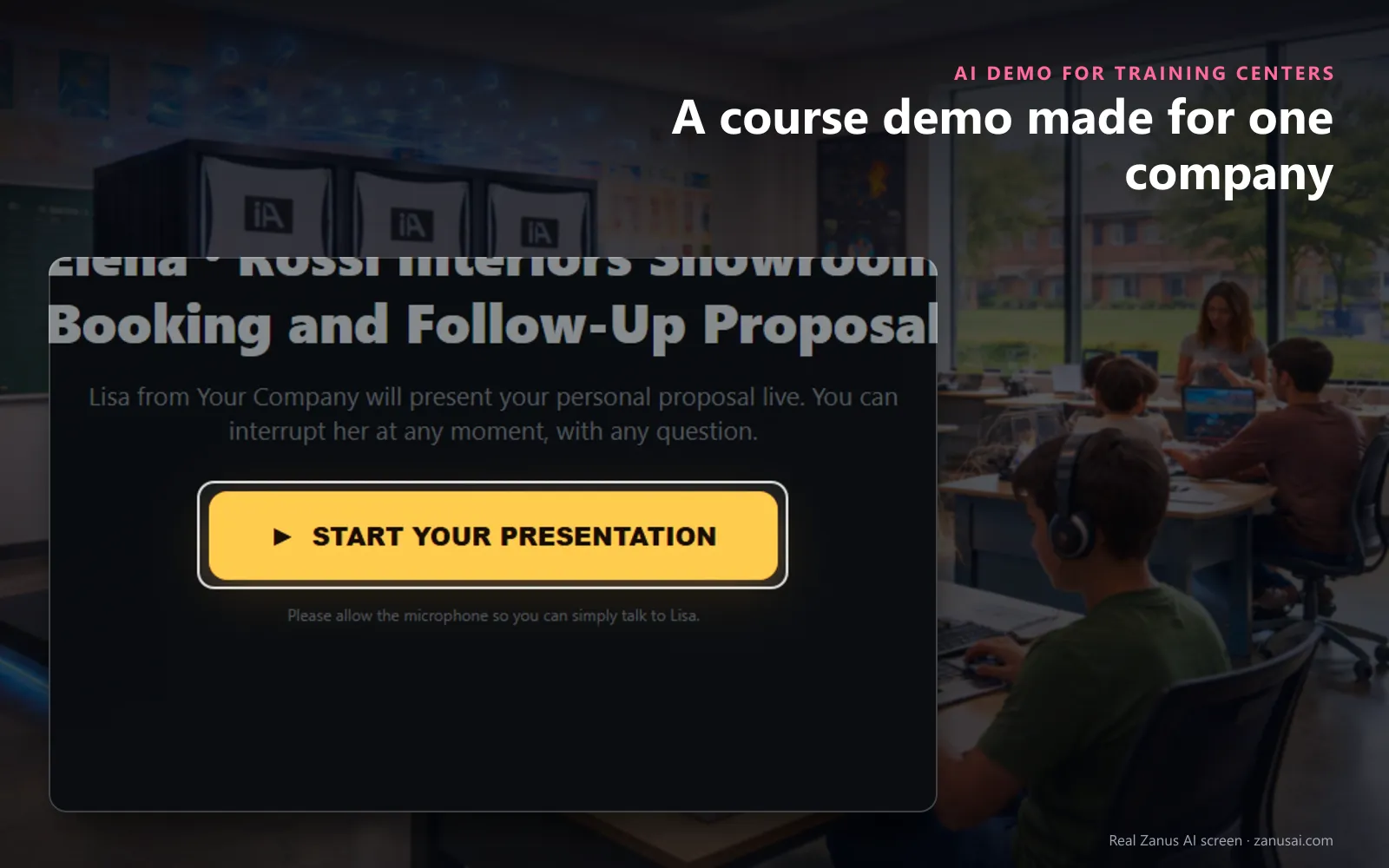
The company or the learner opens a personal link with their name and proposal, presses Start, and Lisa presents the course live.
 Easy setupSet up everything just by talking to Lisa AISee how ›
You“Give each need the company names its own page in the demo.”
Lisa“I'm switching on One page per stated need, so a company that names three needs gets three pages. Apply?”
You talk. Lisa sets it up. Applied only on your yes.
How Training Centers use it
An HR manager asks the chat to see your spreadsheet course for her team; the corporate training demo gives one page to each need she named.
A learner abroad opens the link on Sunday evening and hears the exam-prep course presented in Portuguese, cutting in with questions.
The demo ends with a quote requested for twelve places, and two questions your knowledge could not answer wait for you.
REAL AI - the whole Front Office is AI, not old software with an AI button.
What’s included
- Built from your pages, pictures and videos in minutes, a scripted show the prospect can interrupt at any moment
- The prospect asks anything, live, in their language; the AI answers from your knowledge and jumps to the right scene
- Draws diagrams and shows pictures on request, and talks about the image that is actually on screen
- Access vetted before the link goes out (competitor check, verified e-mail); links live 7 days, reactivated on request
- From inside the demo: request a ready-to-buy quote, book a call with sales, leave a message
- Every question the demo could not answer is logged, your content backlog; a PDF hand-out the prospect keeps
Add it to any contact channel — AI Phone, AI Webchat, AI E-mail or AI Web Forms — or get it inside a solution · See pricing › · Per company, never per seat.
Everything AI Demo does, for every business ›
Works withAI QuotingAI BookingAI Follow-up
Made per request
A personalized course demo for each company or learner
Built around their words
The request keeps what the company or the learner asked to see, and the demo is written about that course, with its own pages, words and pictures.
From your knowledge only
Every page comes from your course knowledge, pictures and videos; what the AI cannot ground is shown to you as missing, never invented.
Presented live by Lisa
Lisa greets the visitor by name and gives an AI course presentation page by page, with her voice and, when the avatar is on, her face.
The next step inside
Request a quote, book a call with your desk or leave a message without leaving the demo, and keep the proposal to share with a manager.
Questions & answers
AI Demo for Training Centers: questions & answers
Can a training center send a personalized course demo?
Yes. The request keeps the customer's own words and what they asked to see, and the demo is written from your course knowledge with one page for each need they named; Lisa presents it on a personal link, at any hour.
Why does a parent's demo request wait for the desk?
A free mail address, a competitor or a website that could not be verified holds the request for your look, so a request sent from a personal address waits for one click from your desk before the demo is built.
Can the learner ask questions during the course demo?
Yes, by voice or by typing, at any moment on the course demo link. Lisa answers from your knowledge, then goes back to the page or jumps to the one the question is about; what your knowledge could not answer is logged for you.
What does the center learn from a course demo?
The minutes watched, the questions asked and the quote requested, on the customer's record. A published demo starts the demo follow-up by itself, so nobody has to remember to ask whether it was seen.
Keep exploring
Where next?
Start with the one thing you need. Add more anytime by asking Lisa.
AI Front Office for Training Centers ›
Easy setup
Answers & books
Sells
Helps your team
Included
Award-winning AI
Winner at CES 2026, ISE 2026 and TMCnet Enterprise AI Product of the Year.
REAL AI - the whole Front Office is AI, not old software with an AI button.
Awards & trade shows ›


Give Lisa your website.
She sets up your business in 2 minutes.
Other software makes you learn it. Zanus AI learns your business.
Try it free on your own business — no credit card, per company, never per seat.
Ready to buy? See plans & pricing ›
Or call +1 (954) 736-3939 — the AI answers.