ZANUS FRONT OFFICE FOR SOFTWARE — SUPPORT TICKETS
Support tickets that file themselves — complete, on the first try.
A failed import at 9 PM, an integration that stopped syncing, an invoice showing more seats than the team has, an MSP client whose new hire needs accounts by Monday: the AI answers what the docs answer, and files the rest as a complete ticket — account, plan, environment, steps to reproduce, screenshot requested — sets the priority by your SLA rules, routes it to tier-2, billing or on-call, and keeps the customer informed until it is closed.
Try it free 7 days on your own business · no credit card · per company, never per seat
REAL AI - the whole Front Office is AI, not old software with an AI button. Give it your website: it learns your company, works from your approved knowledge and gets better with every answer you approve.
Live on this site right now — the assistant in the corner is the product · Award-winning AI — CES · ISE · TMCnet
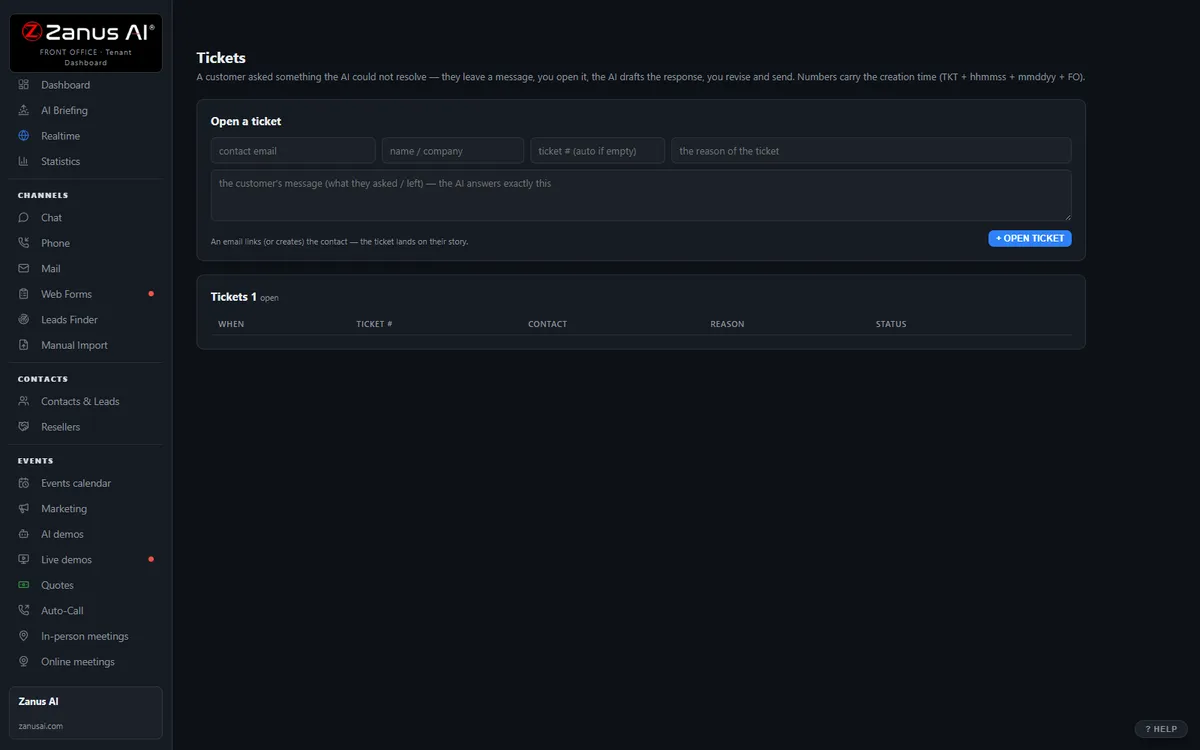
The real Tickets menu: tickets and RMAs attached to the full contact history.
What it does
No “which browser?” ping-pong: the AI asks upfront and the ticket arrives with everything tier-2 needs, in English even when the customer wrote in Portuguese.
How-to answered on the spot; bugs to tier-2 with the environment attached; billing to finance; a suspected security issue straight to on-call, never queued.
The customer hears when the ticket is picked up, when a fix ships and when it is closed — automatically, in their language, without asking.
Inside Tickets & RMA — the real screens
Click a tab. Every picture is the live Front Office, not a mockup — the left menu is the whole product.
Off-hours is where you win
A customer with a broken product at 9 PM gets an answer, a ticket and instructions — not voicemail. That customer stays.
- 24/7 in up to 40 languages
- Status updates sent automatically
- Inside a solution — see pricing

Available on its own — or inside a solution
Questions, answered
Does the AI resolve bugs or change account permissions?
It resolves what the documentation resolves — how-to, configuration, known issues with a published workaround. It never changes who can access an account, never issues an SLA credit and never decides a security incident: those are filed, routed and tracked for your people.
Does it work with our help desk, and which plan includes it?
Keep your help desk and sync tickets through API and webhooks, or retire it — tickets, statuses and history are included.
Try it free on your own product. 7 days. No credit card.
Give it your website. It learns your company. Then call it, chat with it, e-mail it — and decide. Nothing to install, nothing to cancel.
← Previous: Team Training · Sharing with a colleague? 📄 Get the PDF · ✉️ Email this page ·