ZANUS FRONT OFFICE FOR HARDWARE, DEVICES & ELECTRONICS
Next-generation AI for Hardware, Devices & Electronics. Try it free on your own product line. No credit card.
Not a service console your agents operate. An AI that answers the pairing question, files the RMA and quotes the reseller itself. ZANUS AI Front Office for Hardware is the AI support desk, pre-sales desk and channel desk for device makers, electronics brands and IoT companies. Customers ask why the unit will not pair, which adapter fits, whether the serial is under warranty — the AI answers on phone, website chat, email and web forms from your manuals and spec sheets, walks them through the approved setup guide, and opens the RMA complete when the guide is exhausted. Buyers ask about compatibility; resellers ask for a volume quote — it answers from your specs and quotes from your price list and their tier. Safety reports and engineering questions go to your people, immediately. Grounded only in the documentation you approve: no source, no claim.
Try it free 7 days on your own business · no credit card · per company, never per seat
REAL AI - the whole Front Office is AI, not old software with an AI button. Give it your website: it learns your company, works from your approved knowledge and gets better with every answer you approve.
Live on this site right now — the assistant in the corner is the product · Award-winning AI — CES · ISE · TMCnet
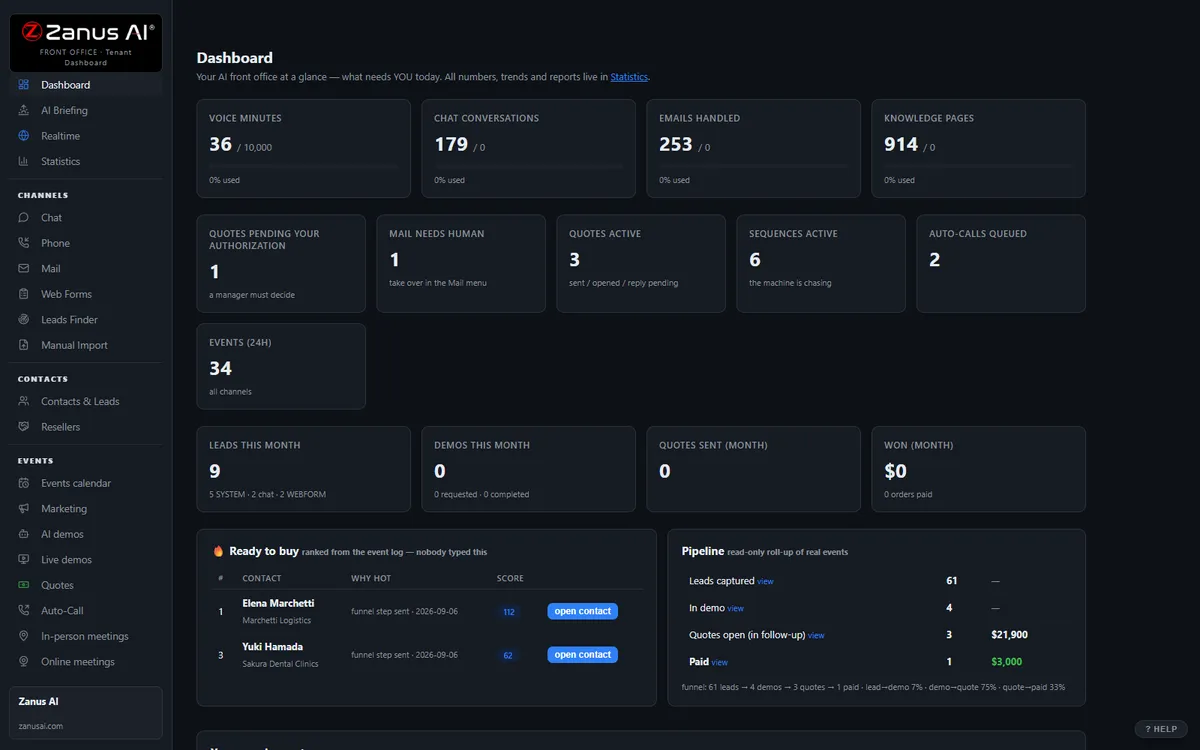
The real Front Office dashboard: today’s numbers, what needs a person, every menu on the left. In the trial it is yours, with your company in it.
FREE TRIAL · 7 DAYS · NO CREDIT CARD
Give us your website. Ten minutes later, your company answers the phone.
“Give us your website. Ten minutes later Zanus has built a private 7-day sandbox around your company: your knowledge, a phone line that answers as you, your website with Lisa on it, your dashboard with your data. Not old software with an AI button — the AI is the software.”
“No card. No setup fee. Per company, never per seat. You decide after you hear it answer as your company.” One trial per company: a working business website and an e-mail on its domain.
- 1Your website. Lisa reads it and proposes your departments and people; she asks only what the site does not say.
- 2Your sandbox, in ten minutes. A phone line in your area code that answers as you and transfers to your real phones, your website with Lisa on it, your dashboard with your data.
- 3Seven days on your business. Day 1 the first call; day 3 a mail “what your callers asked”; day 7 a report.
- 4Keep it or walk away. Buy any solution on any day and the sandbox becomes the account — same number, same knowledge, nothing redone. Walk away and nothing is charged.
How you start
Three steps, in the order you like. Most people skip straight to the second.
Two minutes. The AI presents the Front Office and answers your questions live — the demo is the product.
Your website, your phone line, your dashboard. No card, nothing to install. Start free
Any solution, on any day of the trial — the sandbox becomes your account. Per company, never per seat. See pricing →
Prefer to own your AI on your own premises? See AI Servers — a separate product. The Front Office above needs no server.
One AI Front Office. Every job your support, pre-sales and channel desks do today.
The same 31 menus, read through a head of support’s eyes. The big suites give your agents a console to work in — a case form, a knowledge tool, a partner portal to maintain. Each function below is the AI doing that job itself, in your vocabulary — enable what your plan includes, add more with the next product launch. No integration project, no seat count. Comparing options? See the comparison →
Every morning: overnight support conversations, RMAs opened, quotes sent, the firmware question forty callers asked — and which accounts need an engineer or a channel manager today.
Learn more →
AI PhoneAnswers the support, sales and partner lines on your menu, 24/7 — troubleshoots from the manual, checks warranty by your rules, opens the RMA, transfers safety reports to a person at once.
Learn more →
AI Chat & VoiceWebsite chat and voice that answers “does it work with…”, “which cable”, “how do I pair” and “where is my RMA” from your docs — and books the technical call in the conversation.
Learn more →
AI AvatarA lifelike presenter on your support and product pages that walks a customer through unboxing and setup face to face, in 40 languages.
Learn more →
Setup & Product DemosSetup walkthroughs, model comparisons and feature tours narrated by AI and interruptible — the customer asks “which port?” mid-guide and gets the answer from your manual.
Learn more →
Leads & RegistrationsProduct registrations, warranty-claim forms, quote requests, reseller applications and evaluation-unit requests worked in minutes — from form to booked call or opened RMA.
Learn more →
Contacts & AI CRMEvery customer, buyer and reseller contact written by the AI: model, serial and firmware stated, purchase channel, questions asked, RMAs open — no data entry, and a Resellers tab for your channel.
Learn more →
AI E-mailSupport and sales inboxes answered from your manuals and spec sheets — driver links, compatibility, RMA status — distributor orders and engineering escalations routed with a draft ready.
Learn more →
Quotes & Volume PricingVolume quotes, accessory bundles, spare parts and extended-warranty quotes from your real price list and partner tiers — one-click approval, tracked, followed up, payable online.
Learn more →
Follow-up & RenewalsPost-purchase setup tips, registration nudges, extended-warranty offers before the term expires, firmware notices in your wording, quote chase — stopped the moment a person should call.
Learn more →
Tech Calls & VisitsLevel-2 technical calls, pre-sales engineering calls, repair drop-offs, installer visits and partner training sessions booked in the conversation — time-zone safe, calendars synced.
Learn more →
Agent Training & AssistSupport agents trained on your manuals, troubleshooting trees, warranty terms and RMA policy before their first shift; a team assistant at the repair bench that cites the page.
Learn more →
Support & RMASupport tickets and RMAs filed complete in the conversation — model, serial, firmware, purchase date, symptoms, photos — eligibility by your rules, label sent, status told until the replacement ships.
Learn more →
Pipeline & VolumeDeal probability for the fleet order and the distributor renewal from what accounts actually asked and opened — and which product drives this week’s support conversations. Always with the WHY.
Learn more →
Accounts & ChannelDistributors, resellers, integrators and B2B accounts mapped from real conversations: who asked about price, who asked about specs, who went quiet — health score on every account.
Learn more →
Add AI to what you haveYour order, service, returns and partner systems stay the record — native CRM sync, webhooks and API, an MCP server for any AI you authorize.
Learn more →
ProtectionDaily caps on every AI resource: a viral unboxing video, a recall day or a script hammering your warranty lookup costs a capped, known amount — customers see courtesy.
Learn more →
What happens to every inquiry — in your product line
A pairing failure at 9 PM on the day the box was opened, a compatibility question from an integrator in another time zone, a distributor asking for a volume quote, a reseller filing an RMA for an end customer — on the support line, the website, the inbox. Any of 40 languages.
Setup steps, compatibility, what is in the box, which adapter, where the driver is, what the warranty term covers, the published lead time — the AI answers from your manuals, spec sheets and policies only, itself, in the conversation. No source, no claim. No invented specs.
End customer, buyer or partner; which model, serial and firmware; under warranty or not by your rules; setup problem or real defect; routine or a safety report — your routing rules applied in the conversation. Anything about heat, smoke, batteries or injury goes to a person at once.
Walk the customer through the approved guide, open the RMA with label and instructions, build the quote from the price list and the partner tier, book the level-2 call or the repair drop-off, transfer to the engineer with the context whispered in.
The RMA status until the replacement ships, the registration never completed, the extended warranty due before the term expires, the quote unopened, the evaluation unit shipped and never discussed, the distributor gone quiet — on schedule, until done.
Every touch on the customer’s record and the account’s timeline; the buying committee drawn from who asked what. Every morning a briefing: what was handled overnight, which accounts need a person today, which question the manual does not answer yet.
AI-driven end to end. A person wherever your rules require it. Safety reports, engineering questions, warranty exceptions, recall and regulatory matters and anything outside your published documentation wait for your team; the routine — the setup question, the driver link, the RMA intake, the reseller quote, the follow-up — the AI handles and reports.
One knowledge base feeds every channel
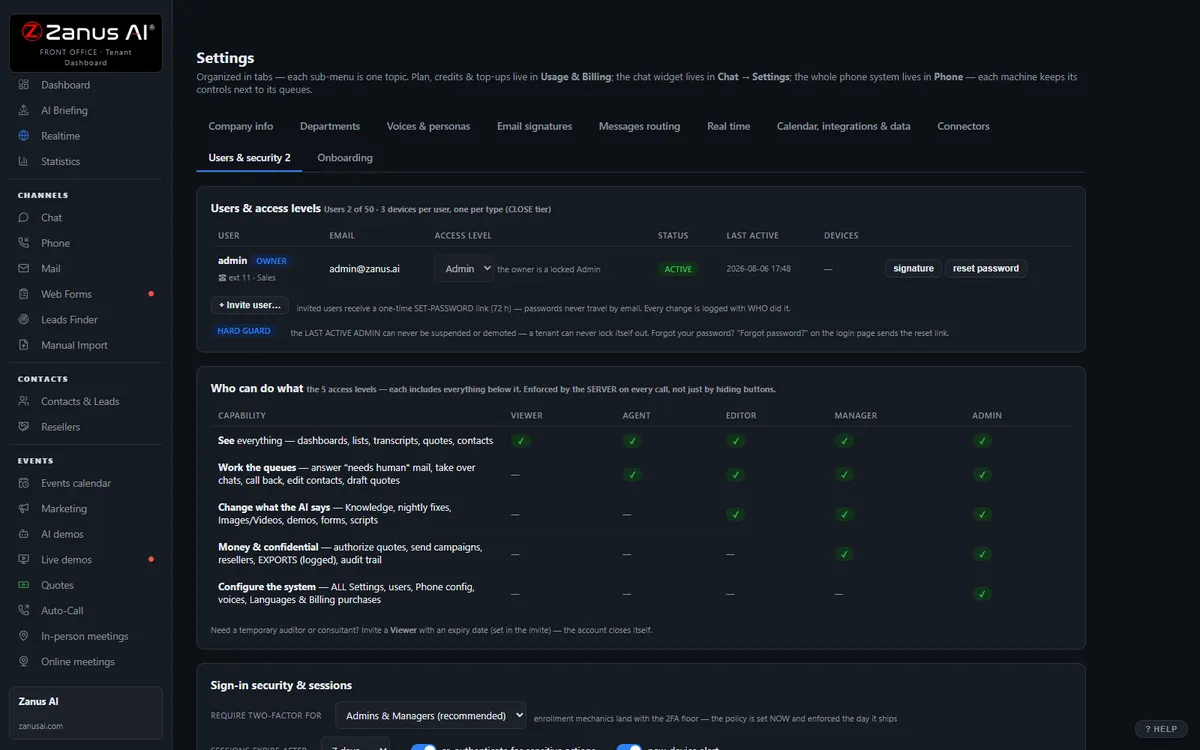
Websites, uploads, pages and articles, Q&A, battle cards, images and videos — you approve it once, and phone, chat, email, demos and quotes all answer from the same verified source. No source, no claim.
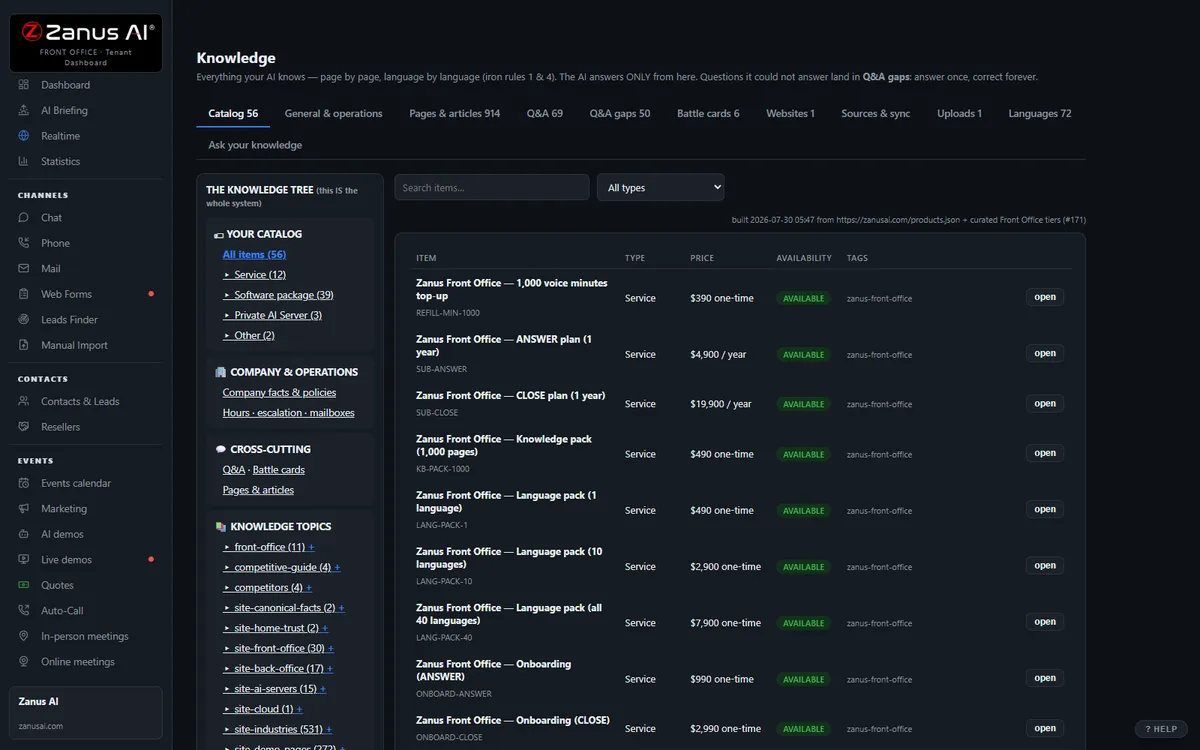
40 languages, one bill, a help drawer over every screen
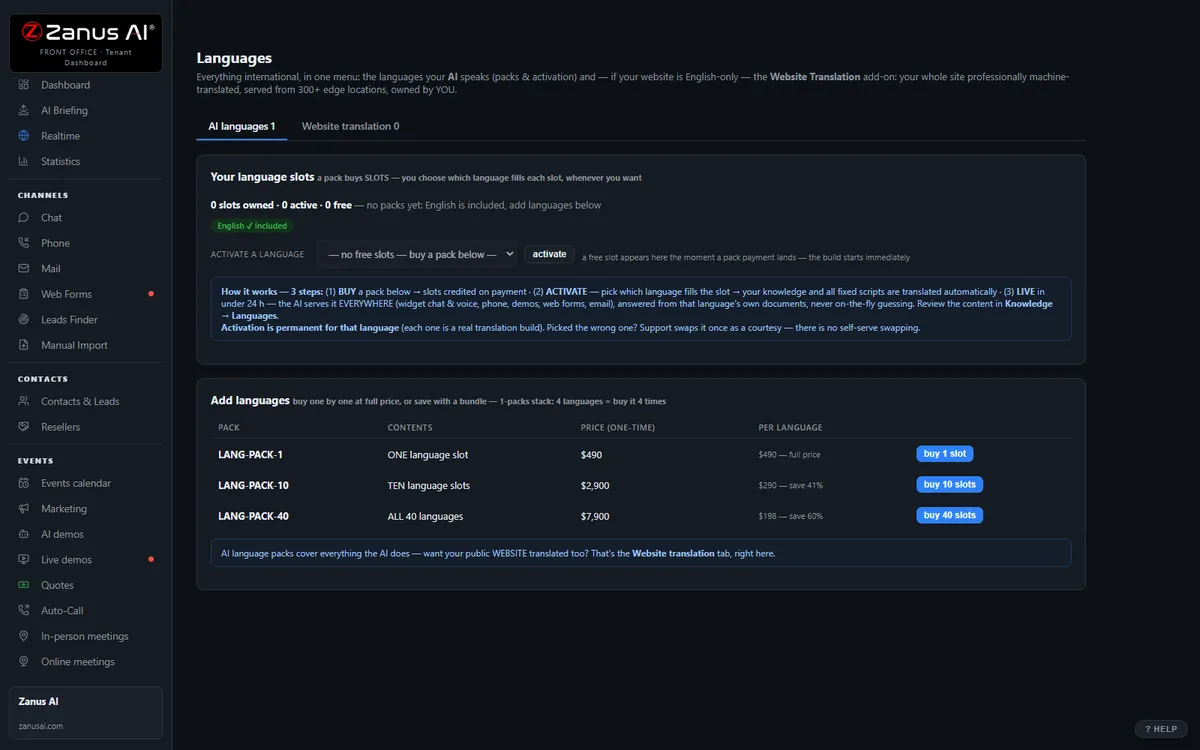
Languages and website translation, billing with plans, top-ups and alerts, onboarding, users & security, and the help drawer that answers from the platform manual — the plumbing that comes with it.
Private by architecture
Your Front Office runs in a private Cloudflare environment dedicated to your company — your own data-processing container, not a shared pool. Your knowledge stays yours: it never trains global models like GPT or Grok, and it is never shared.
- Private data-processing environment per company
- Grounded only in your knowledge
- Claim guard: no source, no claim
- Private environment option: an isolated environment with enterprise-grade security certifications, on request
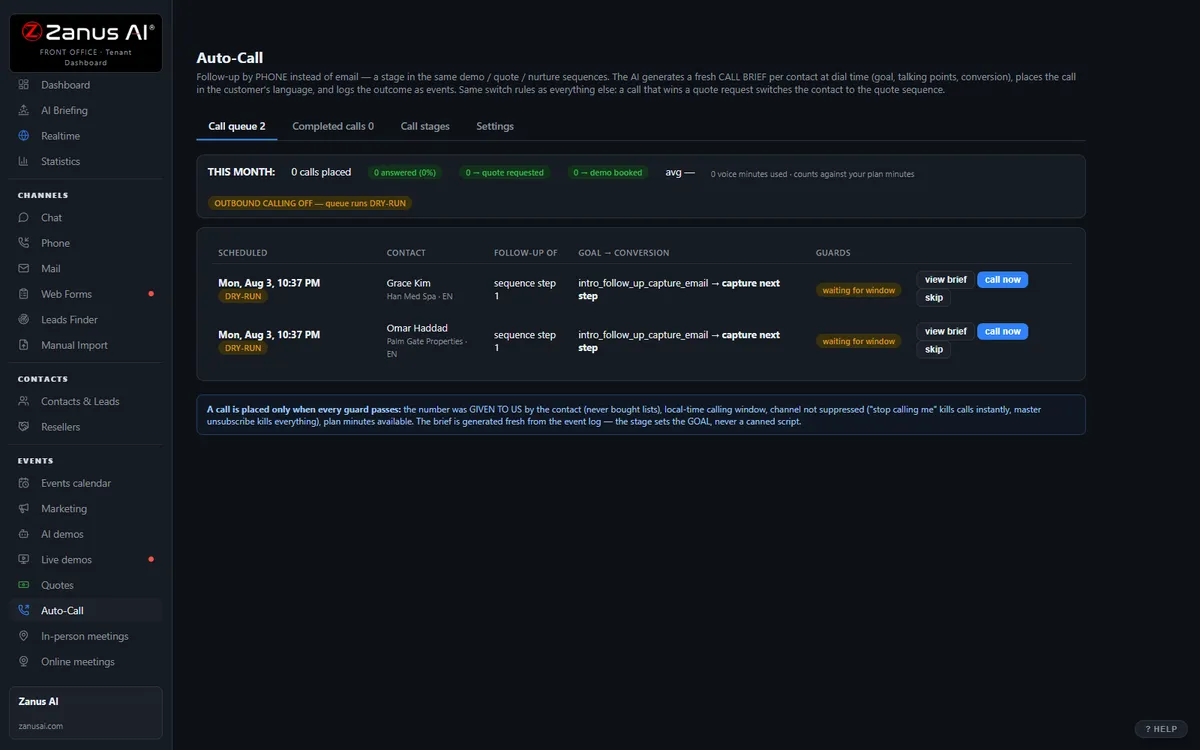
Auto-Call — the AI calls your customers
Not only answering. From an automated event (a due date, a ready order, tomorrow’s appointment), a scheduled funnel or a list, the AI calls your registered contacts and announces your message — or talks as an agent: answers the question, moves the appointment, confirms, collects the missing detail. Call window, attempts, voicemail policy and consent rules are yours; every call is transcribed.
- “Hi Alex, this is Corebyte Devices: your repair is complete and the unit ships back to you tomorrow.”
- “Hi Wei, this is Corebyte Devices: your extended support plan ends this month. Would you like to renew now or go over the options?”
Scheduled Auto-Call comes inside a solution — see pricing; calling back the hang-ups is part of AI Phone. How it works, in the Phone chapter ›
The same Front Office, by job
The jobs a product line names most often — each explained in full: what falls through the cracks today, a day with the AI on the job, every function seen from that job.
Questions, answered
What happens when a customer reports a hot adapter or a swelling battery?
It goes to a person immediately. Any report of overheating, smoke, fire, a swelling or leaking battery, electric shock or injury is routed by your rules — transfer to your safety contact with the context whispered in, or your approved safety instructions read word for word and a callback booked — and is never treated as a routine ticket. The same applies to engineering questions: circuit design, tolerances outside the datasheet, custom firmware go to an engineer with the thread attached. The AI never improvises a repair step or a specification.
What happens to our customers’ and partners’ data?
Your Front Office runs on a private data-processing environment dedicated to your company; conversations, serials and partner pricing never train public models and are never shared. Account-specific details — an RMA status, a partner tier — are given only to a verified contact of that account. Companies whose customers or regulators require an isolated environment with specific certifications ask for a private environment — available on request.
Does it replace our service-management, returns and partner systems?
It replaces the work, not necessarily the records. The AI troubleshoots, files the RMA, quotes and follows up itself, then writes tickets, RMAs, contacts and bookings back through Connectors — native CRM sync, webhooks and API. Your order-management, service-management and returns systems can stay the system of record; the queue in front of them empties, and many teams retire the chatbot and the partner-portal FAQ.
Try it free on your own product line. 7 days. No credit card.
Give it your website. It learns your company. Then call it, chat with it, e-mail it — and decide. Nothing to install, nothing to cancel.
Sharing with a colleague? 📄 Get the PDF · ✉️ Email this page ·