ZANUS FRONT OFFICE FOR REAL ESTATE — CLIENT RECORDS
The client record the AI writes itself — not the CRM your agents update on Sunday night.
Every call, chat, email, form and showing lands on the client’s record: buying, selling or renting, timeframe, price range and pre-approval as stated, properties asked about, showings booked, feedback given, what is still open. The AI writes it from the conversations it had — nobody types notes in the car after a showing, and nothing depends on an agent remembering to log the sign call. Linked to the listing and the agent, next to your transaction system.
Try it free 7 days on your own business · no credit card · per company, never per seat
REAL AI - the whole Front Office is AI, not old software with an AI button. Give it your website: it learns your company, works from your approved knowledge and gets better with every answer you approve.
Live on this site right now — the assistant in the corner is the product · Award-winning AI — CES · ISE · TMCnet
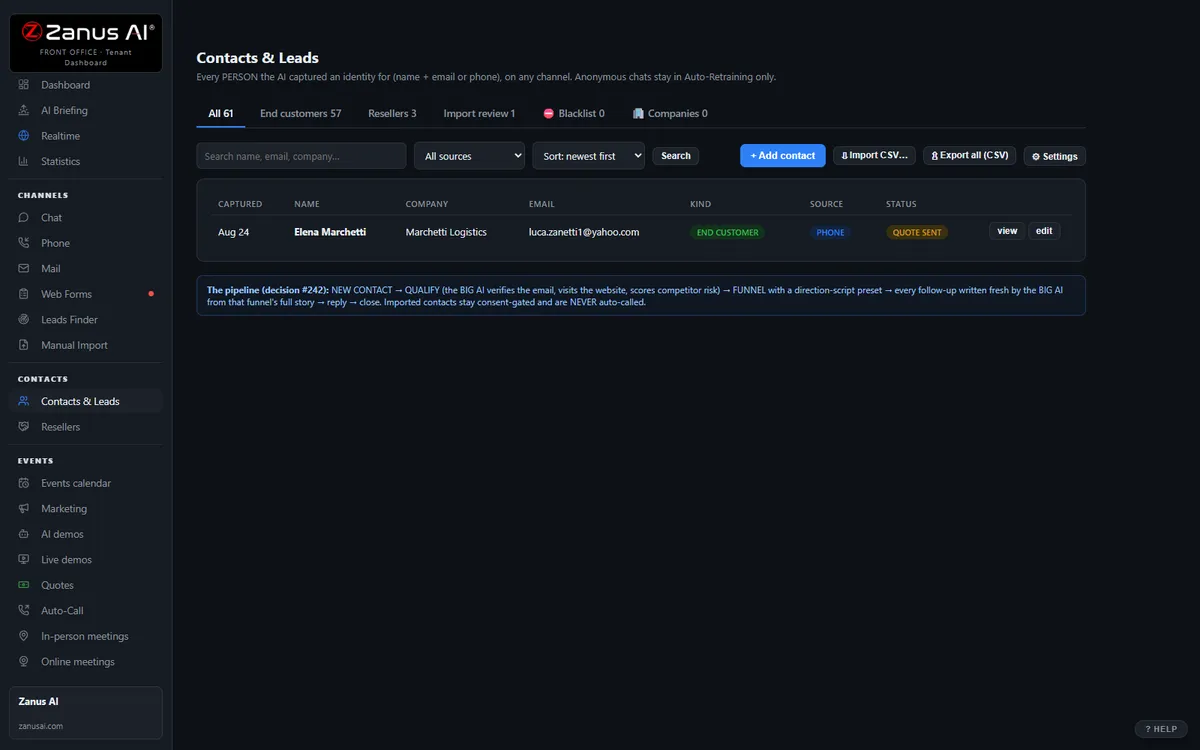
The real Contacts & Leads menu: end clients, companies, resellers, import review — one record per human, every touch attached.
What it does
Contact details, preferred language, timeframe, price range, properties viewed, offers mentioned, another agent they work with — written by the AI as it talks.
Spouses, co-buyers, the parent who pays, the relocation coordinator, the investor’s assistant — linked, so the agent sees the whole picture on one screen.
Which agent owns which listing and which lead, team round-robin, showing windows, application steps — the AI follows them in every conversation.
Inside the CRM — the real screens
Click a tab. Every picture is the live Front Office, not a mockup — the left menu is the whole product.
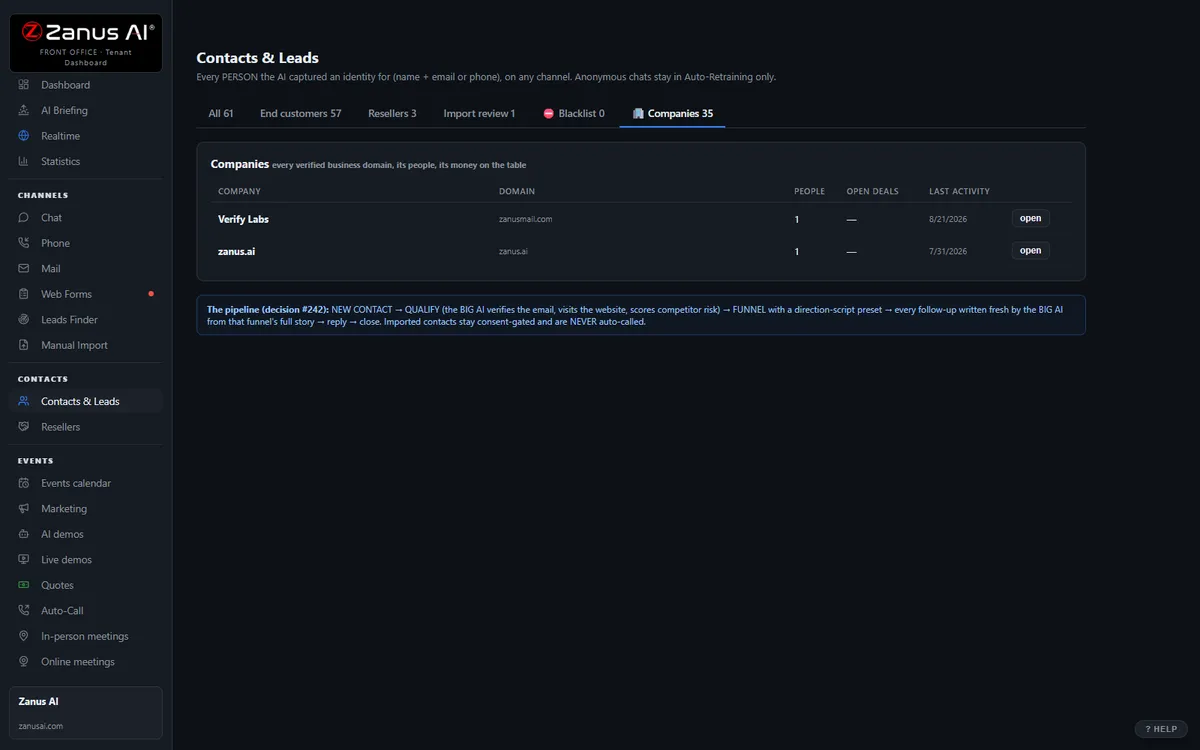
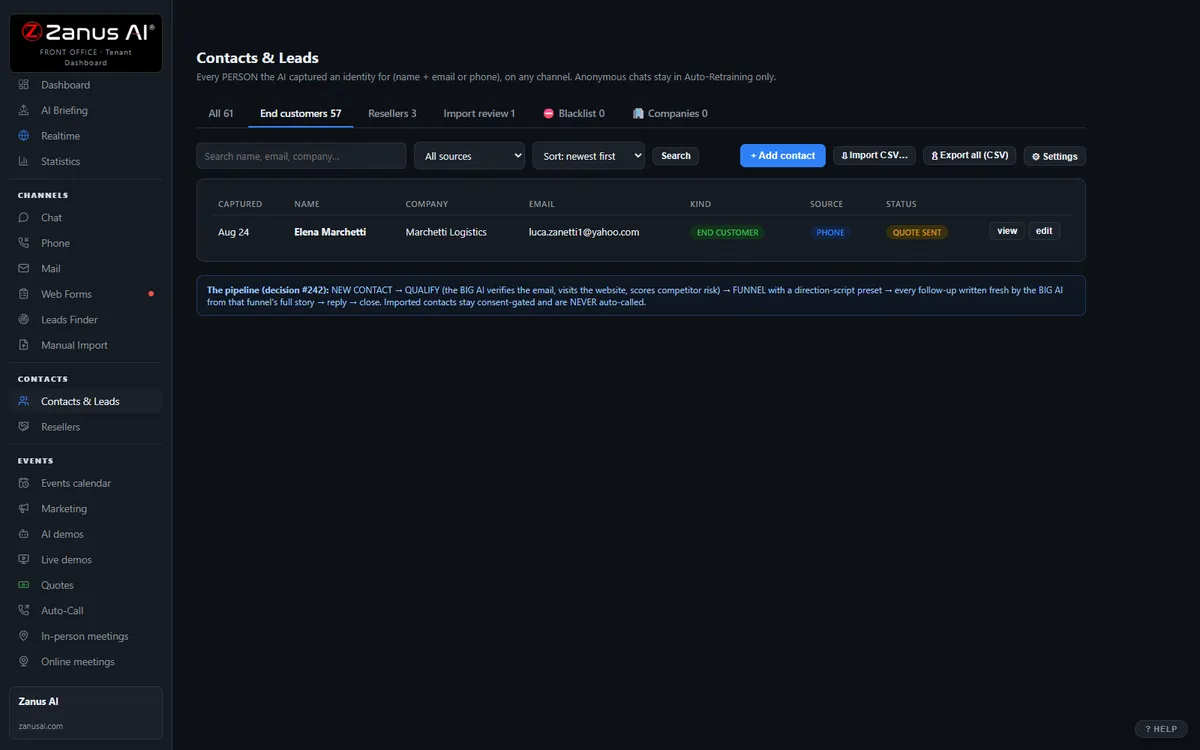
End clients, companies, resellers — three tabs, one truth
Contacts & Leads keeps end clients, the companies they belong to and your reseller network in one menu. A company card shows every stakeholder, the combined timeline and the health score; a reseller card shows their leads, approvals and web code.
- Contact → company → buying committee, mapped by the AI
- Health score 0–100 with the WHY on every record
- Reseller applications, approvals and their own lead flow
Qualification: the rules are yours, the work is the AI’s
Set what a qualified lead means for YOUR business: minimum budget, decision timeline, the fit questions the AI must ask, whether free-mail addresses count, which competitors’ employees to filter out. The AI asks in the conversation, scores the answers, and routes: qualified → demo or booking; unqualified → polite close; unsure → NEEDS HUMAN.
- Rules per department or funnel
- Competitor domains and free-mail screening built in
- Every score explained by the answers that produced it
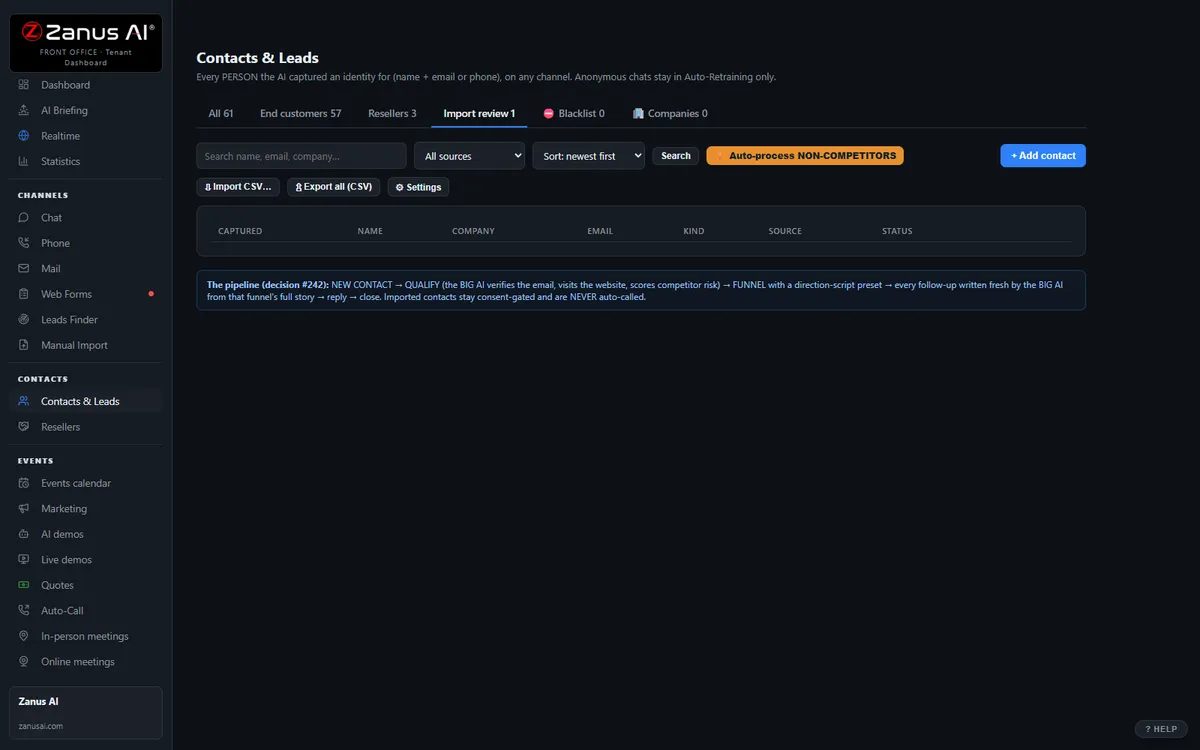
Import review: old lists become live records
Trade-show badges, purchased lists, exports from a retired CRM — import them, review the AI’s matching (duplicates merged, companies recognized, junk flagged), then let the funnels work them.
- Duplicate detection and company matching
- Junk and competitor rows flagged before they pollute your base
- Hands the clean list to Marketing funnels
Available on its own — or inside a solution
Questions, answered
Does this replace our brokerage CRM or transaction system?
No. It is the front-office layer: conversations, showings, requests and follow-ups. Transactions, documents and commission tracking stay where they are; Connectors write leads, showings and contacts back to your system.
Which solution includes it?
Available on its own or inside a solution. Which solution includes what: see pricing.
Try it free on your own brokerage. 7 days. No credit card.
Give it your website. It learns your company. Then call it, chat with it, e-mail it — and decide. Nothing to install, nothing to cancel.
← Previous: Web & Leads · Sharing with a colleague? 📄 Get the PDF · ✉️ Email this page ·