ZANUS BACK OFFICE — NEW STAFF TRAINED BY THE AI
The new hire asks the AI.
Not the busiest person in the room.
Every new employee costs a senior weeks of interruptions, and every departure takes knowledge with it. Here the onboarding path is built from your own procedures, documents and videos, per role; the AI walks the new person through it, answers questions with the source shown and checks what they learned. The senior is interrupted for judgment, not for where the form is.
Hosted, private or on a unit you own · your rules, your approved sources · live in days, not months
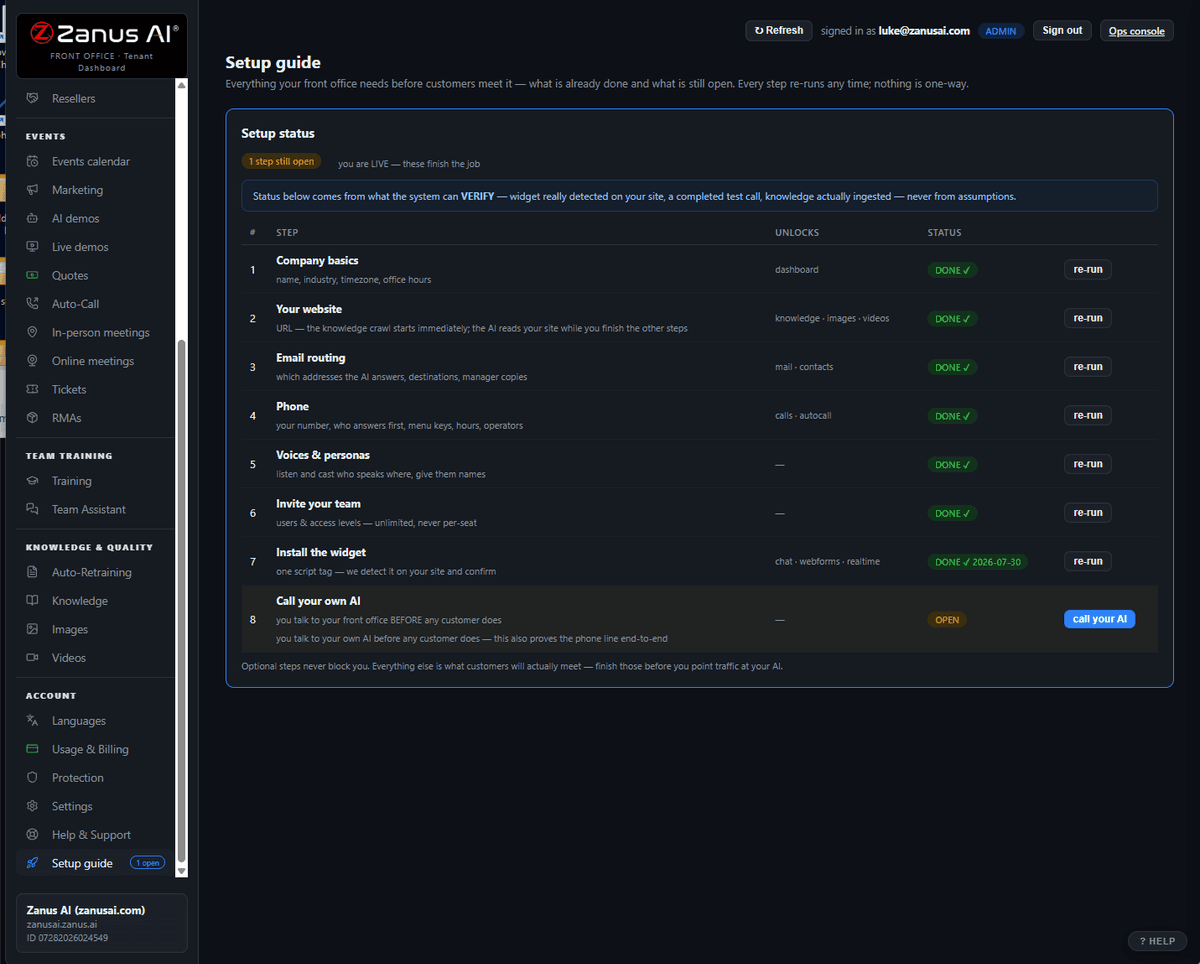
An onboarding path for one role: modules from your libraries, sessions the AI runs, progress tracked per person.
What it does
User types define what a new operator, a manager or a technician must know. The path is built from your libraries, not from generic content.
The AI explains the procedure, shows the document and the video, answers the questions, and checks understanding with your own cases.
Who finished what, where people get stuck, which procedure raises the most questions — a signal that the procedure needs rewriting.
Inside New staff trained by the AI — the real screens
Click a tab. Every picture is the working Back Office — the left menu is the whole product.
Knowledge that stays when people leave
The way you handle a claim, close a month, receive a delivery or greet a client is written or recorded somewhere. Put it in a library and it becomes training, help and verification at once: the new hire learns it, the assistant answers from it, the automation enforces it. When the person who knew it best leaves, the company still knows it.
- Procedures, documents and videos become the curriculum
- One source for training, help and automation
- Updates propagate; nothing is trained twice
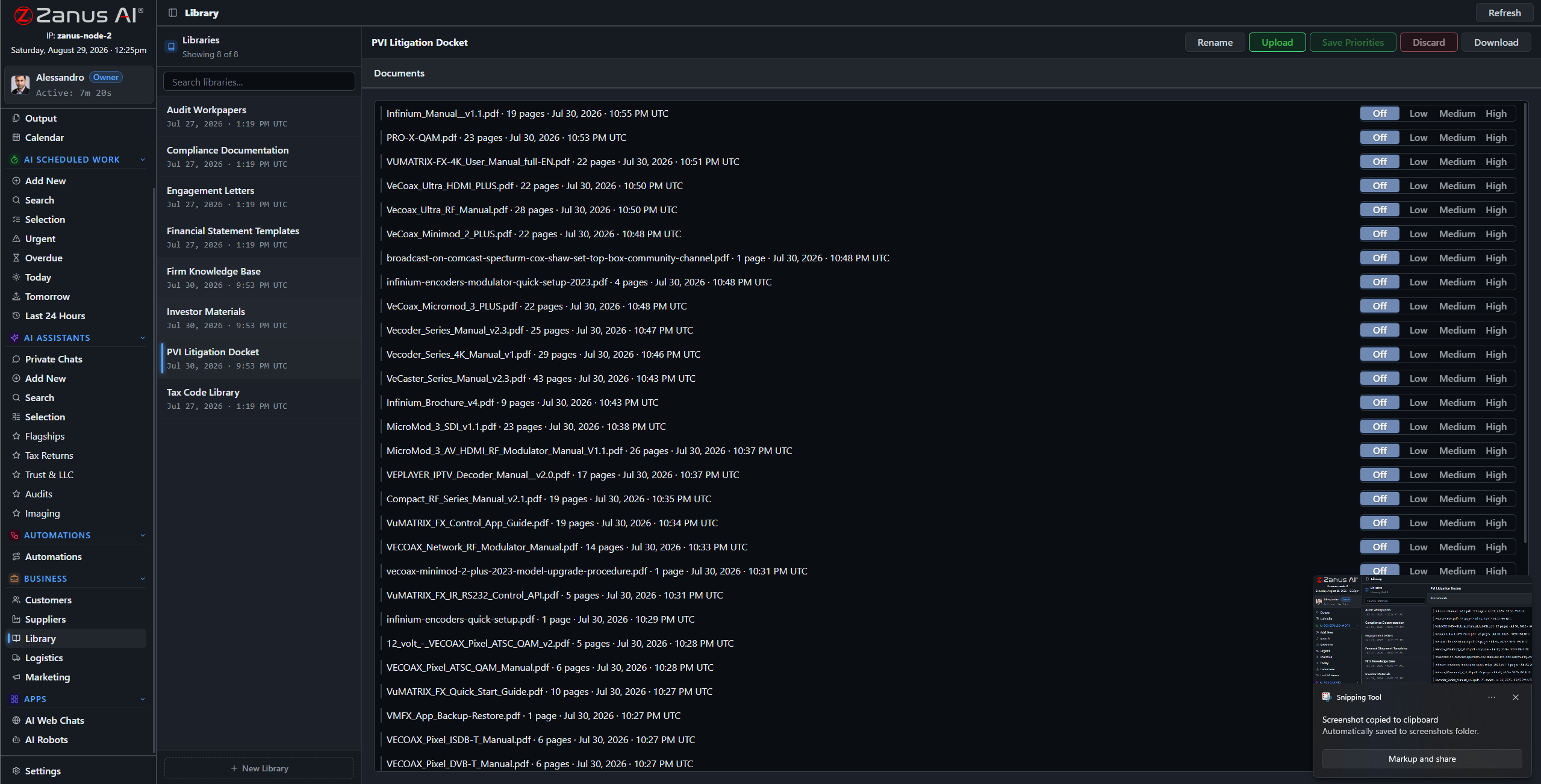
The training content is the company’s own procedures and recordings. Update the procedure and the training updates.
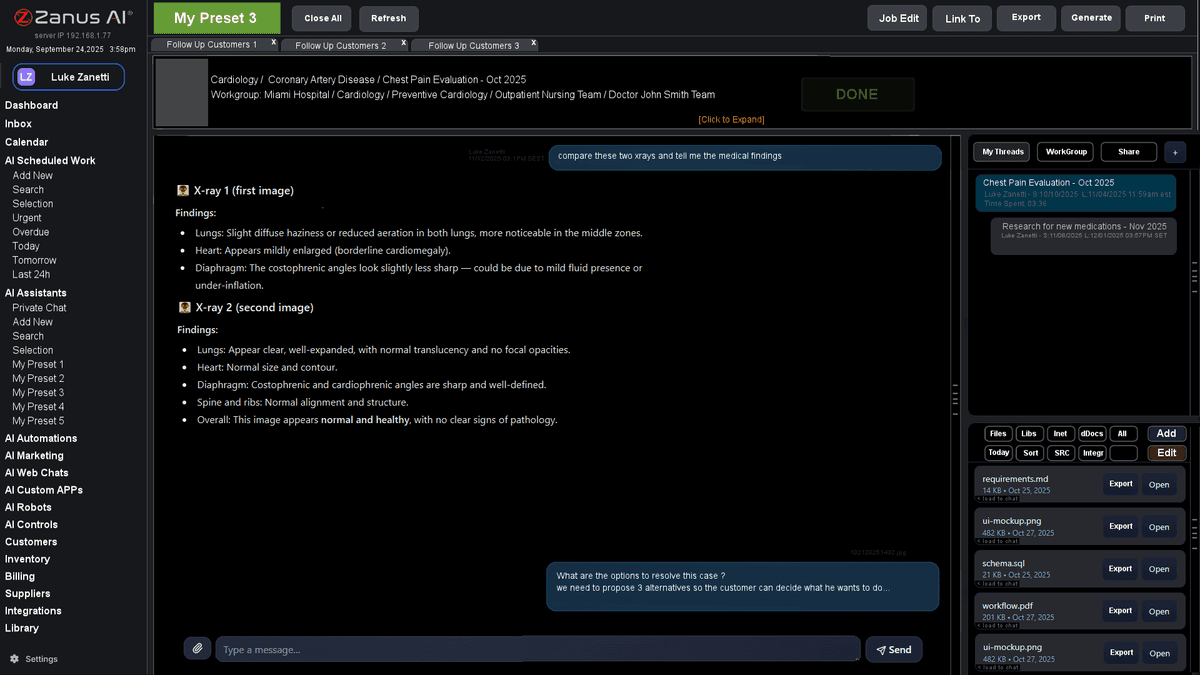
After the path, the same assistant answers the day-to-day questions — with the source, so the answer teaches.
Days, not months, to be useful
A new operator finishes the path in the first days and then works with the assistant beside them: how do we handle this, where is that, what did we agree with this client. Every answer cites the procedure, so the answer teaches. Managers see where the questions cluster and fix the procedure, not the person.
- Assistant as day-to-day help after onboarding
- Questions clustered by topic for managers
- Refresher sessions when a procedure changes
How it runs
Training runs on the loop’s second stop: the same understanding of your procedures that drives the work is what teaches the people.
In one working day a new colleague completes two modules and asks the assistant eleven questions the team would otherwise have answered; a procedure changed at noon shows in tomorrow’s refresher; the manager sees which step confuses everyone.
What’s inside
The functions, named. Every one of them is on the demo.
- Onboarding paths per user type
- Modules built from your libraries, documents and videos
- AI-run sessions with explanations, sources and checks
- Progress and completion per user
- Question clustering per procedure
- Refresher sessions on procedure changes
- In-app guided tour of the Back Office for new users
- Certificates of completion on the user record
Included from AI AUTOMATETraining content comes from your libraries; what is not in them is marked as such.Plans →
Questions, answered
Do we have to write training material?
You bring your procedures, documents and recordings; the AI builds the path and the sessions from them. Our people set up the first paths with you at launch.
Is the content generic?
No. It is your company’s material, cited. Where a library has no answer the session says so instead of inventing one.
Can we train customers or partners too?
Paths can be assigned to external user types with restricted access — a dealer network, franchisees, volunteers.
See it working on YOUR business — the demo IS the product.
← Previous: Photos, videos & posts · Sharing with a colleague? 📄 Get the PDF · ✉️ Email this page ·