ZANUS BACK OFFICE — WORKS WITH THE SOFTWARE YOU KEEP
Keep the software you have.
Give it an AI that reads, writes and reasons.
Nobody replaces their ERP to get AI. The Back Office connects to what you run — accounting, ERP, CRM, shop, carriers, drives, research databases — reads from it as a source, writes to it under your approval rules, and exposes an AI API so your own applications can ask the company AI a question and get a verified answer back. Standard connectors are switched on with a test button; enterprise integrations are built per customer.
Hosted, private or on a unit you own · your rules, your approved sources · live in days, not months

The integrations screen: each connection with its status, its test button and its log. Green means the data flows.
What it does
Google Workspace, Microsoft 365, Drive, carriers, research databases, shops: connect with credentials, press test, see it work.
Your ERP, CRM or accounting system, connected per customer as part of AI COMPANY: fields mapped, rules agreed, writes under approval.
Your own software asks the company AI — “is this supplier approved?”, “summarise this file” — and gets a verified, cited answer.
Inside Works with the software you keep — the real screens
Click a tab. Every picture is the working Back Office — the left menu is the whole product.
Read as a source, write under a rule
The accounting system is a source: the AI reads the open invoices when a supplier asks about payment. The ERP is a destination: an approved order is written to it as the last action of the flow. Writes follow the same rules as any Output result — approved per item or allowed per type — and every call is in the log.
- Connected systems as sources for verification
- Writes as automation actions under approval
- Every call logged with payload and result
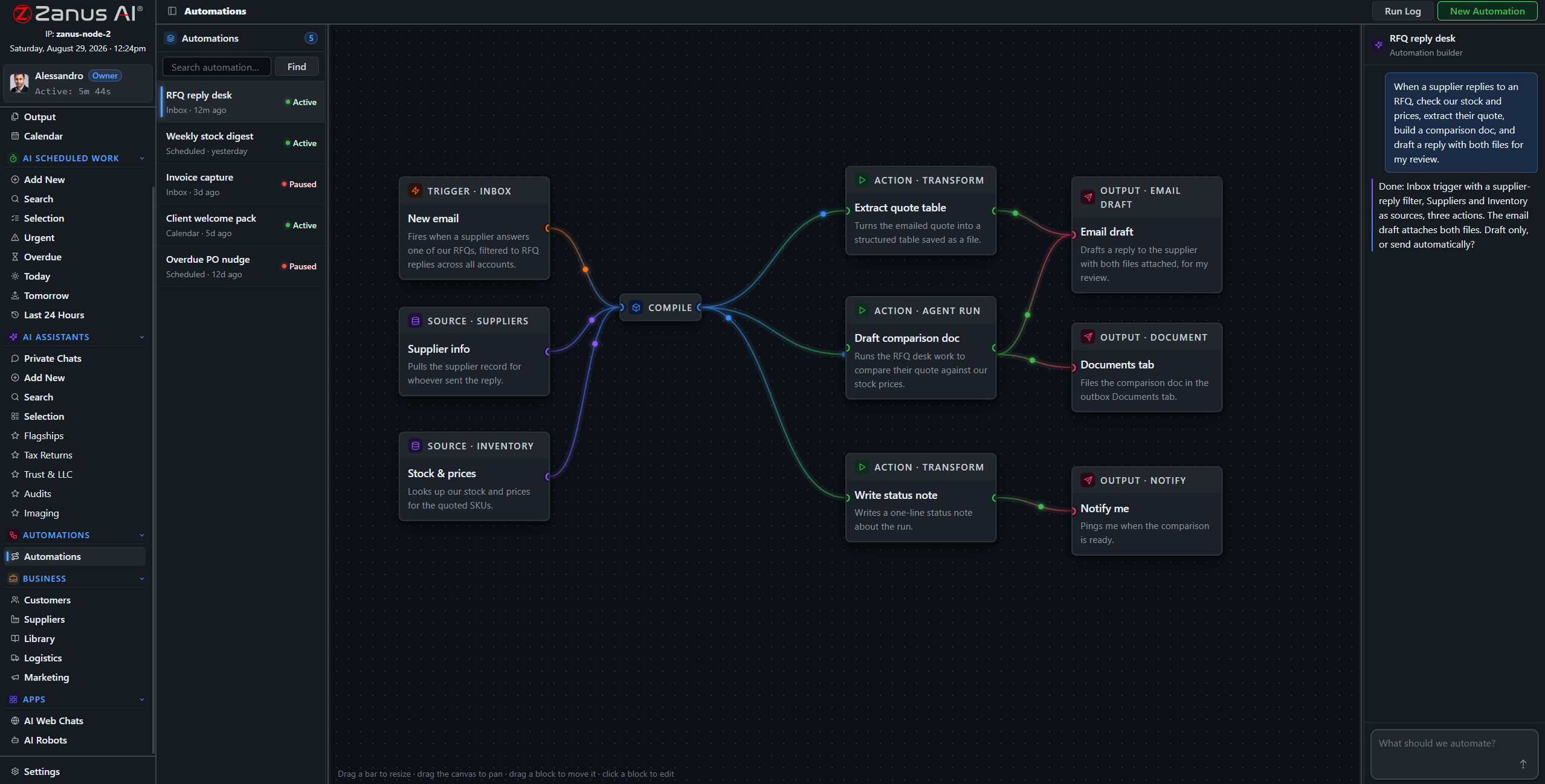
A connected system is a source for the AI step and a destination for the action step — under the same approval rules as everything else.
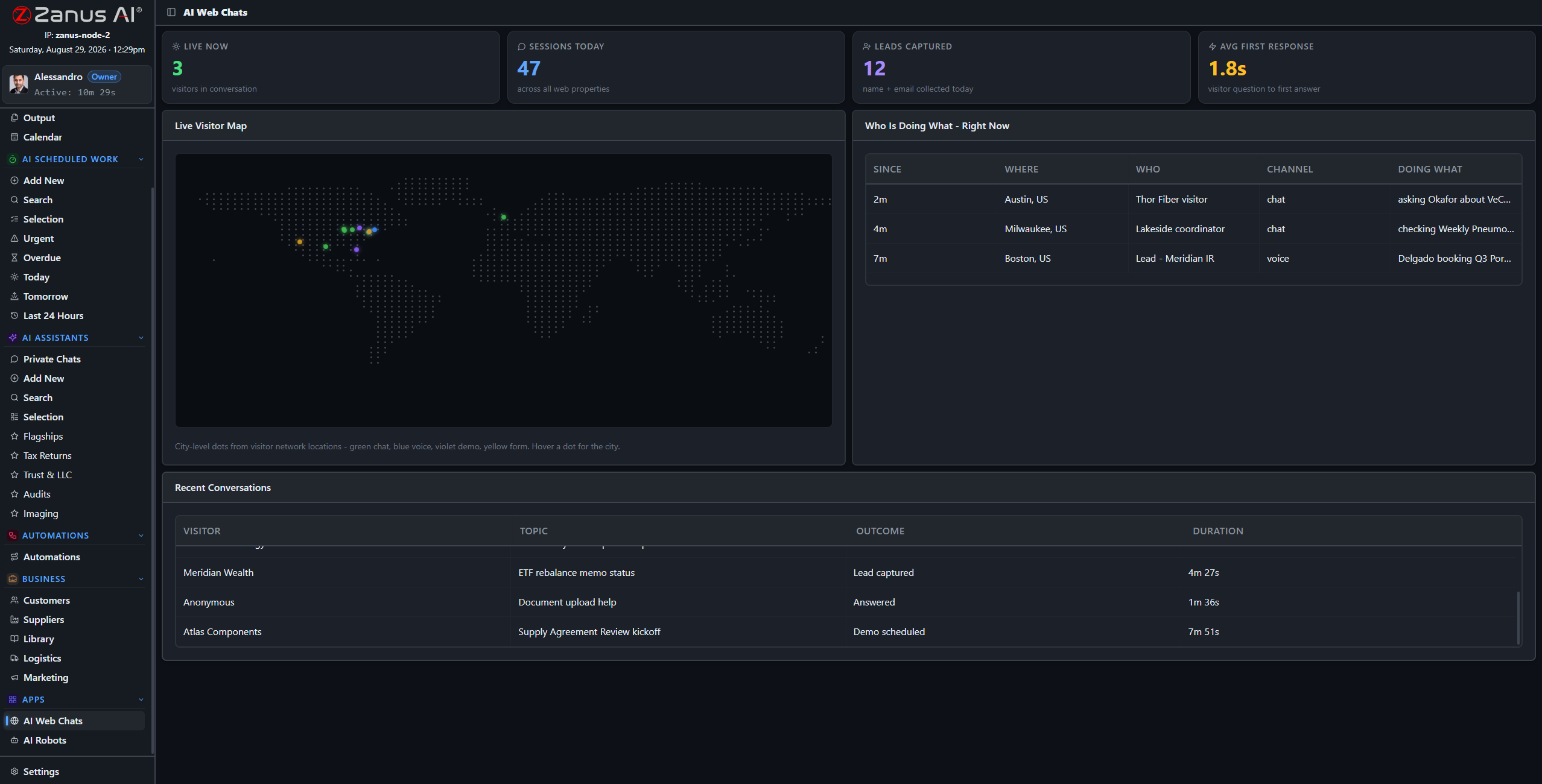
The API turns the Back Office into a service other software can ask — with the same verifier and the same permissions.
Your software asks the company AI
A quoting tool asks whether a component is in stock and in spec. A portal asks for the status of a customer’s case, in the customer’s language. An internal script asks for the summary of a file. Each gets an answer built from your sources, verified and cited, under the permissions of the API key that asked.
- OpenAI-compatible endpoints where useful
- Permissions and rate limits per key
- Same verifier, same citations
How it runs
Integrations widen the first stop of the loop — what the company receives — and the sixth: where its actions land.
In one working day orders arrive from the shop, invoices are read from accounting, approved orders are written to the ERP, carriers report checkpoints, and two internal tools ask the AI a hundred questions — all through connections you can test and read.
What’s inside
The functions, named. Every one of them is on the demo.
- Google Workspace and Microsoft 365 mail, drive and calendar
- Carrier connectors: rates, labels, tracking
- Research and reference databases
- Shop and marketplace connectors
- Enterprise ERP, CRM and accounting integrations, built per customer (AI COMPANY)
- AI API with keys, permissions, rate limits and log
- Webhooks and scheduled sync
- Test button and log on every connection
Included from AI OPERATIONSEvery integration has a test button and a log; writes to your systems follow your approval rules.Plans →
Questions, answered
Do you integrate with our ERP?
Enterprise integrations are built per customer under AI COMPANY: we map the fields and agree the rules with you. Tell us the system and the version.
Can the AI change data in our systems?
Only as an automation action under your approval rules, and every write is logged. Read-only connections are the default.
What is the AI API for?
For your own software to ask the company AI: status, summaries, checks, drafts — each answer verified against your sources and returned with citations.
See it working on YOUR business — the demo IS the product.
← Previous: Who sees what · Sharing with a colleague? 📄 Get the PDF · ✉️ Email this page ·