ZANUS BACK OFFICE — YOUR PHOTOS, VIDEOS & POSTS
Every photo, video and post.
Filed, found, published — from your own material.
Companies produce more media than they can find: site photos, product shots, event videos, certificates, recordings. Here every asset is filed on the record it belongs to, described by the AI so it can be found by what is in it, and turned into what the business needs — a report with the pictures, a customer update, a post on your channels — drafted from what you really did, approved before it goes out.
Hosted, private or on a unit you own · your rules, your approved sources · live in days, not months
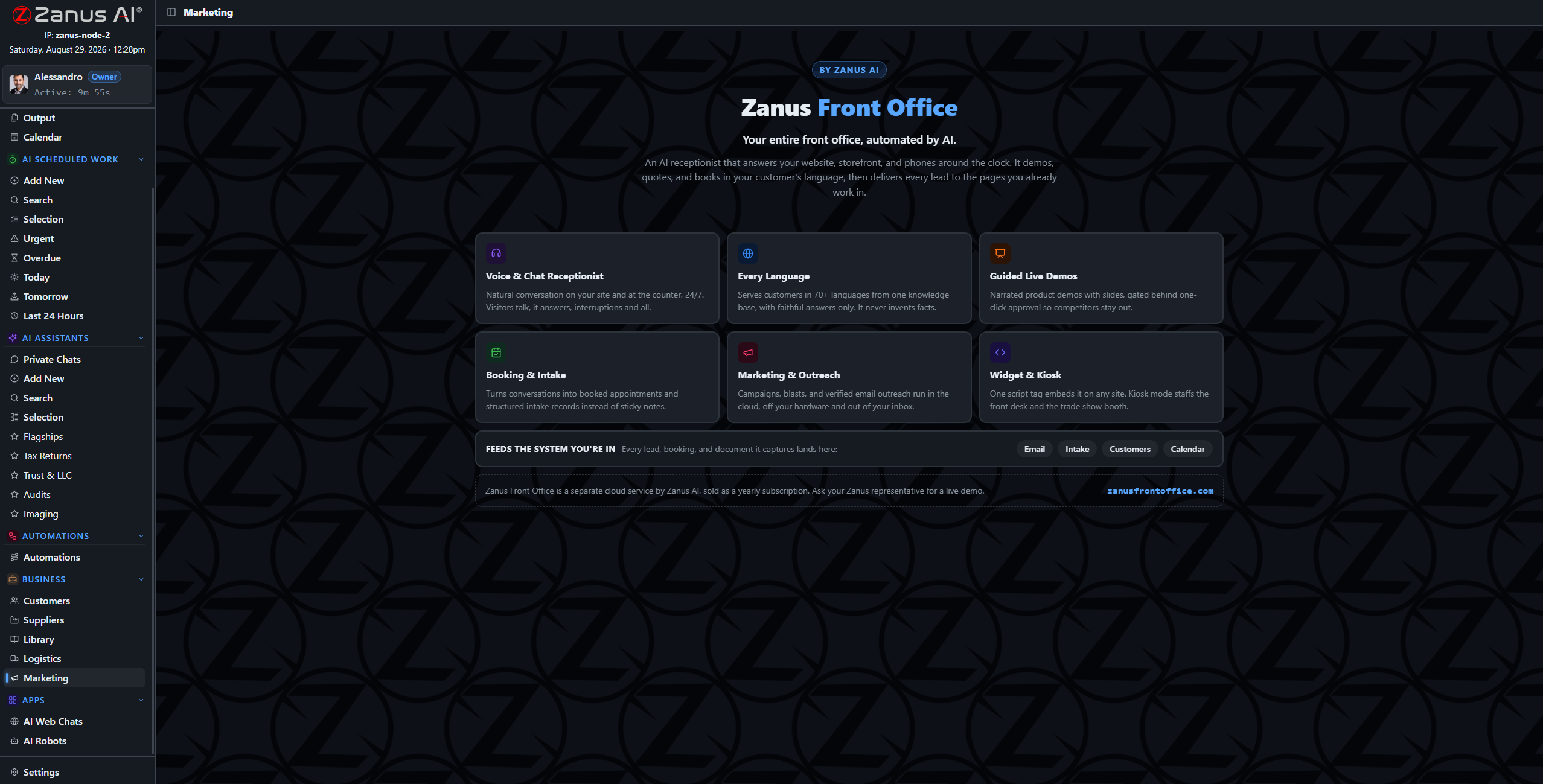
The media and publishing view: assets on the left, the drafted posts and schedule on the right, approval before anything is published.
What it does
Photos, videos, audio and documents on the record they belong to. The AI describes what is in them, so you search “the photo of the damaged crate” and find it.
Posts drafted from your own events, deliveries, projects and news; scheduled on a calendar; approved per post or per approved plan.
A site photo becomes the illustration of the report; a delivery becomes a customer update; a certificate becomes a badge on the record.
Inside Your photos, videos & posts — the real screens
Click a tab. Every picture is the working Back Office — the left menu is the whole product.
Found by what is in it
A contractor searches “kitchen before demolition, Maple Street” and finds the photo, dated, on the project record. A clinic manager finds the recording of the staff briefing about the new procedure. A distributor finds the video of the damaged pallet the carrier disputed. Nobody named a file.
- Automatic descriptions of images, video and audio
- Search by content across records
- Versions and rights noted on the asset
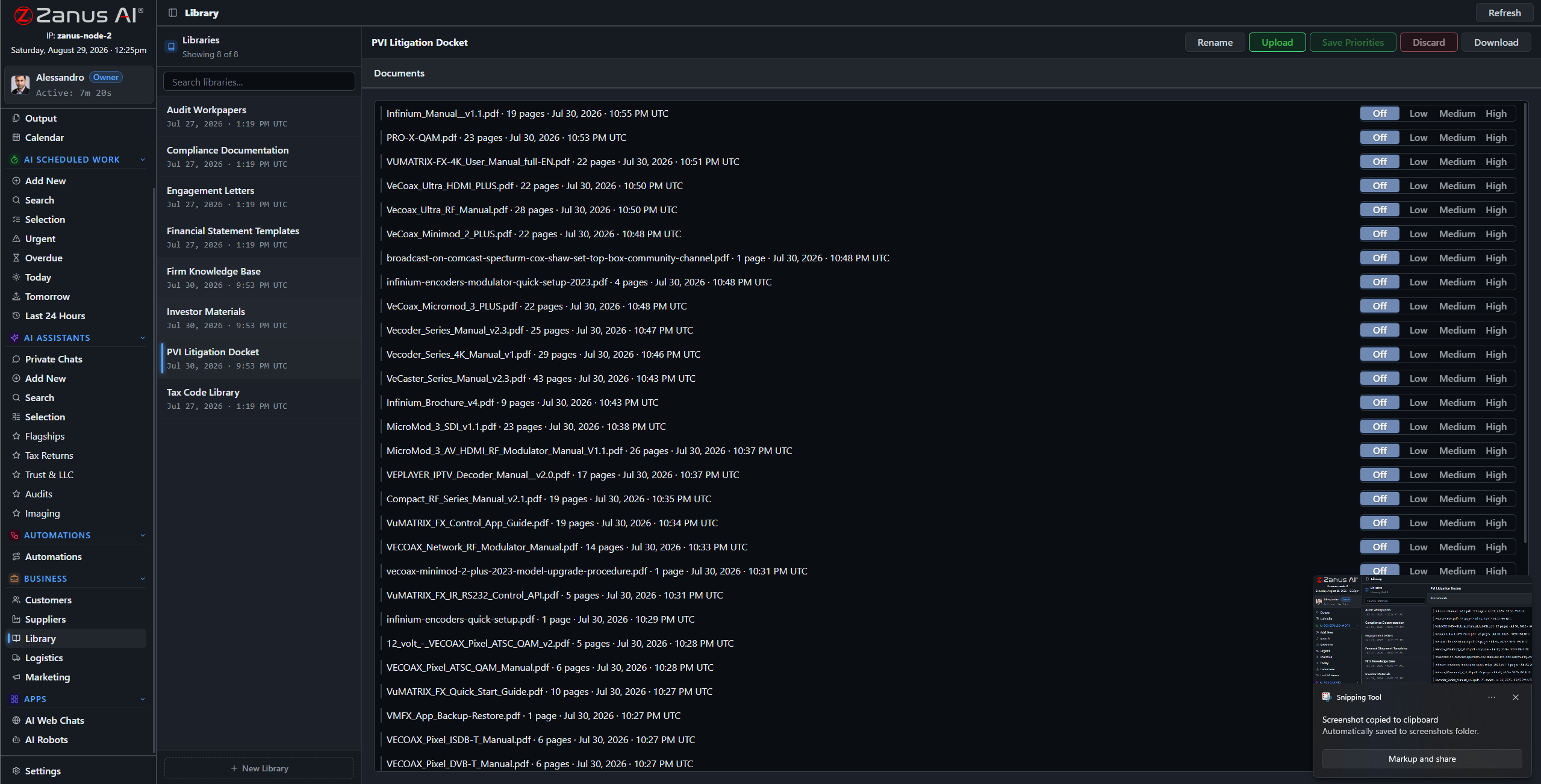
The AI writes the description of every asset — what, where, who, when — and that description is what you search.
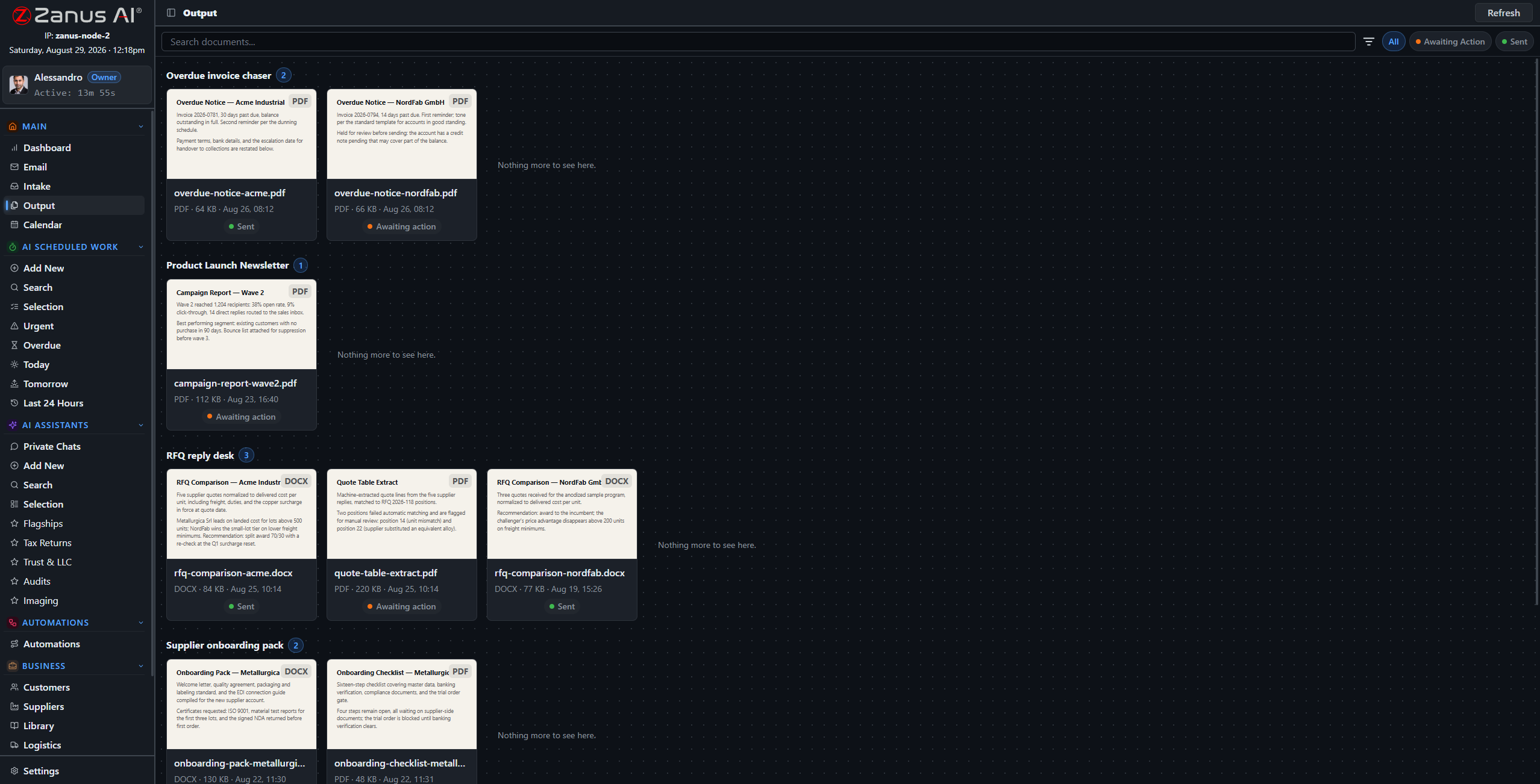
Posts are results like any other: on Output with a preview, a channel and a date.
Publishing without a marketing department
The AI drafts from what happened: the project completed, the new certification, the event you hosted, the product that arrived. Your tone, your images, your channels. A calendar of proposed posts waits for approval; approve the month and it publishes on schedule; a comment that needs a person comes back as an exception.
- Drafts from real events on your records
- Monthly plan approved once or per post
- Replies that need a person are escalated
How it runs
Media is the loop’s fourth stop applied to pictures, sound and words: material received, understood, turned into work product, approved, published, remembered on the record.
In one working day the photos from the field are on their records by lunchtime, described and searchable; the week’s posts are drafted from the week’s deliveries; the month’s plan is approved in five minutes on Output.
What’s inside
The functions, named. Every one of them is on the demo.
- Media manager: photos, video, audio, documents on records
- AI descriptions and search by content
- Rights, versions and usage notes per asset
- Social media manager with drafts, calendar and channels
- Approval per post or per approved plan
- Assets pulled into reports, updates and documents
- Replies and comments escalated when a person is needed
- Brand tone and templates per channel
Included from AI OPERATIONSPosts and publications are drafted and scheduled; a person approves each one or the calendar you approved.Plans →
Questions, answered
Is this the Front Office marketing module?
No. Front Office marketing runs funnels and sequences toward customers. Here the media manager keeps the company’s own material and the social manager publishes from it. They connect: what the Front Office sends can use these assets.
Which channels?
The main social channels and your own website or newsletter through the integrations module. Ask us about yours.
Will the AI post something embarrassing?
It drafts; you approve. Even under an approved plan, a post the verifier cannot ground in a record or a library waits for a person.
See it working on YOUR business — the demo IS the product.
← Previous: Orders, stock & shipments · Sharing with a colleague? 📄 Get the PDF · ✉️ Email this page ·