ZANUS BACK OFFICE — YOUR MORNING IN ONE SCREEN
What happened, what is done,
what needs you today.
A manager’s first hour used to be reconstruction: reading mail, asking around, opening five systems. Here the day opens on one screen: what arrived overnight and where it went, what the AI finished, what is waiting for a decision, what is late, what changed on the clients and suppliers you follow. And a briefing that reads it to you, in your words.
Hosted, private or on a unit you own · your rules, your approved sources · live in days, not months
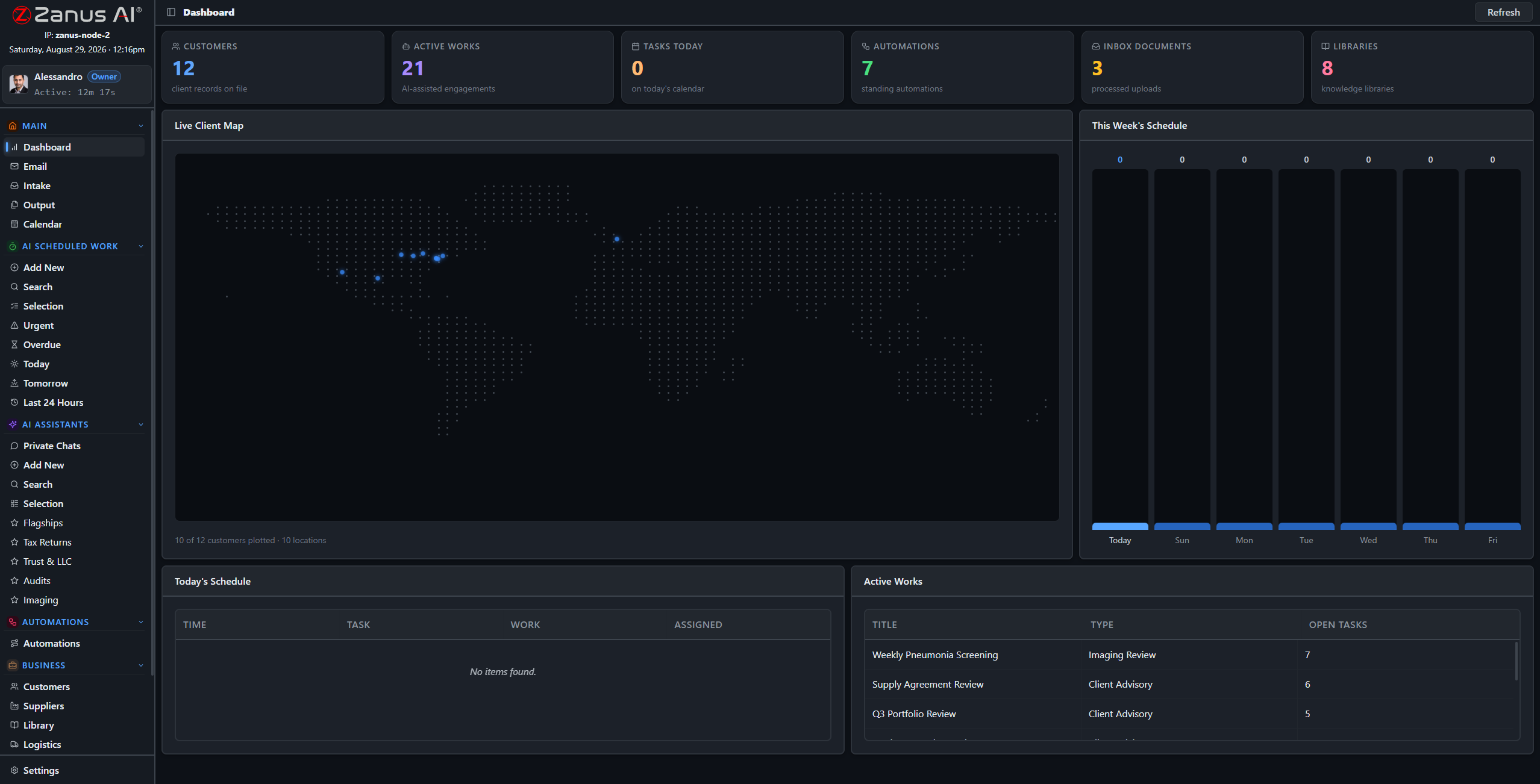
The dashboard: the Act Now feed of decisions waiting, the state of intake, calendar and work — and the shortcuts into every module.
What it does
The short list of things only a person can do today: approvals, exceptions, questions the AI could not ground, deadlines. Ranked, with one click into each.
Every morning a briefing in plain language: what happened, what was done, what is at risk. Ask it a question and it answers from the company’s data.
Late tasks, stalled intake, unanswered supplier questions, stock about to run out: patterns the AI notices across modules and raises before they cost.
Inside Your morning in one screen — the real screens
Click a tab. Every picture is the working Back Office — the left menu is the whole product.
A briefing that knows the company
“Overnight: 214 emails processed, 31 filed to client records, 6 waiting for you. The Friday report ran; margin on two orders is below your floor — see Output. Supplier X has not answered the RFQ due yesterday. Three contracts renew within 30 days.” Then you ask: “which three?” — and the answer comes with the documents.
- Written from records, libraries, mail and calendar
- Ask follow-up questions in the same place
- Delivered on screen and, if you want, by email
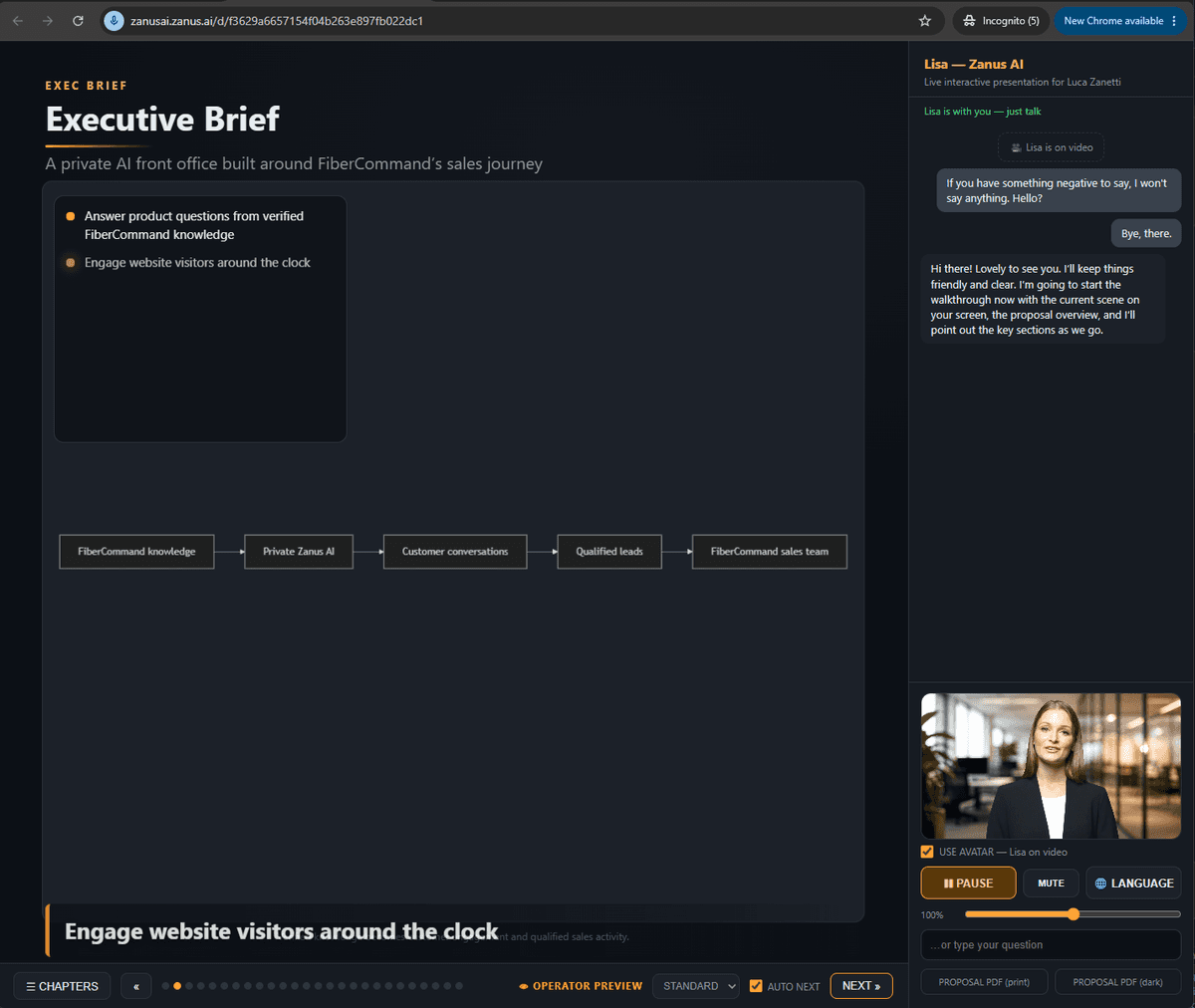
A brief written from the company’s own records and libraries — not a template with numbers pasted in.
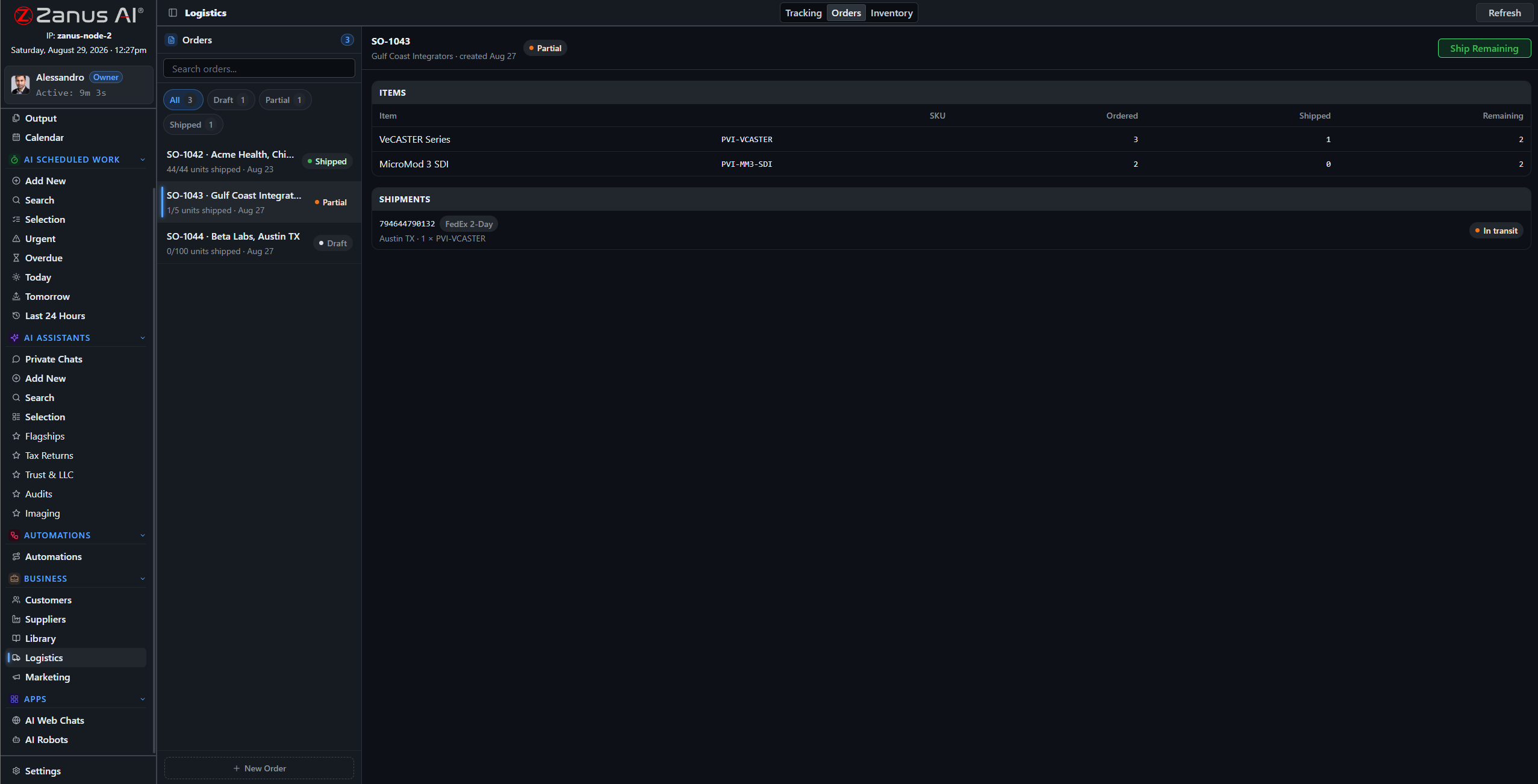
The signals come from the modules: an order stuck here becomes a line in Act Now there.
Seeing across the modules
The value of one system is that it sees everything at once. A supplier’s late reply, an order waiting on the same missing item, a deadline in a contract and a task nobody picked up are four facts in four modules — and one warning on the dashboard, with the people who own them named.
- Cross-module signals, ranked by impact
- Owners named on every warning
- Trends you can open into the underlying records
How it runs
The dashboard reads the seventh stop of the loop: what was recorded across the company, turned into what a manager needs to know first thing.
In one working day the screen is where the day starts and where it is checked at the end: what came in, what went out, what waited — and the briefing already drafted for tomorrow morning.
What’s inside
The functions, named. Every one of them is on the demo.
- Act Now feed of decisions and exceptions
- Daily briefing in plain language, with follow-up questions
- Intake, work, automation and Output status at a glance
- Late tasks, stalled flows and unanswered requests surfaced
- Renewals and deadlines from contracts and calendar
- Shortcuts into every module and record
- Per-role dashboards: what an owner sees, what an operator sees
- Briefing by email on your schedule (AI AUTOMATE)
Included from AI WORKThe briefing reports; the decisions stay on Output and with your people.Plans →
Questions, answered
Is the briefing generic?
No. It is written each morning from your records, libraries, mail and calendar, in the vocabulary you configured, and you can question it.
Can different people get different dashboards?
Yes. Roles decide what appears; an operator sees their queue, an owner sees the company.
Where does the data come from?
From the modules themselves — there is one system, so there is nothing to import or reconcile.
See it working on YOUR business — the demo IS the product.
← Previous: Approve before it goes · Sharing with a colleague? 📄 Get the PDF · ✉️ Email this page ·