ZANUS BACK OFFICE — BUILT FOR YOUR UNIQUE PROCESS
Your company doesn’t adapt to the AI.
The AI adapts to your company.
Every company has a process that no product ships: the way you qualify a case, assemble a dossier, run an inspection, close a period. Here that process becomes a custom app built from your own work types, or an AI robot that orchestrates the steps across mailbox, documents, records, calendar and connected systems. Built to order by our people, running inside the same governed Back Office, with the same verifier, permissions and Output.
Hosted, private or on a unit you own · your rules, your approved sources · live in days, not months
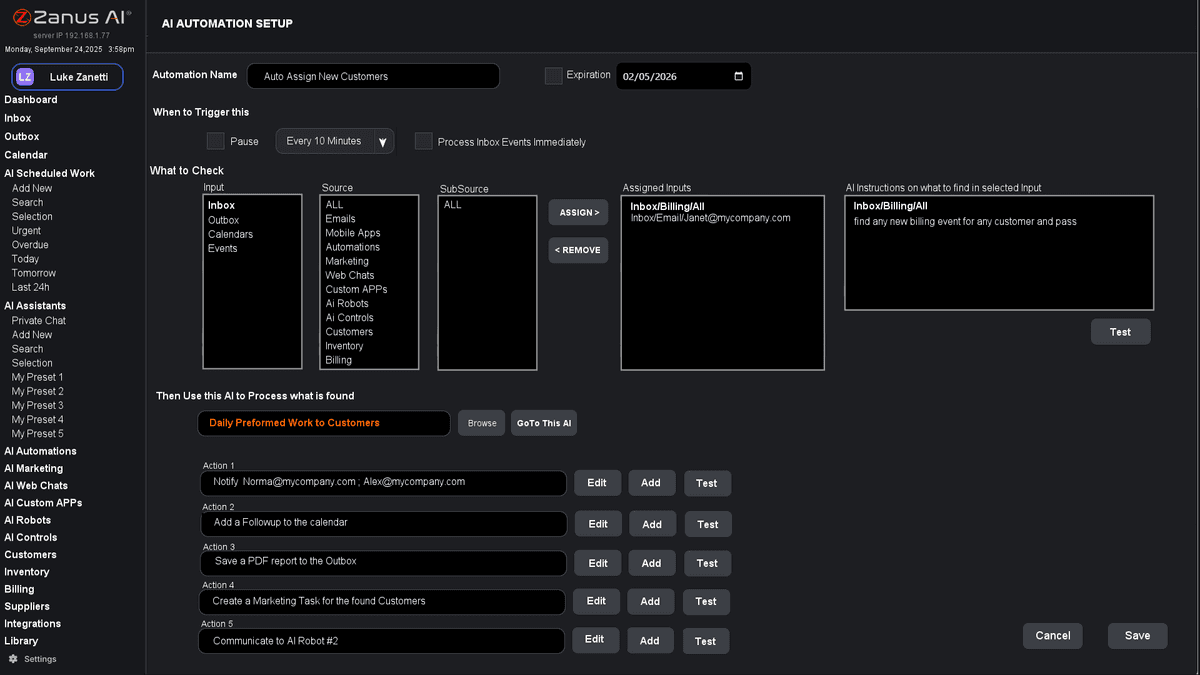
A custom app: the steps of your process as screens, each backed by the work types, libraries and records of the Back Office.
What it does
The kinds of work your company does, named your way, with their fields, documents and rules. Apps, automations and robots are built from them.
A screen for your process: the inspection, the dossier, the intake form, the period close. Built to your written scope, quoted once.
Multi-step orchestration: a robot that runs a whole procedure across modules and systems, decides within your rules and stops where a person must.
Inside Built for your unique process — the real screens
Click a tab. Every picture is the working Back Office — the left menu is the whole product.
Three processes no product ships
A field-service company gets an inspection app: photos, checklist, measurements, the report generated and sent. A legal practice gets a case-qualification app: intake questions, conflict check against the records, the engagement letter drafted. An accounting firm gets a period-close robot: statements pulled from the connected systems, reconciled, exceptions listed, the pack assembled for review.
- Apps for the people, robots for the steps
- Your records, libraries and rules underneath
- Results on Output like everything else
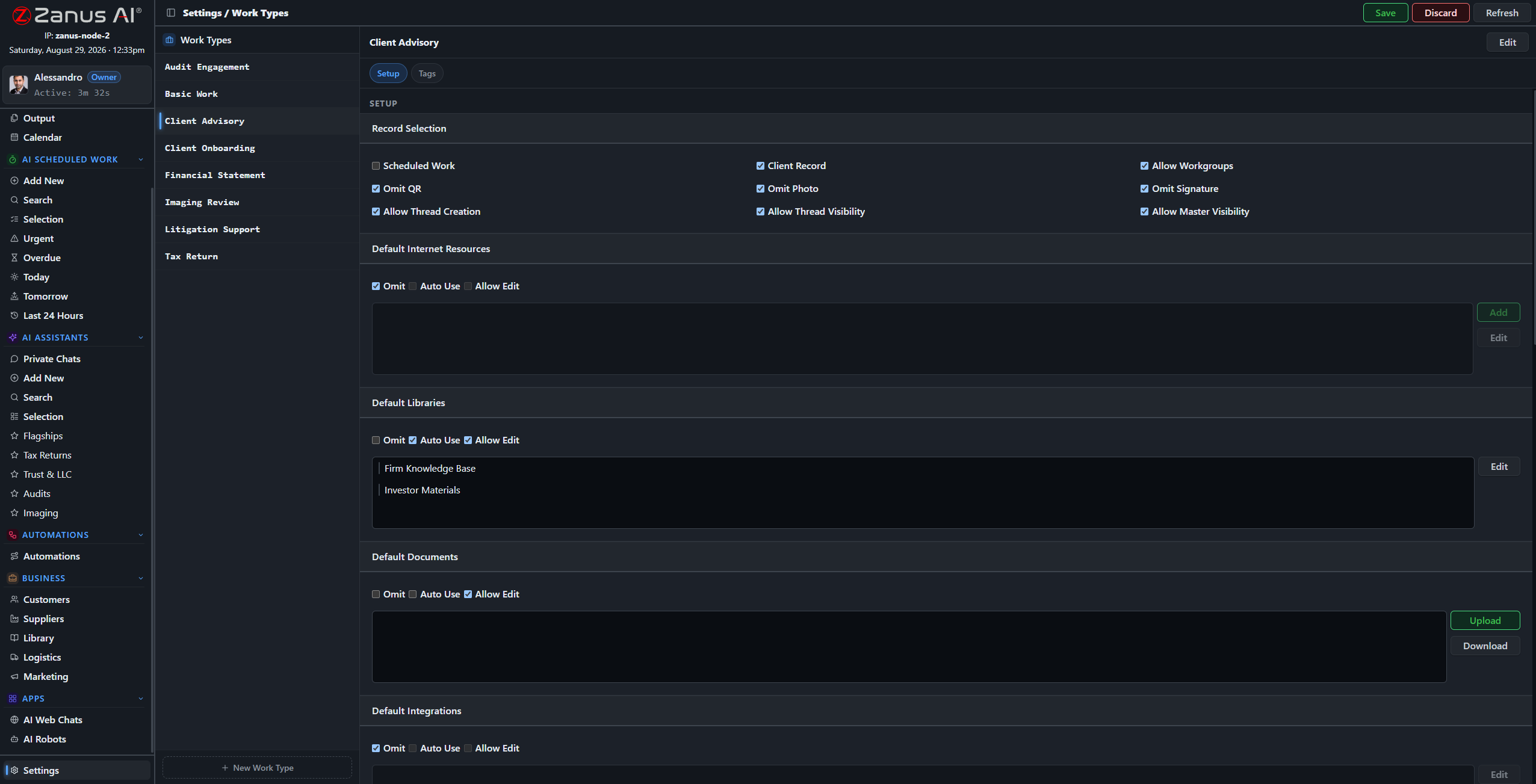
The same building blocks make an inspection app, a case-qualification app and a period-close robot.
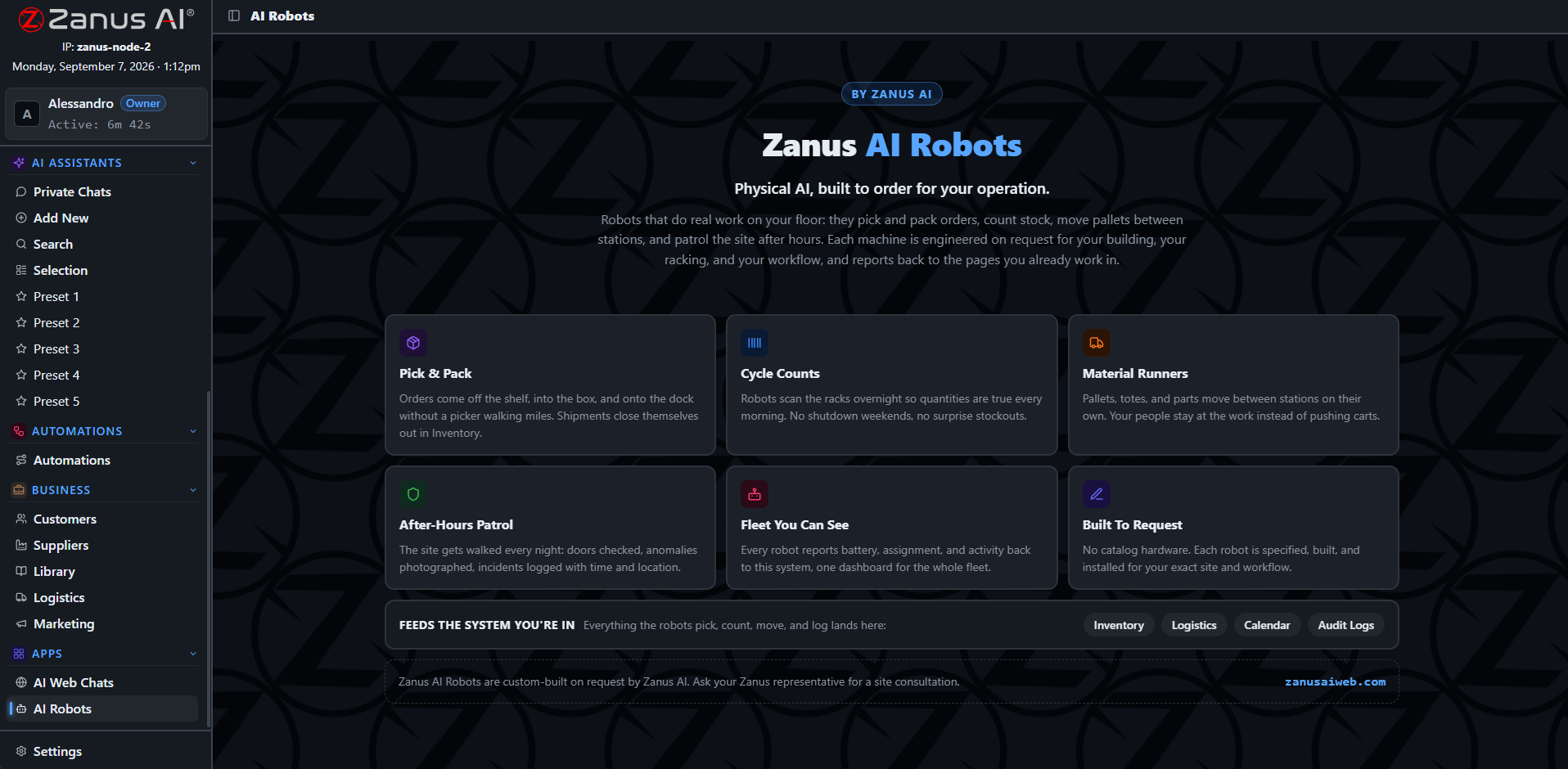
A robot is a user with a job description: it works under permissions, logs everything and stops where the rule says.
Built to order, governed like the rest
You describe the process; we write the scope; you approve it; we build. The app or robot runs inside your tenant with your permissions, uses the verifier for every AI step, delivers to Output, and logs every action. When the process changes, the scope changes — not the platform.
- Written scope, quoted once
- Same verifier, permissions and audit
- Changes as scoped work, platform unchanged
How it runs
Custom apps and robots run the whole loop for a process that is yours alone — from the receiving step your people use to the remembering step on your records.
In one working day the inspection app produces six reports from the field, the robot closes yesterday’s batch and lists two exceptions, and the qualification app turned four inquiries into two engagement letters waiting on Output.
What’s inside
The functions, named. Every one of them is on the demo.
- Work types with fields, documents, rules and permissions
- Custom apps built to written scope
- AI robots for multi-step orchestration across modules and systems
- Human stops inside robot flows
- Verifier and citations on every AI step
- Results to Output, records and connected systems
- Full run logs in the audit trail
- Change requests as scoped work
Included from AI COMPANYCustom apps and robots are built to your written scope and run under the same permissions and Output rules.Plans →
Questions, answered
How long does a custom app take?
It depends on the scope; most are a matter of weeks after the scope is approved. The scope is written with you and quoted once, and the app runs inside your existing tenant.
Do we need developers on our side?
No. You need the person who knows the process. Our people turn it into the scope and build it.
What is the difference between an automation and a robot?
An automation is one flow from one trigger. A robot orchestrates a whole procedure: several flows, several systems, decisions within rules, and human stops — the way a coordinator would.
See it working on YOUR business — the demo IS the product.
← Previous: Works with your software · Sharing with a colleague? 📄 Get the PDF · ✉️ Email this page ·