AI Chat for your team for K-12 Schools. AI chat for school administrators, every fact sourced
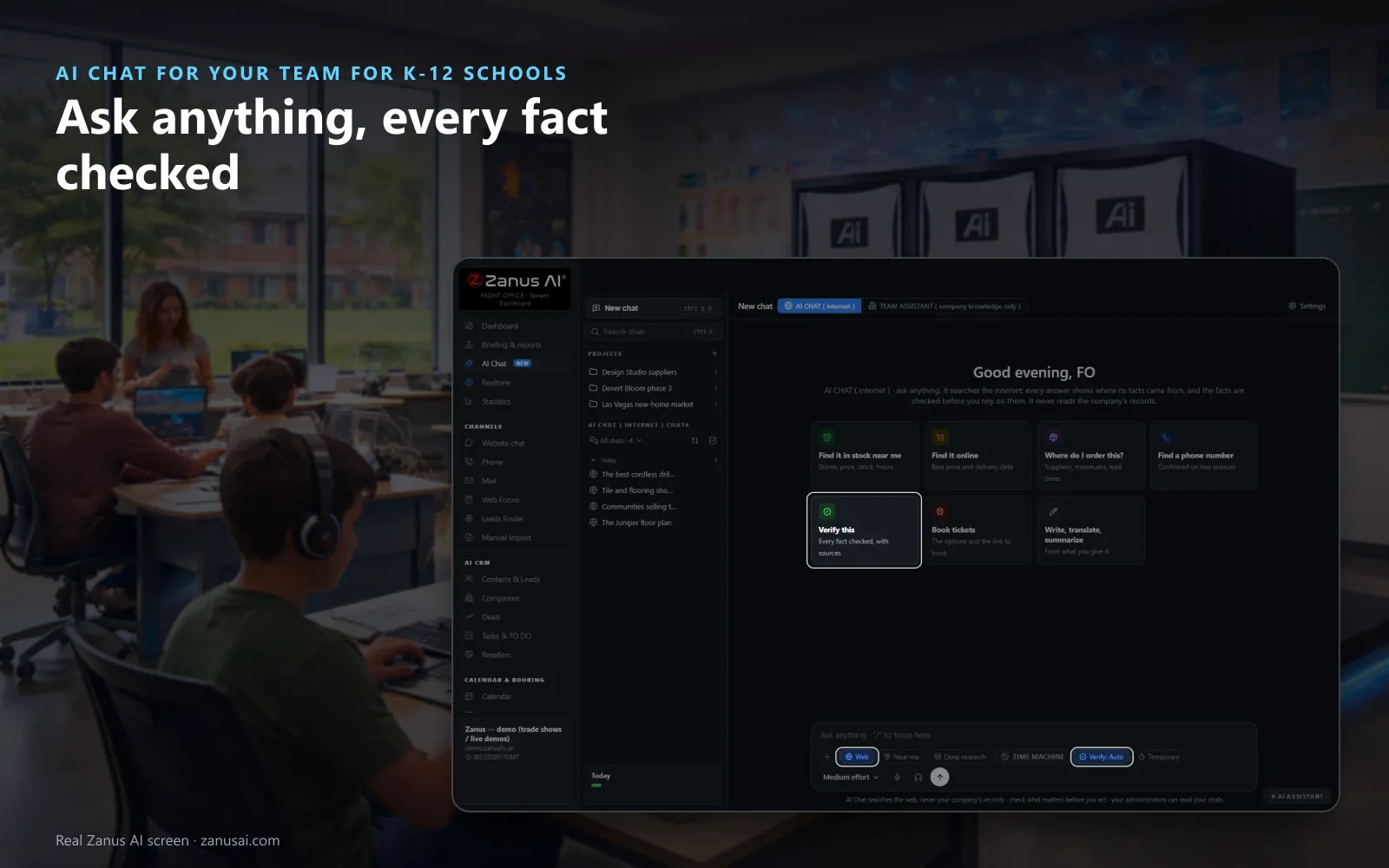
AI Chat for your team is an AI chat for school administrators that searches the web, reads the pages and shows where every fact came from, then checks the facts before you rely on them. It never reads your school's records. The weather with its alerts, a vendor's number confirmed on two sources, a claim verified.
TRY AI CHAT FOR YOUR TEAM FREENo credit card · Ready in 2 minutesReady to buy? See plans & pricing ›
7 days free · per company, never per seat · nothing to install
Fact-checked
Search the web, find a supply near the school, confirm a phone number on two sources or verify a claim; it never reads your school's records.
 Easy setupSet up everything just by talking to Lisa AISee how ›
You“Any weather alerts for our town before the buses leave?”
Lisa“The alerts in effect for your town, each with its severity, the hour it ends and what to do.”
You talk. Lisa sets it up. Applied only on your yes.
How K-12 Schools use it
Before deciding on a late start, the superintendent asks for the weather alerts in effect and reads each one with the hour it ends.
Doing web research for school offices, the business manager asks where to order replacement chairs and gets suppliers, minimums and lead times side by side.
A principal pastes a claim from a community newsletter and sees which facts the sources hold up and which they do not.
REAL AI - the whole Front Office is AI, not old software with an AI button.
What’s included
- Web answers: the web searched and read, every fact cited
- Fact checking: an independent AI and code check every answer
- Verify badges: verified, partly verified or not verifiable
- Legal card: the rules, your options and the next steps
- Weather: ten days, the alerts in effect and a map
- Near me: stores with the stock, the price and the hours
- Write it as: a letter, memo, brief or report from cited sentences
- Who can use what: AI Chat opened per level and department
- Data and privacy: card and bank numbers removed first
Available on its own or inside a solution · See pricing › · Per company, never per seat.
Everything AI Chat for your team does, for every business ›
Works withAI Time MachineAI Knowledge
Sourced answers
Fact-checked AI chat for principals and district staff
Every fact sourced
The Sources panel lists each page read, and the Checks panel lists each fact located on its page, with the passage.
One badge per answer
Verified, partly verified or not verifiable, so staff see how much the sources hold up before acting on it.
Weather with its alerts
Ten days with the chance of rain, the alerts in effect with their severity and end time, and a map with radar.
Write it up
Turn an answer into a letter, a memo or a one-page report from the cited sentences only, on your letterhead.
Set-up
Set up secure AI chat for school districts in 2 minutes
Open AI Chat
In the dashboard, open AI Chat with Web on and start from a tile, or ask anything.
Choose who uses it
Under Settings, give AI Chat, web search, deep research and files to each level and office.
Pick the result shapes
Keep the weather, the alerts and the other cards on, or switch off the ones your staff do not need.
Read the checks
Ask your own questions for 7 days, no credit card, and read the checks behind each answer.
Questions & answers
AI Chat for your team for K-12 Schools: questions & answers
Does the AI chat read student or family records?
No. AI Chat for your team answers from the web and never reads your school's records; the AI Team Assistant answers from your own documents. A question can move between them with one switch.
How are the facts checked?
An independent AI from another company than the one that wrote the answer checks it, and code confirms every number, address and date on the cited page. Each answer carries verified, partly verified or not verifiable.
Can it help with a weather closure decision?
It shows the alerts in effect from the weather services, each with its severity and the hour it ends, plus ten days with the chance of rain and a radar map. The decision stays with your administrators.
Is a staff member's chat private?
It is the school's chat, not a personal account. Card, bank and identity numbers are removed before any AI reads a message, temporary chats are never kept, and administrators can read the others, as every user is told.
Who decides which staff can use it?
Your administrator, per level and department: AI Chat, web search, deep research, files, sharing and saving into the Front Office are each given or not.
Keep exploring
Where next?
Start with the one thing you need. Add more anytime by asking Lisa.
AI Front Office for K-12 Schools ›
Easy setup
Answers & books
Sells
Helps your team
Included
Award-winning AI
Winner at CES 2026, ISE 2026 and TMCnet Enterprise AI Product of the Year.
REAL AI - the whole Front Office is AI, not old software with an AI button.
Awards & trade shows ›


Give Lisa your website.
She sets up your business in 2 minutes.
Other software makes you learn it. Zanus AI learns your business.
Try it free on your own business — no credit card, per company, never per seat.
Ready to buy? See plans & pricing ›
Or call +1 (954) 736-3939 — the AI answers.