AI E-mail for Insurance Carriers. An AI email responder for insurance companies' service mailboxes
AI E-mail is an AI email responder for insurance companies that reads every message sent to your policy service, claims and agency support mailboxes, attaches it to the right contact and drafts the reply from your approved knowledge. For each mailbox's department you choose: Lisa sends by herself, or a licensed person reads the draft and approves it.
TRY AI E-MAIL FREENo credit card · Ready in 2 minutesReady to buy? See plans & pricing ›
7 days free · per company, never per seat · nothing to install
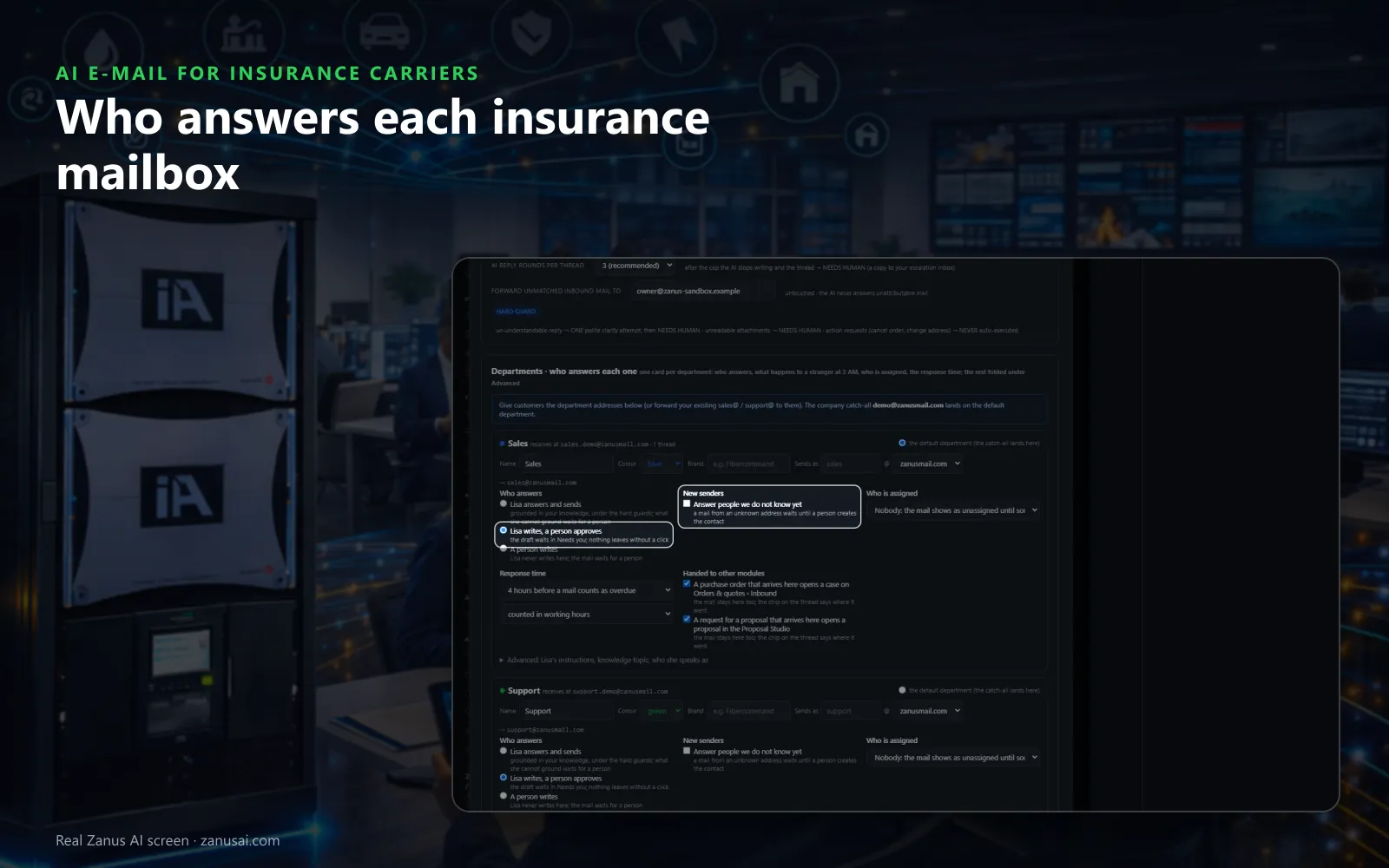
Who answers
Claims, policy service and billing each choose Lisa answers and sends, Lisa writes and a person approves, or a person writes, with a response time beside it.
 Easy setupSet up everything just by talking to Lisa AISee how ›
You“Let Lisa send ID card replies alone; complaints always wait for a person.”
Lisa“Before: every policy service reply waits for approval. After: ID card replies go out alone, while complaints wait in Needs you. Apply?”
You talk. Lisa sets it up. Applied only on your yes.
How Insurance Carriers use it
A mortgage processor asks for a mortgagee change; Lisa files it to policy service with a draft reply waiting for a representative.
An agent forwards eight photos of a fallen tree; the mail lands on the claims desk with the attachments and a one-line summary.
A policyholder writes a complaint about a slow payment; the thread goes to Needs you with a summary, and the AI sends nothing.
REAL AI - the whole Front Office is AI, not old software with an AI button.
What’s included
- Your own sending domain, set up and warmed for you; replies land in Front Office, not in a personal inbox
- Drafts and answers from your approved knowledge, in the customer's language; approve each one or let it send under rules you set
- Take over any thread and send from your own address; connect your Google or Microsoft mailbox for personal mail
- Every thread on the customer's record; a reply stops any running follow-up and alerts the owner
- Templates written from your knowledge; deliverability report, bounces, complaints, engagement
- Attachments, quotes and confirmations sent from the same place; nothing typed twice
Available on its own or inside a solution · See pricing › · Per company, never per seat.
Everything AI E-mail does, for every business ›
Works withLisa, your AI assistantAI Follow-upAI QuotingAI BookingAI TicketsAI Returns & Warranty
Every mailbox
Insurance email automation, desk by desk
A desk per department
Policy service, claims, billing and agency support each get their own desk, address and count of open conversations, so nothing sits in one crowded inbox.
A reply already drafted
For most routine mail the answer waits in Ready to send; a representative reads it, changes a word if needed and sends, then the next one opens.
Only what needs a person
Needs you gathers the mails that need a decision across every desk, each with Lisa's proposal, so complaints and disputes are seen first.
Overdue, unassigned, pinned
Overdue shows policyholder mail past the department's response time, Unassigned shows what nobody took, and a pinned thread stays on top of every list.
The moments
Claims mailbox triage when the mail piles up
Monday after a storm
Say take the queue and Lisa opens Ready to send at the first answer; send and next until the claims desk is clear again.
A letter in another language
A claimant's mail in Vietnamese is read to the adjuster in English with its numbers and dates checked, and answered with the translation beside his words.
A policyholder hidden in bulk mail
A real question sent from a mailing tool is read in Quarantine and pulled back to the desk, so the policyholder who asked is not left unanswered.
Questions & answers
AI E-mail for Insurance Carriers: questions & answers
Can AI answer policyholder e-mails for an insurance company?
Yes, where you allow it. Lisa reads each mail, finds the contact and writes policyholder email replies from your approved knowledge in the sender's language. By default a person approves every draft in Ready to send; a department you trust can be moved to Lisa answers and sends.
What happens to complaints and letters from attorneys?
They wait for a person. Set that department so Lisa writes and a person approves, or so a person writes and Lisa never does; the thread sits in Needs you with a summary, and a copy can go to your escalation inbox.
Can AI E-mail cancel or change a policy from an e-mail?
No. A request to cancel, to change an address or to change a policy is never done by the AI: the thread goes to Needs human for your team, and the reply leaves only when a person sends it.
Do our existing service mailboxes keep working?
Yes. Add the policy service, claims and agency support addresses to one shared inbox for insurers, with the desk each lands on; the mailbox stays as it is and only new mail comes in. Replies leave from your own address, with your signature and the company footer.
Keep exploring
Where next?
Start with the one thing you need. Add more anytime by asking Lisa.
AI Front Office for Insurance Carriers ›
Easy setup
Answers & books
Sells
Helps your team
Included
Award-winning AI
Winner at CES 2026, ISE 2026 and TMCnet Enterprise AI Product of the Year.
REAL AI - the whole Front Office is AI, not old software with an AI button.
Awards & trade shows ›


Give Lisa your website.
She sets up your business in 2 minutes.
Other software makes you learn it. Zanus AI learns your business.
Try it free on your own business — no credit card, per company, never per seat.
Ready to buy? See plans & pricing ›
Or call +1 (954) 736-3939 — the AI answers.