ZANUS FRONT OFFICE FOR TECH SUPPORT — AI AVATAR
Setup help face to face — as if an agent sat next to them.
The AI Avatar is a lifelike presenter built into your Front Office: it greets the customer on your support site, walks them through the setup, the pairing or the update step by step, shows what it explains, speaks with real voice in up to 40 languages, and listens with barge-in when the customer says “wait, the light is still red”. Not a video. A live conversation with a presenter your customers can see, grounded in your manuals.
Try it free 7 days on your own business · no credit card · per company, never per seat
REAL AI - the whole Front Office is AI, not old software with an AI button. Give it your website: it learns your company, works from your approved knowledge and gets better with every answer you approve.
Live on this site right now — the assistant in the corner is the product · Award-winning AI — CES · ISE · TMCnet
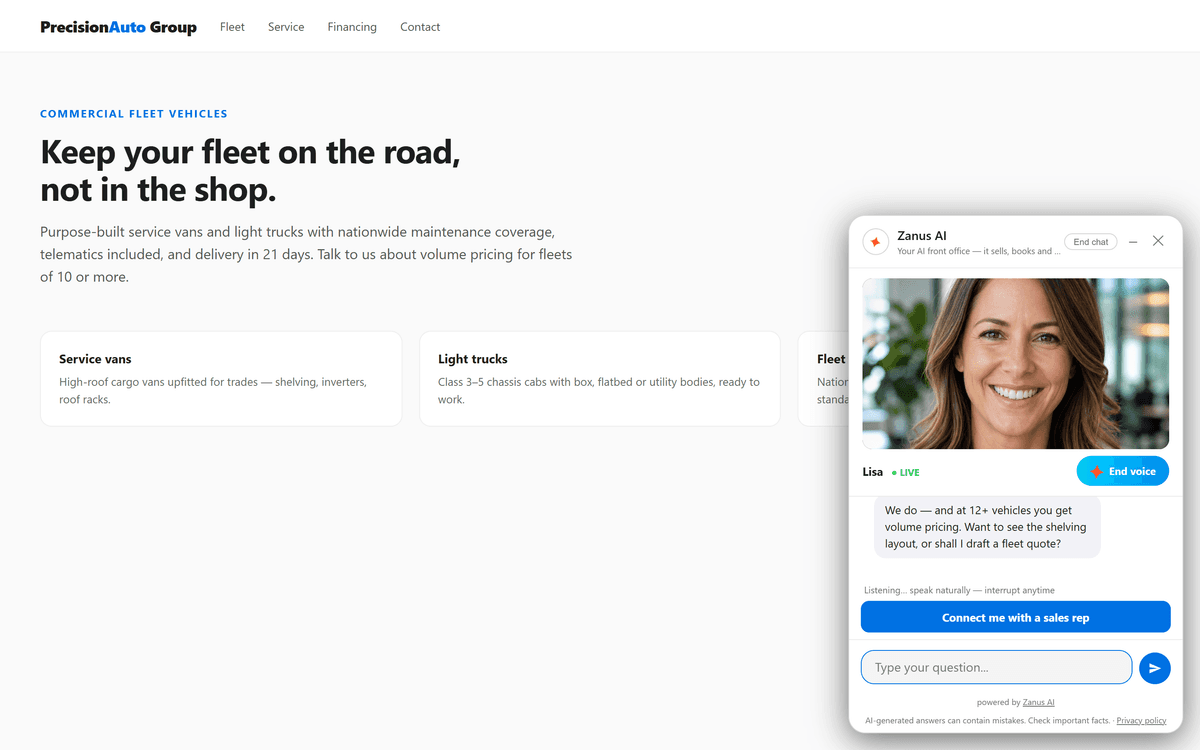
Live on a customer’s site: Lisa answering face-to-face — grounded pricing answer, one tap to a human.
What it does
The customer holds the thermostat, the modem or the tablet; the avatar takes one step at a time and waits for “done” before the next.
“Connect me with support” is always there. The avatar hands over with the transcript and the diagnostic answers attached.
Name, face, voice and backdrop — your lab, your brand color — configured at your Done-for-You AI Launch, per product line if you like.
Inside AI Avatar — the real screens
Click a tab. Every picture is the live Front Office, not a mockup — the left menu is the whole product.
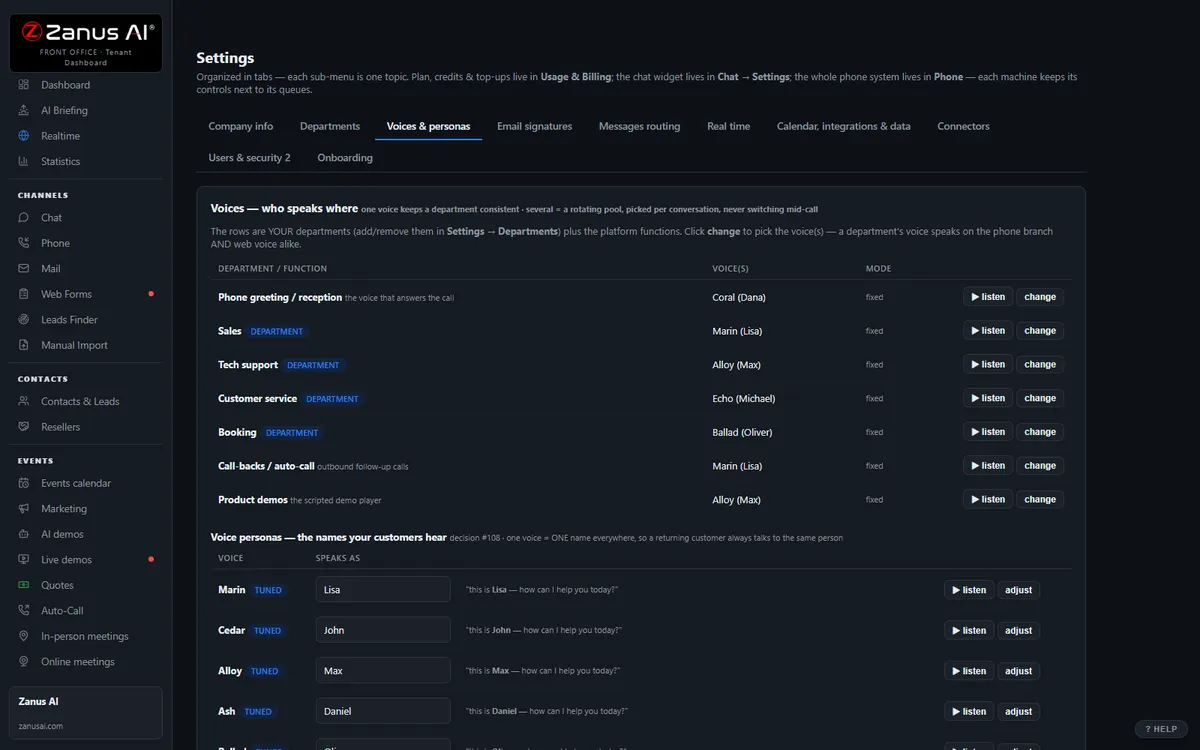
Next-generation chat, face to face
The chat window becomes a conversation face to face: your AI presenter speaks, listens with barge-in, and shows what it explains — while every word stays grounded in your approved knowledge.
- Real-time speech with barge-in — “speak naturally, interrupt anytime”
- Text, voice, or face-to-face: the visitor chooses
- One tap to a human: “Connect me with a sales rep” is always there
- Claim guard: no source, no claim — now with a face
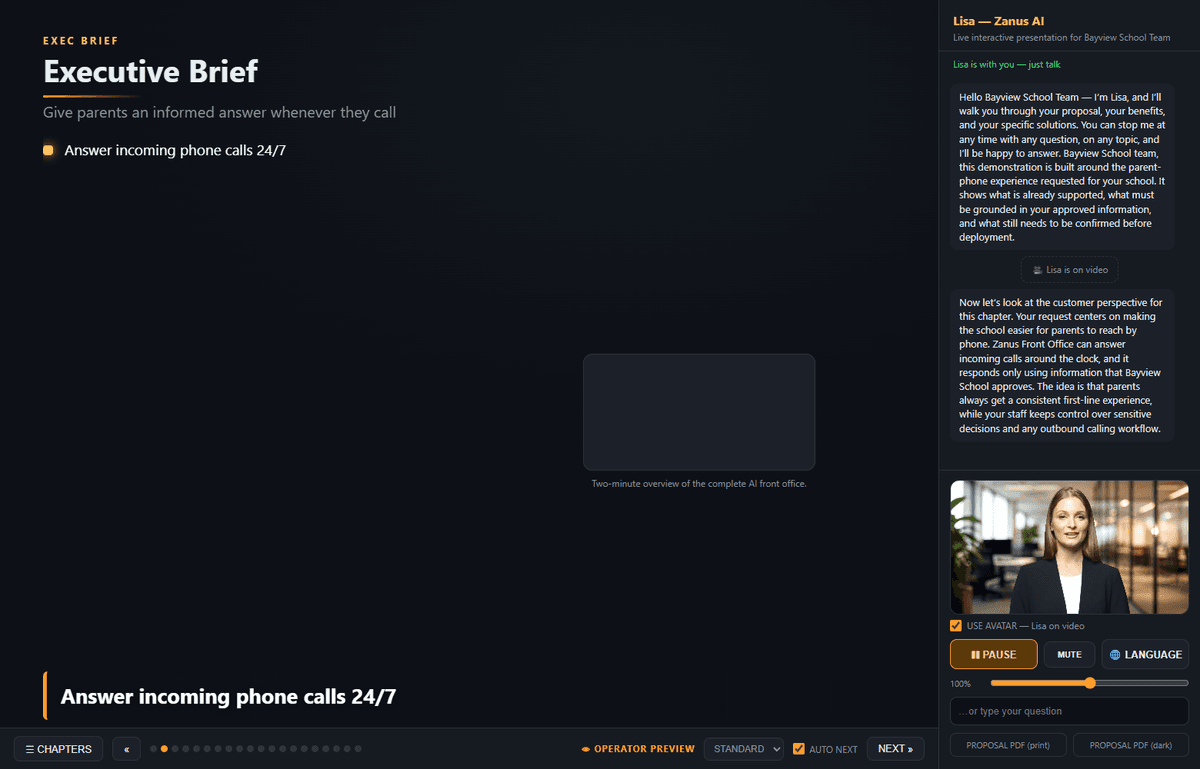
Your demos get a presenter
The flagship AI Demo gains a human presence: the avatar delivers your approved storyline eye-to-eye, answers live questions from your knowledge, and books the meeting at the end. Viewers toggle the face with a USE AVATAR control — on a slow connection the voice continues seamlessly.
- Narrates the exact pitch you approved
- Live Q&A mid-demo, then resumes the script
- Delivered ~2 minutes after the form fill, any hour
- See AI Demo — the flagship →
A presenter persona, tailored to your brand
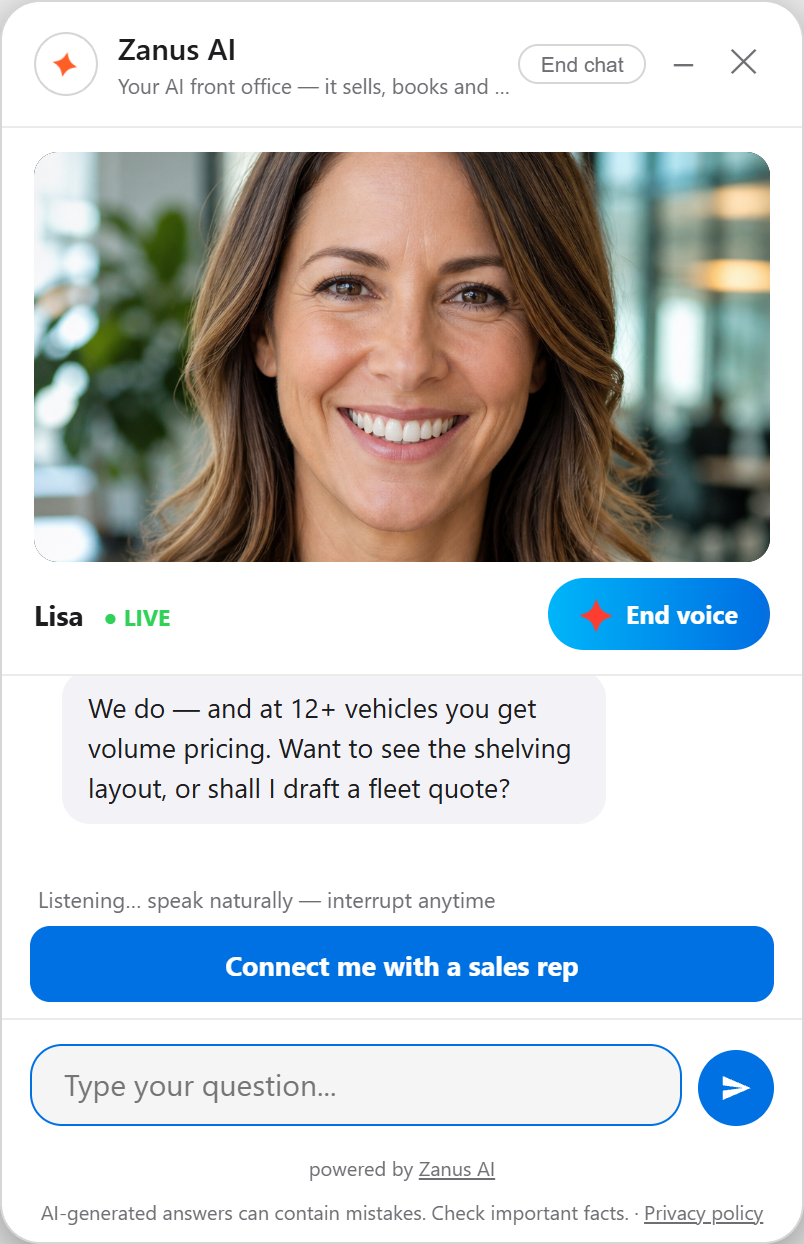
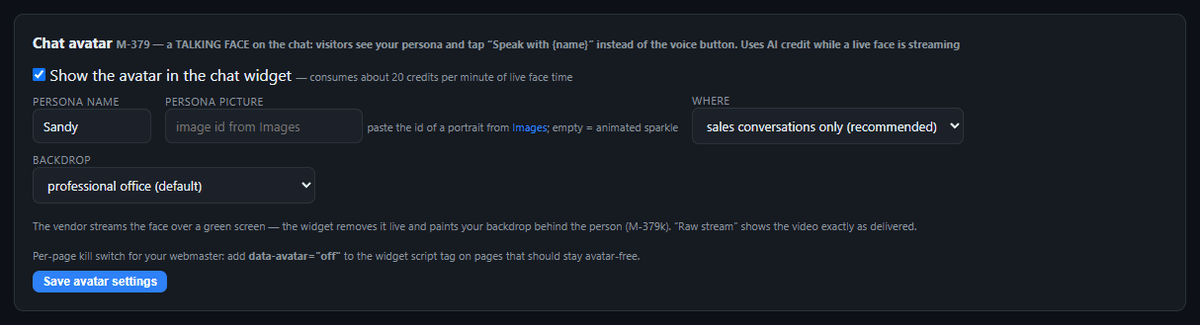
At your Done-for-You AI Launch you configure the persona your customers meet: name, portrait, backdrop — your office photo, brand color or a transparent stage — and where it appears (sales conversations only, or every chat). Voices are configurable per department.
- Name, face, voice and backdrop set at launch
- Backdrop: office photo, brand color, your own image
- Appears where YOU decide — sales chats only, or everywhere
- Per-department voices included
Available on its own — or inside a solution
Questions, answered
Will customers think it is a real agent?
It introduces itself as your AI support assistant. The face makes a fifteen-step setup easier to follow, especially in languages your desk does not speak — it never pretends to be an engineer, and it never invents a step the manual does not contain.
Which solution includes it?
Available on its own or inside a solution. Which solution includes what: see pricing.
Try it free on your own business. 7 days. No credit card.
Give it your website. It learns your company. Then call it, chat with it, e-mail it — and decide. Nothing to install, nothing to cancel.
← Previous: AI Chat · Sharing with a colleague? 📄 Get the PDF · ✉️ Email this page ·