ZANUS FRONT OFFICE FOR CALL CENTER — INBOX, HANDLED
An inbox that answers itself — so the queue is shorter.
Every email left unanswered today is a call in tomorrow’s queue. The inbox is categorized and answered from the same approved knowledge AI ASSIST shows your operators, in the writer’s language, in minutes: status, how-tos, documents needed, hours. Complaints, disputes, legal wording and anything regulated are routed to the right person with a draft ready for approval — or onto an operator’s to-do list when a call is the better answer. Emails are in the plan without limit.
Try it free 7 days on your own business · no credit card · per company, never per seat
REAL AI - the whole Front Office is AI, not old software with an AI button. Give it your website: it learns your company, works from your approved knowledge and gets better with every answer you approve.
Live on this site right now — the assistant in the corner is the product · Award-winning AI — CES · ISE · TMCnet
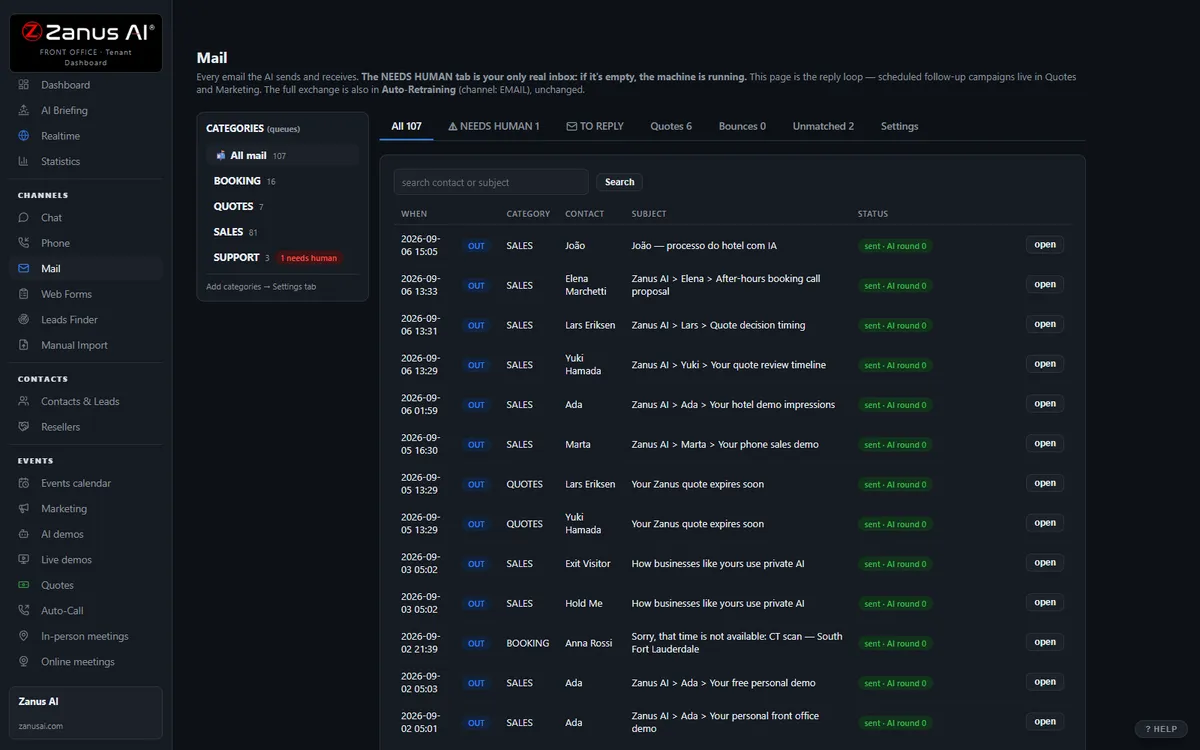
The real Mail menu: department inboxes on the left, the thread in the middle, the AI reply on the right.
What it does
Status, how-tos, documents needed, hours, policy questions — replied in minutes, in the writer’s language; the record updated so the operator knows.
Complaints, disputes, regulated questions, legal wording — to the right desk, thread summarized, draft attached, or a call-back placed on the to-do list.
The email AI knows the calls of the same caller — no “please provide your account number again” loops, on either channel.
Inside AI E-mail — the real screens
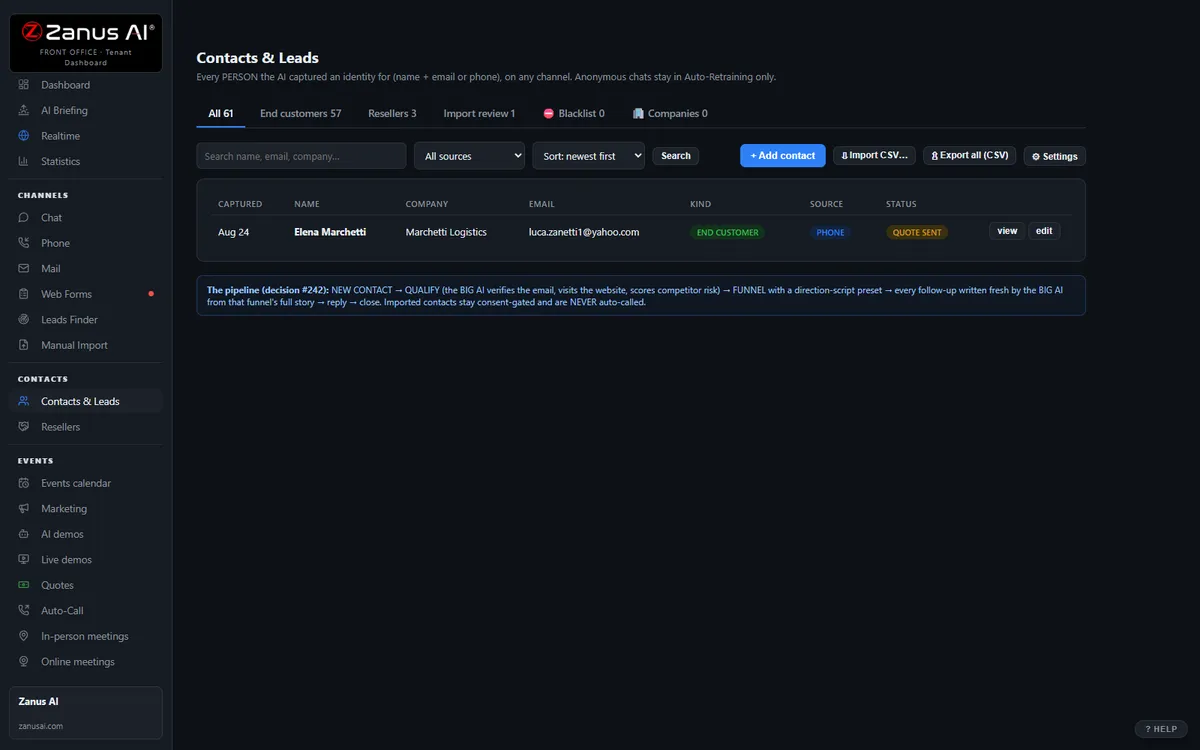
Click a tab. Every picture is the live Front Office, not a mockup — the left menu is the whole product.
Keep Gmail or Outlook. Reply from Front Office.
Each person forwards a copy of his mailbox to his Front Office address and reads and replies in Front Office; a copy stays in his own mailbox; replies go out from your company’s own domain. Nothing to migrate, nothing to cancel.
- Your addresses, your domain — callers see nothing change
- A copy always stays in the person’s own mailbox
- A direct connection to Microsoft 365 and Gmail is coming
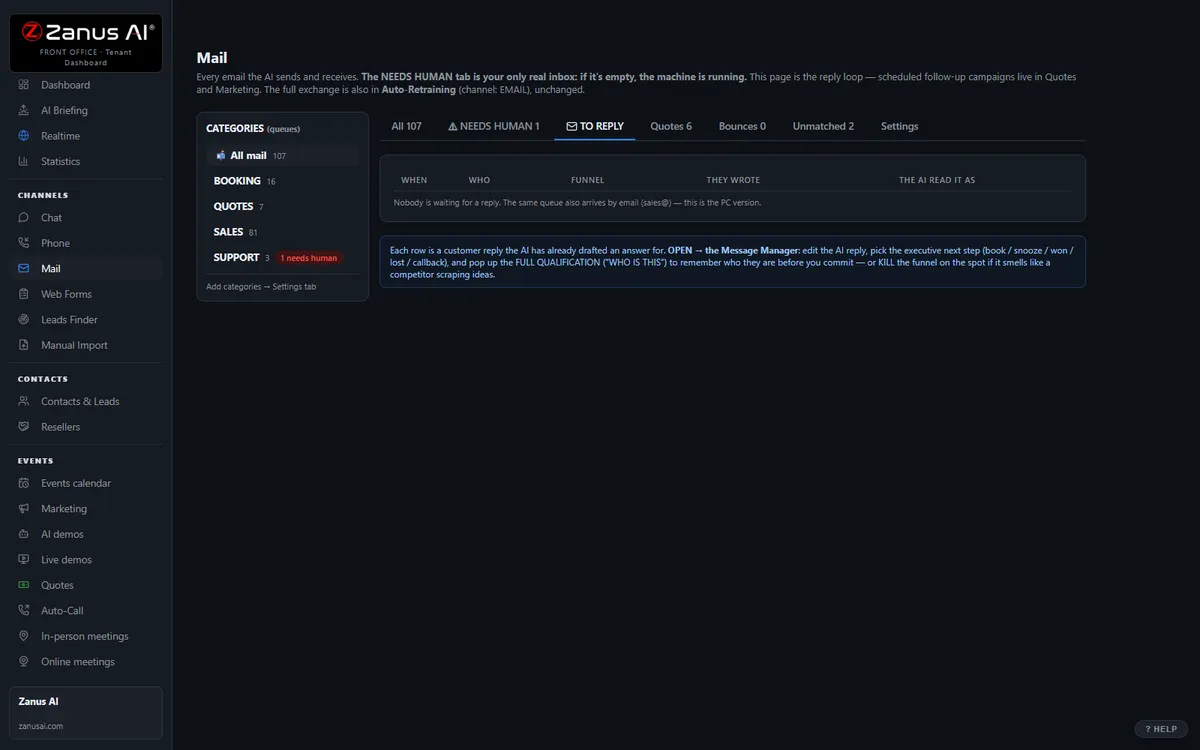
AI RESPOND — the whole reply, written for you
Lisa writes the reply from the thread, the caller’s history and the company’s knowledge; the person reads it and sends. Ask for changes in plain words. The same knowledge base answers the phone and the chat — one truth on every channel.
- Summarise a thread, translate it, read it aloud
- “Make a quote for 5 units at 10% discount and attach it” — done, inside that person’s discount authority; above it, the quote waits for approval
- Per department: AI drafts and a person approves · AI answers alone · people only
Available on its own — or inside a solution
Questions, answered
Can it send without approval?
Only what you allow. Routine answers from approved knowledge can go out automatically; everything you mark sensitive waits in the operator queue for one click from your team. Regulated matters are never answered by the AI on its own — they go to a person.
Do we keep our address, and which plan?
Yes. Connect your existing mailbox; the AI answers from it under your rules and every message stays in your inbox and on the caller’s record.
Try it free on your own business. 7 days. No credit card.
Give it your website. It learns your company. Then call it, chat with it, e-mail it — and decide. Nothing to install, nothing to cancel.
← Previous: Contacts & CRM · Sharing with a colleague? 📄 Get the PDF · ✉️ Email this page ·