ZANUS FRONT OFFICE FOR BANKING — ADD AI TO WHAT YOU HAVE NEW
Keep the systems your institution runs on. The AI does the front-office work — and writes it back.
Your core banking, online-banking and loan-origination systems stay the record. The Front Office answers, books, files and follows up, then writes contacts, appointments and requests back through native CRM sync, calendar sync, webhooks and API — and exposes a standard MCP server so any AI you authorize can read your front office. Integrations without projects, through your core vendor or integrator.
Try it free 7 days on your own business · no credit card · per company, never per seat
REAL AI - the whole Front Office is AI, not old software with an AI button. Give it your website: it learns your company, works from your approved knowledge and gets better with every answer you approve.
Live on this site right now — the assistant in the corner is the product · Award-winning AI — CES · ISE · TMCnet
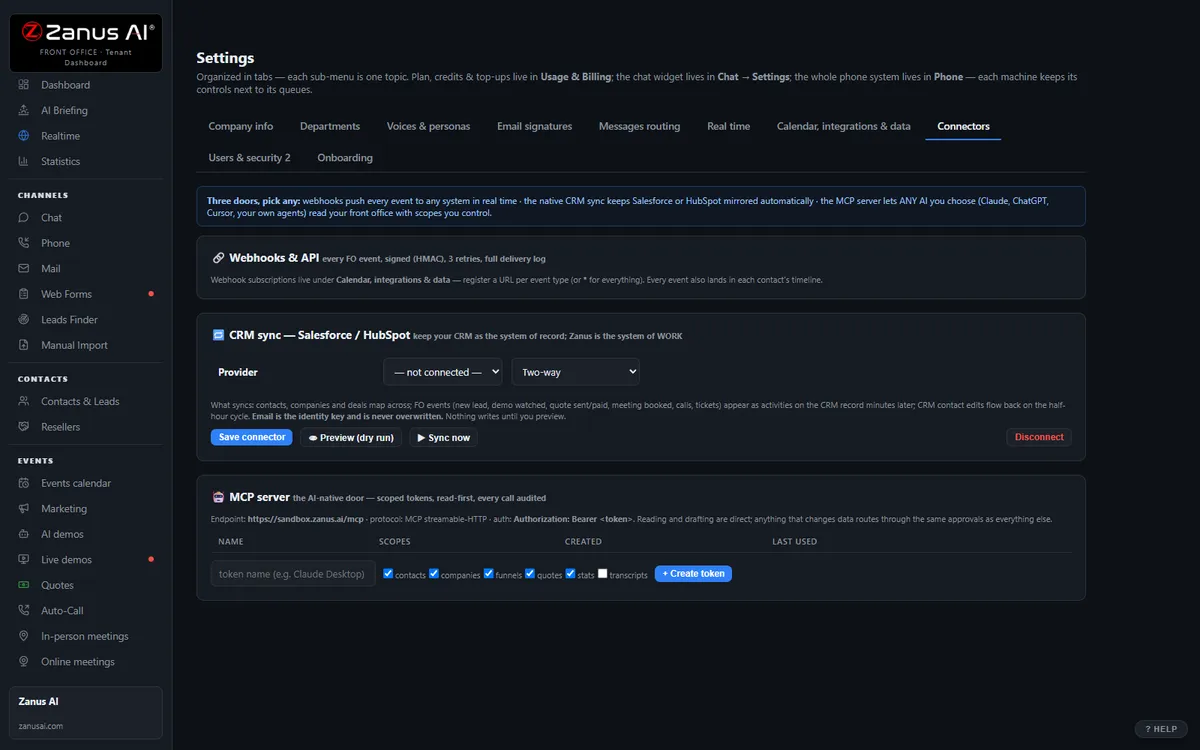
The real Settings › Connectors tab: webhooks + API, CRM sync, MCP server.
What it does
Native CRM sync for contacts, households and activities; Google and Microsoft calendars synced; specialist schedules per branch respected.
Every appointment, service request and document event fires an event your core vendor or integrator can consume; a read-only API serves the same data.
Any AI you authorize reads your front-office data through a standard protocol — scoped, read-only tokens you can revoke, every access logged.
Inside “Add AI to what you have” — the real screens
Click a tab. Every picture is the live Front Office, not a mockup — the left menu is the whole product.
AI-native is a protocol, not a partnership
Some platforms let one chosen AI read your data — through their partnership, on their terms. Zanus takes the open road: a standard MCP server, so ANY AI you authorize can read your front office.
- Works with any MCP-capable assistant and with your own agents
- Scope checkboxes per token — least privilege by default
- Read-first: writes go through your approval paths
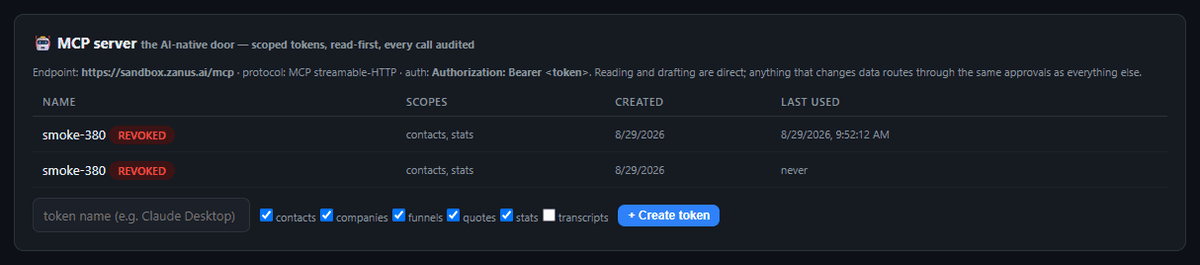
Available on its own — or inside a solution
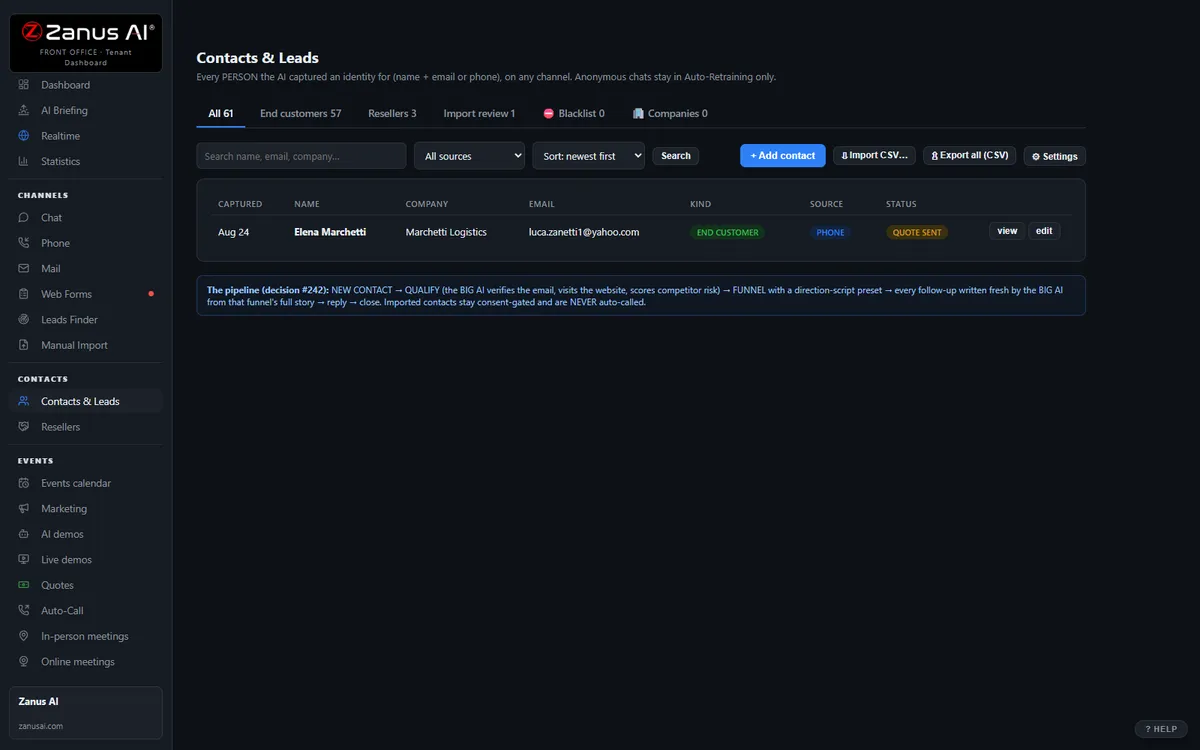
Not a replacement. A layer.
The old way: software your team operates, one screen at a time, with an “AI button” bolted on. The AI way: the whole front office is AI — it answers the phone, the chat, the e-mail and the web forms, and files the result in the systems you already trust. You keep the filing cabinet; the work moves here.
- Your CRM stays the system of record — the AI writes into it
- Your phone numbers stay — the AI answers first, your team first, or any mix
- Your mailboxes stay — forward a copy and reply from Front Office
Not a replacement. A layer.
The old way: software your team operates, one screen at a time, with an “AI button” bolted on. The AI way: the whole front office is AI — it answers the phone, the chat, the e-mail and the web forms, and files the result in the systems you already trust. You keep the filing cabinet; the work moves here.
- Your CRM stays the system of record — the AI writes into it
- Your phone numbers stay — the AI answers first, your team first, or any mix
- Your mailboxes stay — forward a copy and reply from Front Office
Not a replacement. A layer.
The old way: software your team operates, one screen at a time, with an “AI button” bolted on. The AI way: the whole front office is AI — it answers the phone, the chat, the e-mail and the web forms, and files the result in the systems you already trust. You keep the filing cabinet; the work moves here.
- Your CRM stays the system of record — the AI writes into it
- Your phone numbers stay — the AI answers first, your team first, or any mix
- Your mailboxes stay — forward a copy and reply from Front Office
Not a replacement. A layer.
The old way: software your team operates, one screen at a time, with an “AI button” bolted on. The AI way: the whole front office is AI — it answers the phone, the chat, the e-mail and the web forms, and files the result in the systems you already trust. You keep the filing cabinet; the work moves here.
- Your CRM stays the system of record — the AI writes into it
- Your phone numbers stay — the AI answers first, your team first, or any mix
- Your mailboxes stay — forward a copy and reply from Front Office
Questions, answered
Which banking systems connect?
Any system with a calendar, API or webhook interface — through your core vendor or integrator. Native CRM sync is available where your institution uses a general CRM; ask us about your specific core or online-banking platform.
Is member data exposed to outside AIs or to the core?
The Front Office never reads or writes accounts. Outside AIs see only what you explicitly authorize, only the front-office fields you allow, through revocable read-only tokens — and every access is logged for your compliance team.
Try it free on your own institution. 7 days. No credit card.
Give it your website. It learns your company. Then call it, chat with it, e-mail it — and decide. Nothing to install, nothing to cancel.
← Previous: Tickets & RMA · Sharing with a colleague? 📄 Get the PDF · ✉️ Email this page ·