ZANUS AI FOR TECHNOLOGY COMPANIES — BACK OFFICE
The wiki is where knowledge goes to die.
Product docs, release notes, runbooks, postmortems, ADRs: software companies produce enormous knowledge and then cannot find it mid-incident. The Zanus back office turns that archive into a working AI staff — drafting, triaging and answering with sources cited, under your team’s sign-off.
Private tenant or your own server · your whole team · SOC-2-aligned deployment path
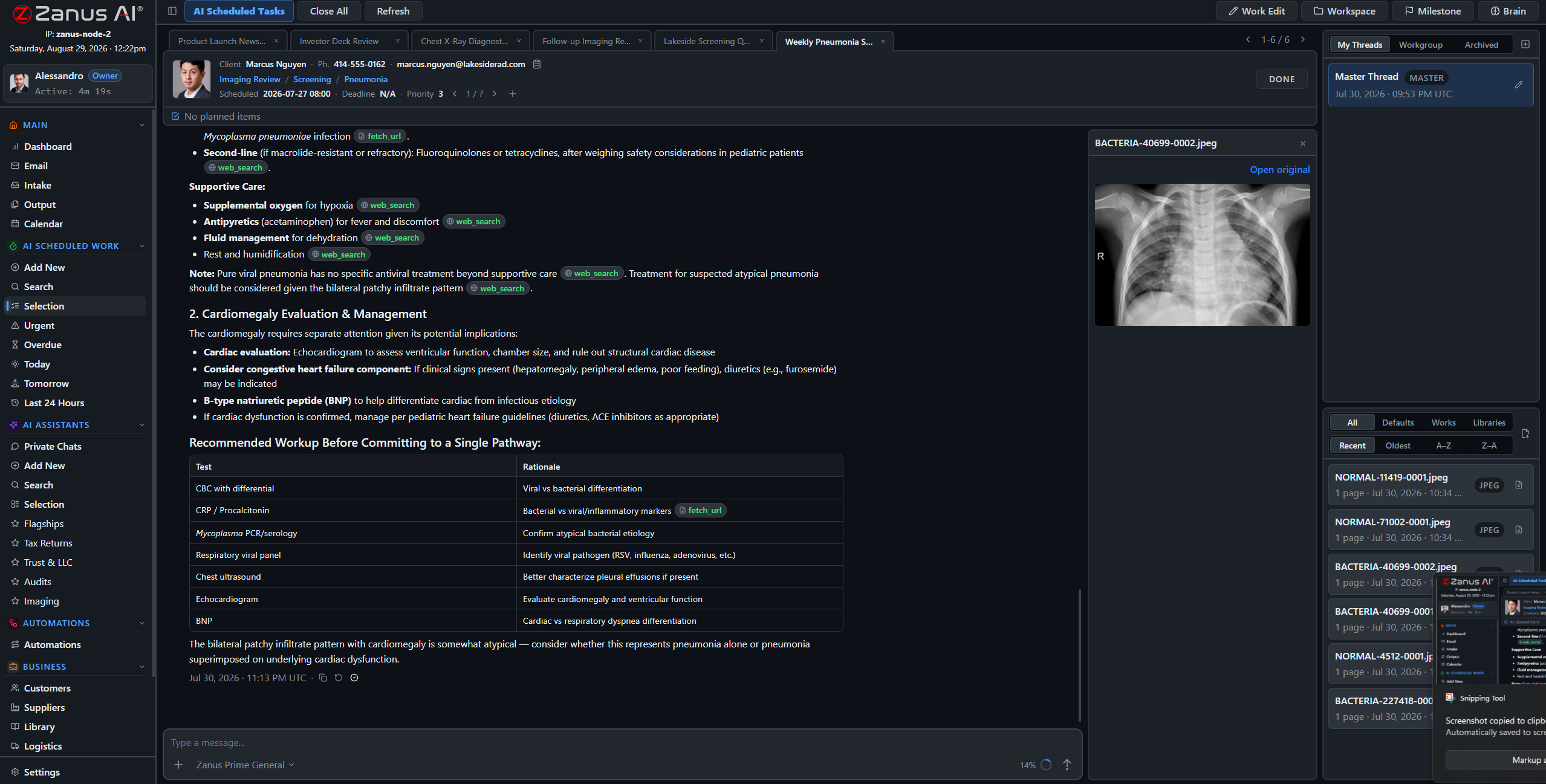
A real session: ticket-trends report drafted, sources cited, the engineering lead decides.
What it does
Release-notes drafts from the merged changes you feed it, weekly ticket-trend reports, postmortem summaries — assigned to the AI like to a teammate, executed on schedule, fully auditable.
“What is the failover procedure for the EU cluster?” Answered in seconds with the runbook cited — not a frantic wiki search while the pager screams.
Every AI-drafted release note, report and customer-facing doc lands in Output awaiting review. Nothing ships without your lead’s decision.
Postmortems that actually get re-read
The postmortem from eighteen months ago predicted this incident — but nobody remembered it existed. With postmortems, runbooks and ADRs in cited libraries, the on-call engineer asks and gets the relevant document in seconds, with the exact section quoted.
- Runbooks, postmortems and ADRs answered with citations
- Priority order: current runbook outranks the stale draft
- Answers scoped by role — contractors see only what you allow


Roadmap, OKRs and tickets in one working view
Roadmap items and OKRs live in shared projects and goals — human and AI working the same board. Ticket triage automations tag, route and suggest answers; the weekly status report drafts itself from what actually moved.
- Projects, tasks and goals shared human + AI
- Ticket triage automations with suggested answers
- Weekly status drafted from the real record
Questions, answered
Does it write code?
That is not the job here. It drafts, triages, summarizes and answers from your engineering knowledge — release notes, runbooks, reports — with your engineers making every technical decision.
Does it connect to our issue tracker?
Your tracker stays the system of record; API connectors and webhooks move tickets and updates both ways under your field mapping, with a dry-run preview. Bring your stack to the demo and we map it.
YOU MIGHT ALSO LIKE
The Back Office executes. Who answers the phone?
Front Office AI picks up every call and chat — books, quotes, follows up, 24/7 in 40 languages. Watch it run a business like yours, live.
See it working on YOUR company — the demo IS the product.
← Previous: Front Office · Sharing with a colleague? 📄 Get the PDF · ✉️ Email this page ·