ZANUS AI FOR RISK ASSESSMENT & VISUAL INSPECTION — REPORTS & FOOTAGE
Every site you ever flew, searchable.
Inspection reports, structural assessments, drone footage, photo sets, code references, prior client correspondence — loaded into curated libraries the AI reads from. Ask in plain language; get the answer with the source cited, at the permission level of whoever asks.
Private tenant or your own server · your whole team · footage stays in your custody
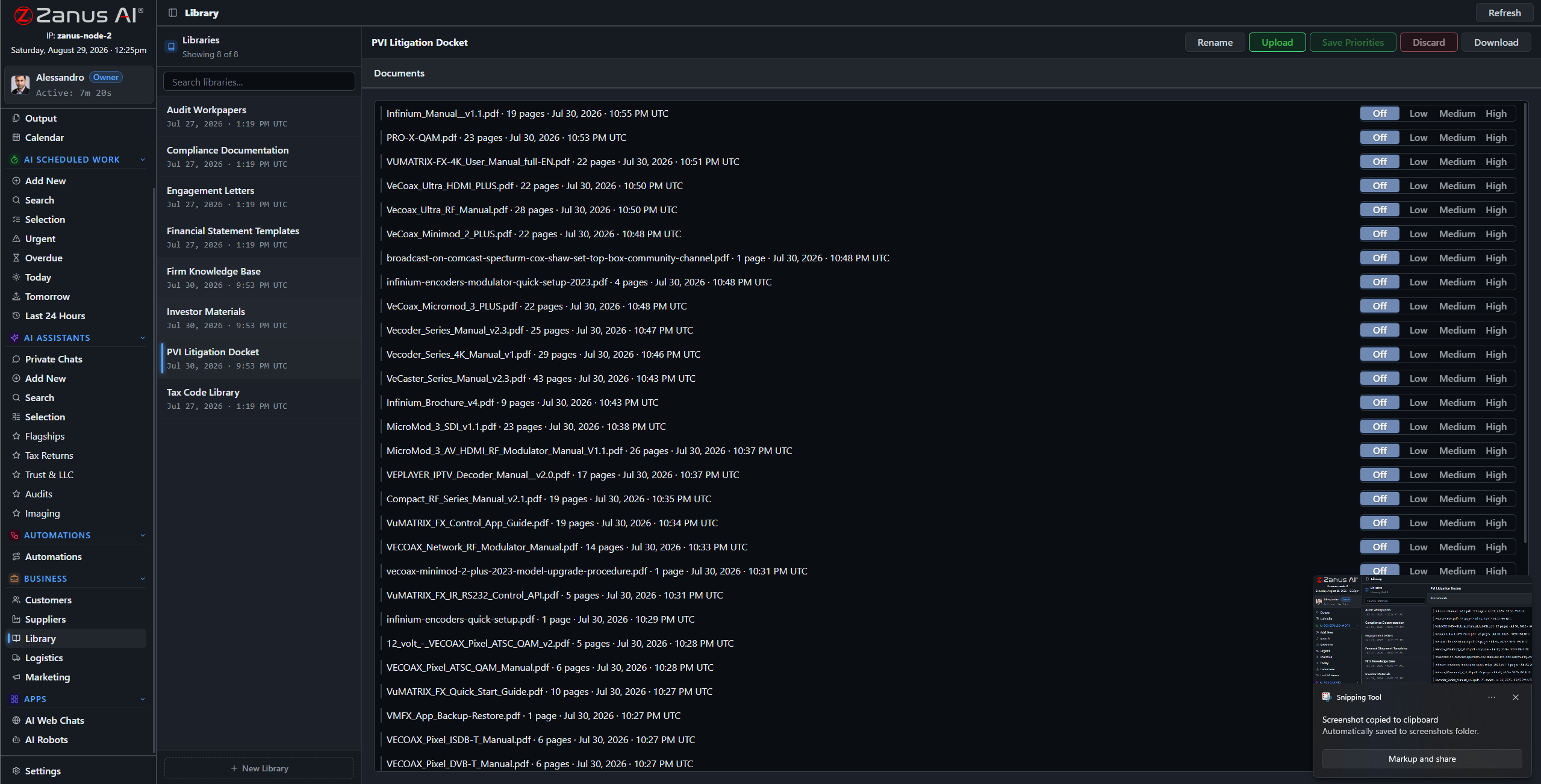
Libraries: signed reports outrank drafts, current code references outrank old ones — you set the order.
What it does
PDF reports, scanned assessments, photo sets, drone video and audio notes — the ingestion pipeline turns the whole archive into queryable knowledge.
No source in your library, no claim: the AI cites the report, the frames, the code reference — or says it cannot answer. An assessment business runs on defensible statements.
The client-facing coordinator asks about delivery dates; the engineer asks about the structural findings: each gets answers scoped to their role, enforced server-side.
“What did the 2023 report say about the east facade?”
Answered in seconds with the report section and the photos attached — instead of an afternoon in old project folders. The same for “have we flown this property before?” and “which sites scored below 3 last year?” The operation’s memory becomes an asset you can sell: re-inspections quote themselves.
- Plain-language questions across every site and season
- Report sections and imagery attached to answers
- Priority order: signed reports always outrank drafts

Questions, answered
Who can see client footage?
Only roles you authorize. Permissions reach the field level and the server redacts what a user cannot see — one client’s portfolio is never visible to work on another’s.
Does our footage train outside models?
Never. Your tenant is isolated; your footage and findings are yours alone — and the on-premises option keeps them physically inside your building.
See it working on YOUR operation — the demo IS the product.
← Previous: Back Office · Sharing with a colleague? 📄 Get the PDF · ✉️ Email this page ·