ZANUS AI FOR CONSTRUCTION — AI WORKFORCE
A project engineer that works every Monday at 6 AM.
Assign work to the AI the way you assign it to staff: type, records, deadline, recurrence. The Monday project digest, the weekly sub-compliance check, the monthly safety-log draft — executed on schedule, with citations, under review.
Private tenant or your own server · your whole team · OSHA-conscious safety documentation
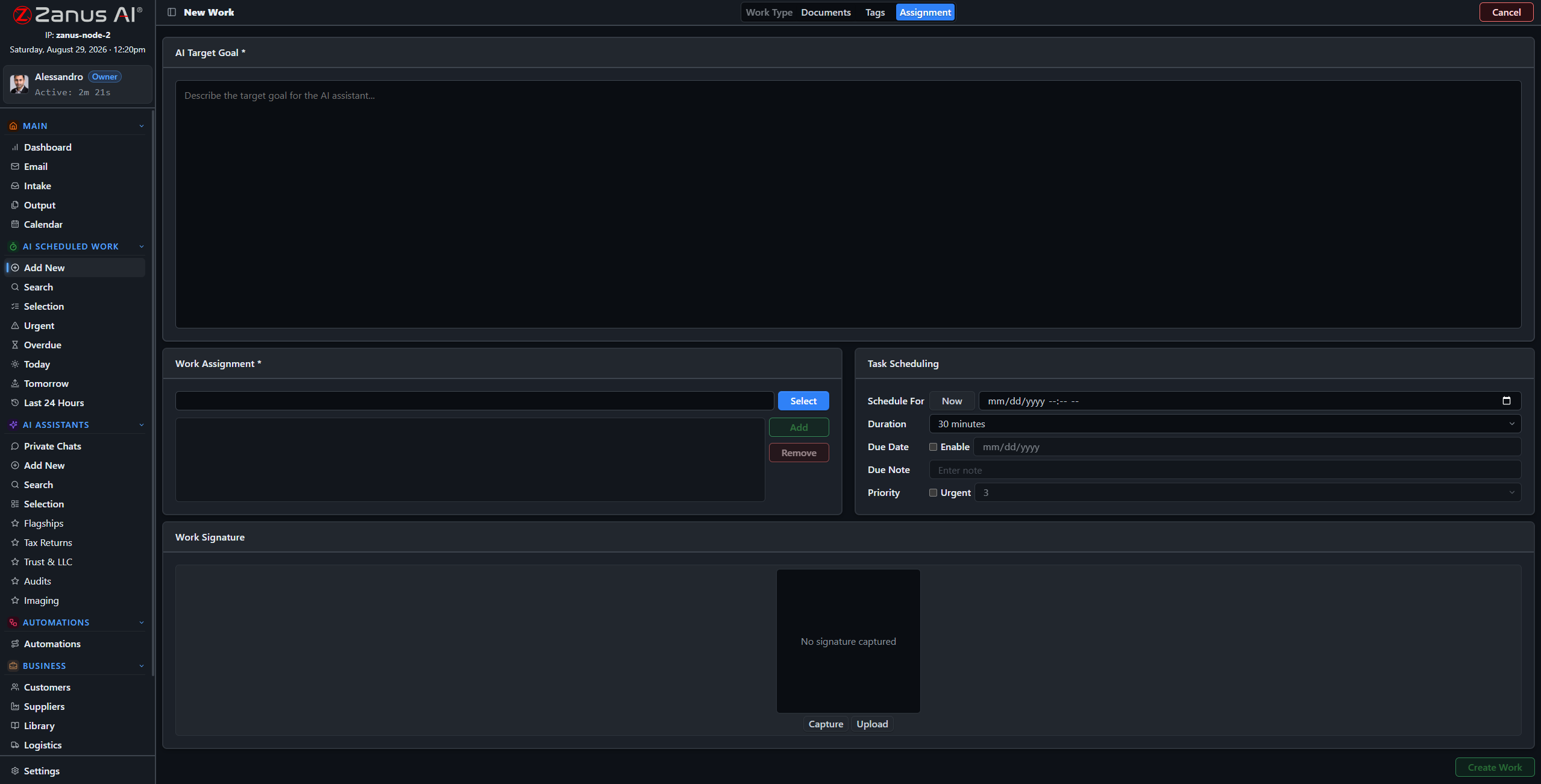
Four steps: work type, records and libraries, tags, schedule — the AI takes it from there.
What it does
Project digest, RFI draft, submittal summary, safety-log draft, bid go/no-go summary: work types molded to your operation, with default libraries per type.
The AI’s workload is managed like the team’s: one-click views show what is urgent, late, today and tomorrow — the pay-app deadline never slips silently.
Reasoning streamed, sources cited, milestones tracked, linked to the project and the calendar — the diligence of a good project engineer, on the record.
Monday, 6 AM: every job’s digest is waiting
Set “Weekly Project Digest” once per active job: every Monday the AI reads the logs, the RFI register and the submittal log, flags the overdue and the expiring, and files one page per project — before the first superintendent pours his coffee.
- Recurring schedules per project
- Findings cited to logs and registers
- Digest in Output, awaiting review
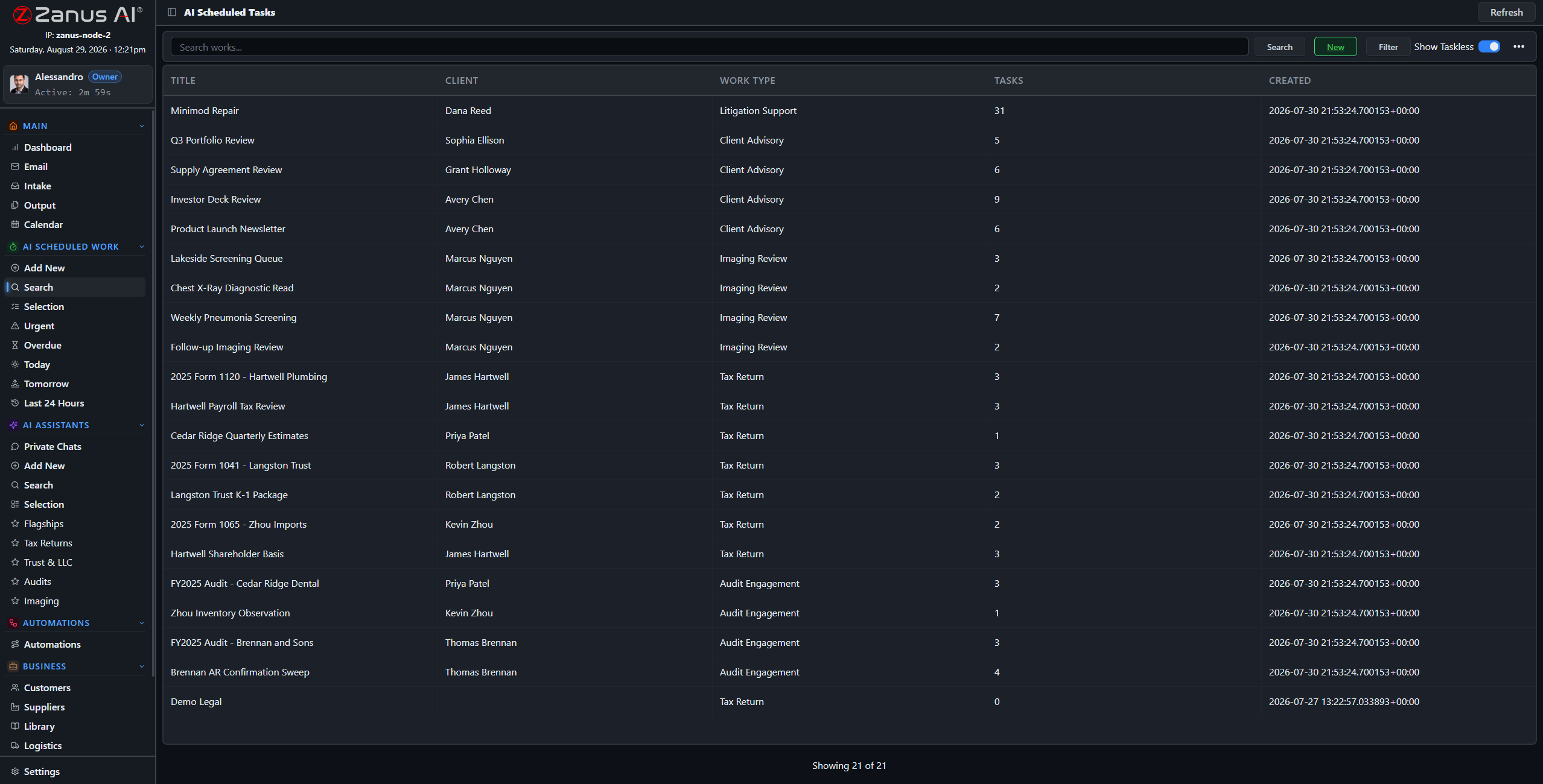
Questions, answered
Can we supervise mid-work?
Yes — open any session, read the reasoning, redirect it, or stop it. The AI works like staff: visible, accountable, interruptible.
Can it help with bid decisions?
It drafts the go/no-go summary: scope extracted from the ITB, similar past projects pulled with their outcomes, red flags listed with sources. The decision — and the number — stay with your estimator.
See it working on YOUR jobsite — the demo IS the product.
← Previous: Blueprints & RFIs · Sharing with a colleague? 📄 Get the PDF · ✉️ Email this page ·