ZANUS AI FOR PROFESSIONAL SERVICES — ENGAGEMENTS
Every engagement the firm ever ran, answerable.
Engagement letters, SOWs, workplans, final deliverables, RFP responses, case studies — loaded into curated libraries the AI reads from. Ask in plain language; get the answer with the source cited, inside the walls of whoever asks.
Private tenant or your own server · your whole team · engagement-confidentiality-conscious architecture
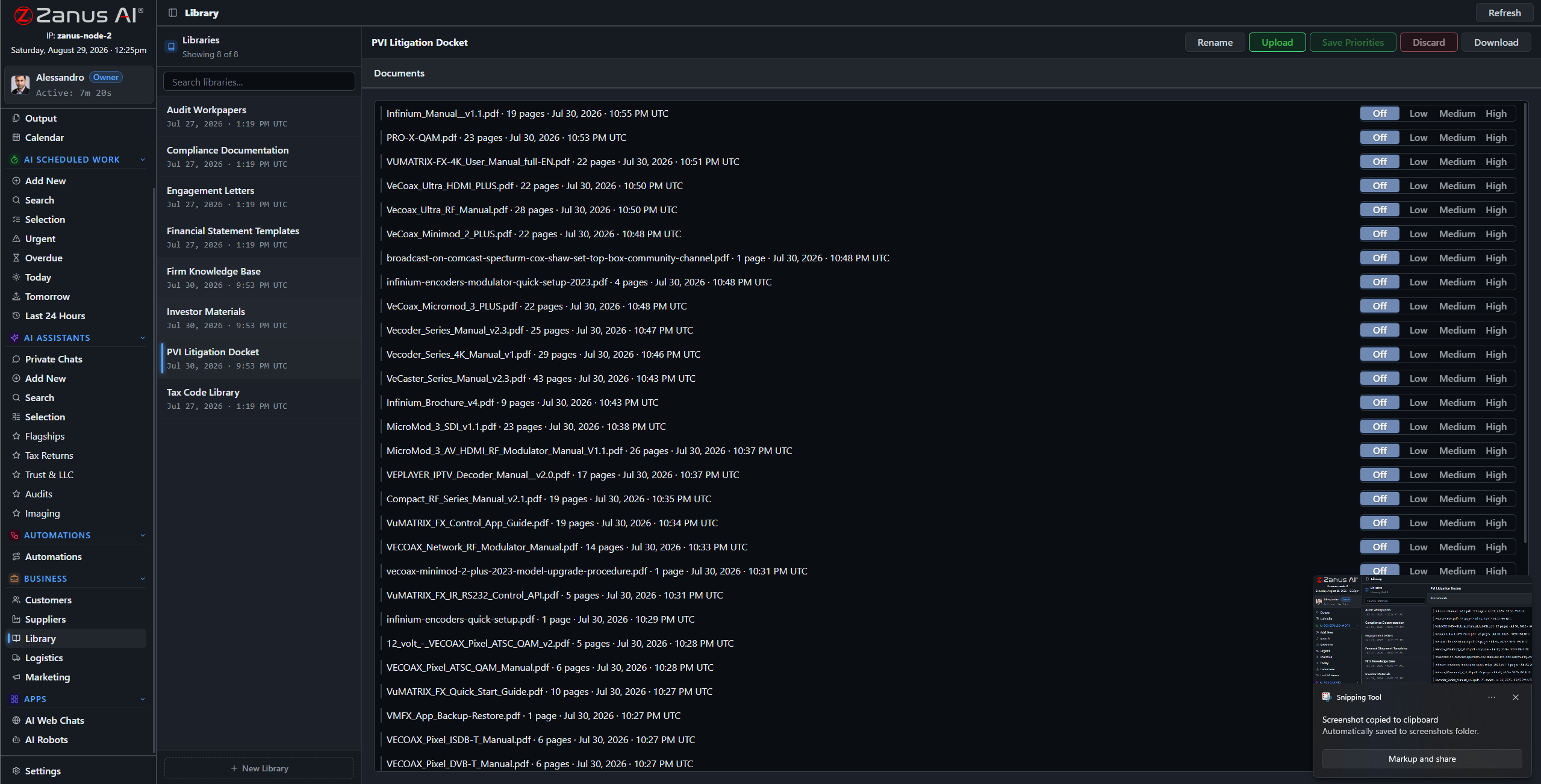
Libraries: final deliverables outrank drafts, current playbooks outrank retired ones — you set the order.
What it does
Decks, models, reports, scanned signed letters, recorded readouts — the ingestion pipeline turns what engagements produce into queryable knowledge.
No source in your library, no claim: the AI cites the deliverable, the SOW clause, the playbook page — or says it cannot answer.
A consultant staffed on the retail client asks about precedent; answers draw only on engagements their walls allow — enforced server-side, not by etiquette.
Precedent in seconds, not a hallway hunt
“What did we quote for the 2023 plant-relocation study?” “Which engagements used the market-sizing method?” “Who wrote our last hospital-sector proposal?” Answered in seconds with documents attached — instead of asking around until someone remembers.
- Plain-language questions across the engagement archive
- Sources attached to every answer
- Priority order: final versions rule

Questions, answered
Who can see a client’s files?
Only the roles and workgroups you authorize. Permissions reach the field level and the server redacts what a user cannot see — even in shared views and calendars.
Do our engagement files train outside models?
Never. Your tenant is isolated; your clients’ material and your methods are yours alone — and the on-premises option keeps them physically inside your building.
See it working on YOUR firm — the demo IS the product.
← Previous: Back Office · Sharing with a colleague? 📄 Get the PDF · ✉️ Email this page ·