ZANUS AI FOR BUSINESS OPERATIONS — AI WORKFORCE
An analyst that never misses a Monday.
Assign work to the AI the way you assign it to a coordinator: type, sources, deadline, recurrence. The daily exception review, the weekly ops report, the monthly SOP audit — executed on schedule, cited, waiting for sign-off.
Private tenant or your own server · your whole team · no per-run automation metering
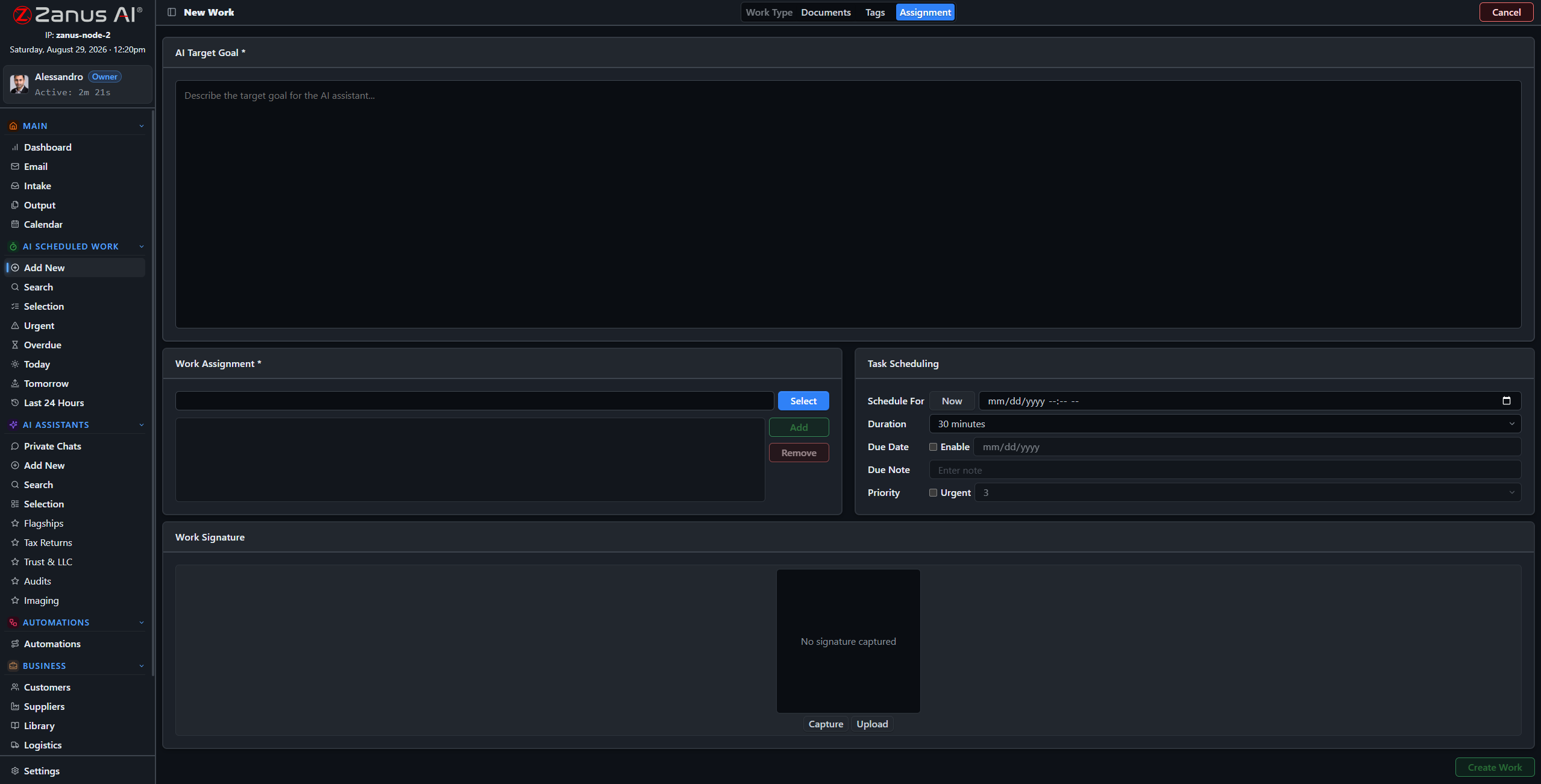
Four steps: work type, sources, tags, schedule — the operational drumbeat, automated.
What it does
Exception review, shift summary, vendor scorecard, SOP audit — work types carry their default libraries and examples, so every run starts from your standards.
The daily review reads the day’s exceptions, groups them by cause, flags repeat offenders and drafts the actions — filed before the ops huddle convenes.
Every procedure checked for staleness, contradictions and gaps against the month’s actual exceptions — the binder confronted with reality, monthly, automatically.
Visible, redirectable, accountable
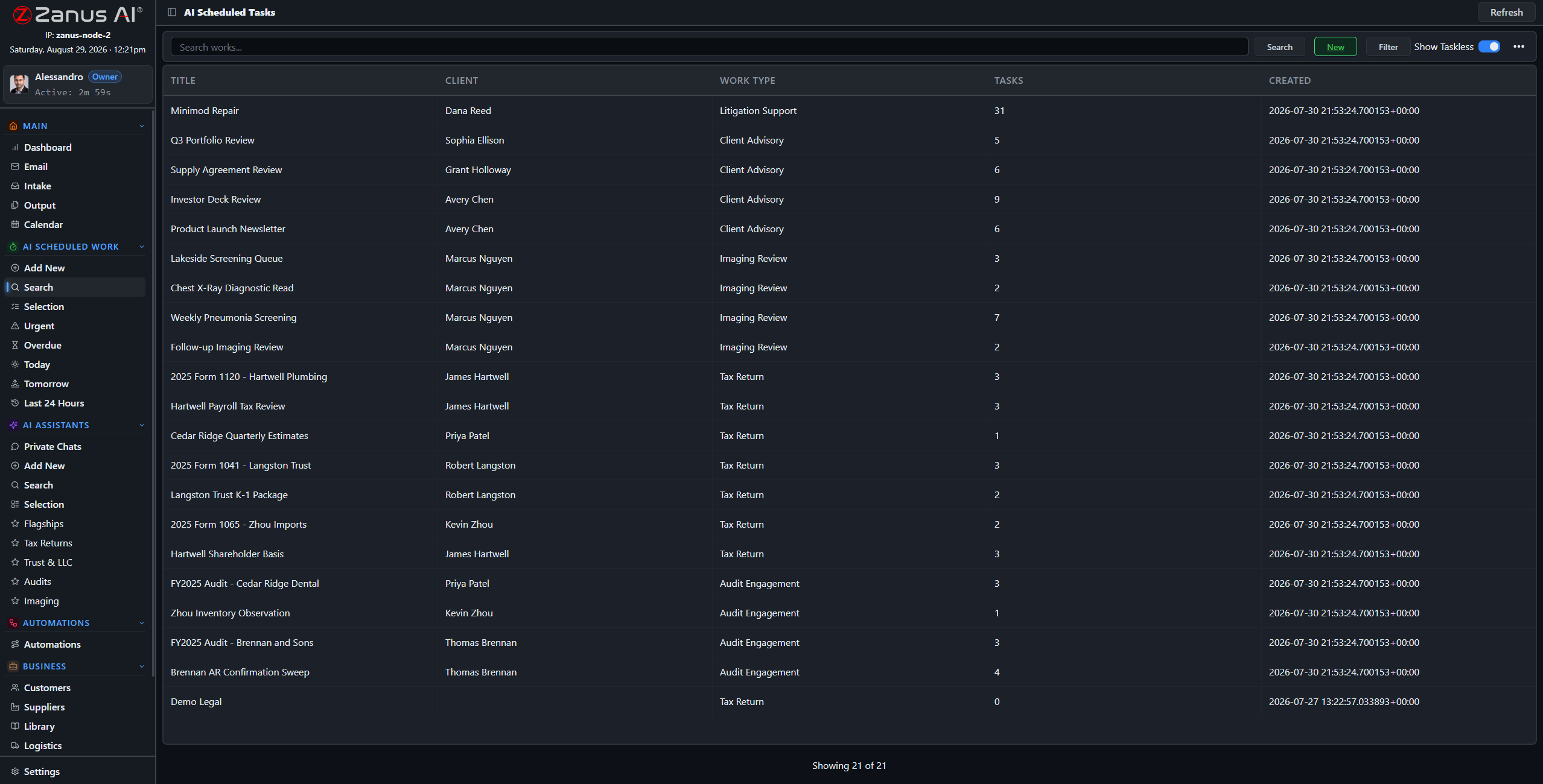
Every AI work is a full session: reasoning streamed as it runs, sources cited, milestones tracked. Open the Tuesday vendor scorecard mid-run, redirect its emphasis, or stop it — it works like staff, on the record.
- Reasoning and citations visible per session
- Urgent / Overdue / Today views over the AI’s queue
- Output review: nothing final without a human yes
Questions, answered
What if two works need the same data at once?
They run in parallel — the AI does not queue like a person. Your review capacity is the constraint, not its throughput.
Can works trigger other works?
Chain them through the automation canvas: the exception review’s output can trigger the escalation draft, visibly, with run states per block.
See it working on YOUR operation — the demo IS the product.
← Previous: Documents · Sharing with a colleague? 📄 Get the PDF · ✉️ Email this page ·